
The "One Quick Tab" Trap
I’m a chronic context-switcher. I’ll be deep in a terminal, hit a snag, and think, "I'll just check the documentation on Stack Overflow." Ten minutes later, I’m reading a thread about the best mechanical switch lubes for a keyboard I don't even own.
My focus doesn't just "drift"; it teleports.
I tried the software route first. Browser extensions, Pomodoro apps, even a custom Python script that locked my screen. The problem? They lived inside the machine. If I’m already distracted, clicking a digital timer feels like more "admin work." I needed something physical—something outside the screen that acted as a hard boundary for my brain.
I looked at those classic kitchen tomato timers (too loud/ticking), and the standard digital cubes you find on TikTok. But most "cube timers" are just generic kitchen tools. Then I found the Rotating Pomodoro Cube Timer.
It’s a gravity-sensing block specifically hard-coded for the 25/5 rhythm. After using it for a month to ship a major project, I realized the "magic" isn't the timer—it's the friction (or lack thereof).
The Hardware: It’s All About the Flip
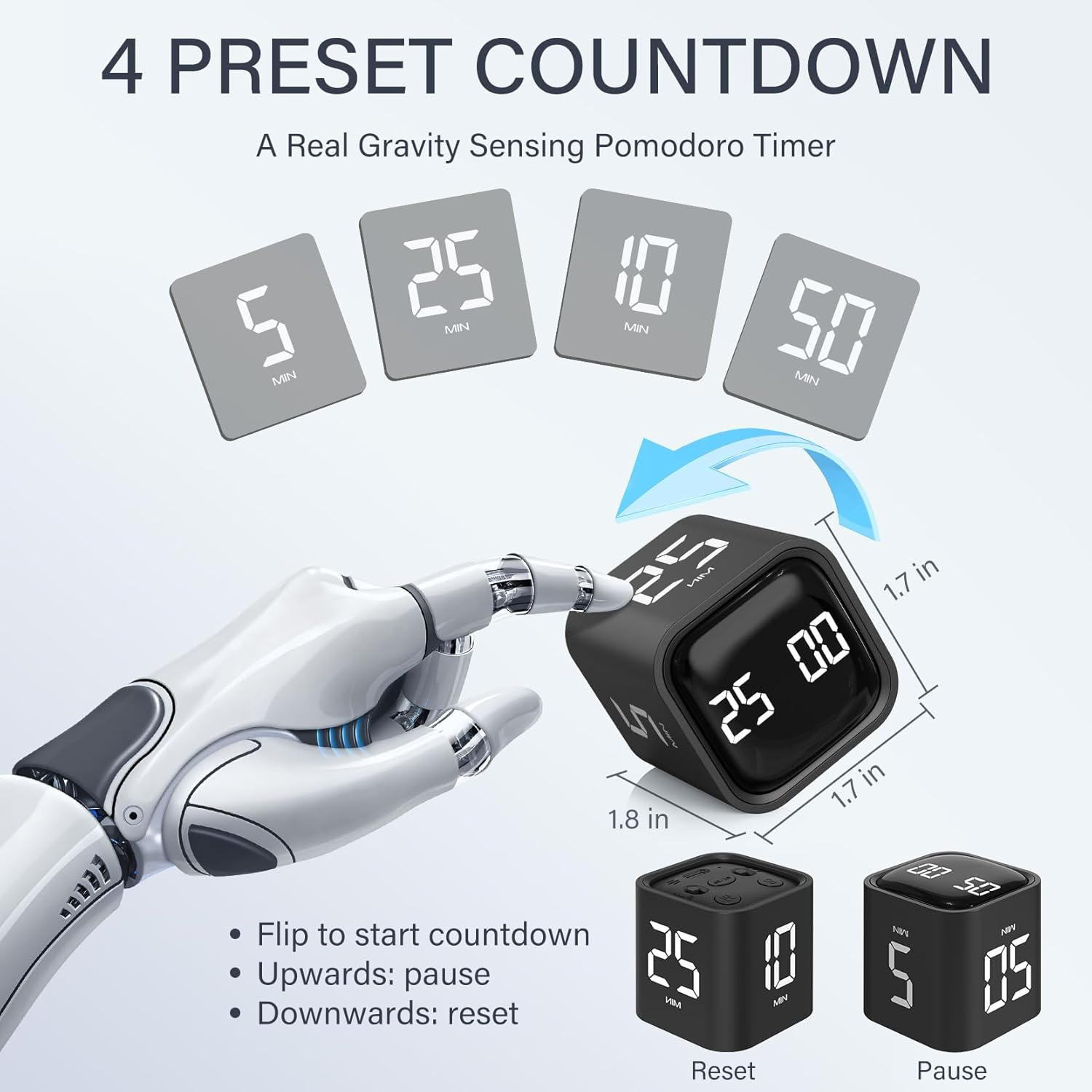
Most timers require you to press buttons, set digits, and stare at a screen. This cube operates on "Gravity Sensing Mode."
How it works:
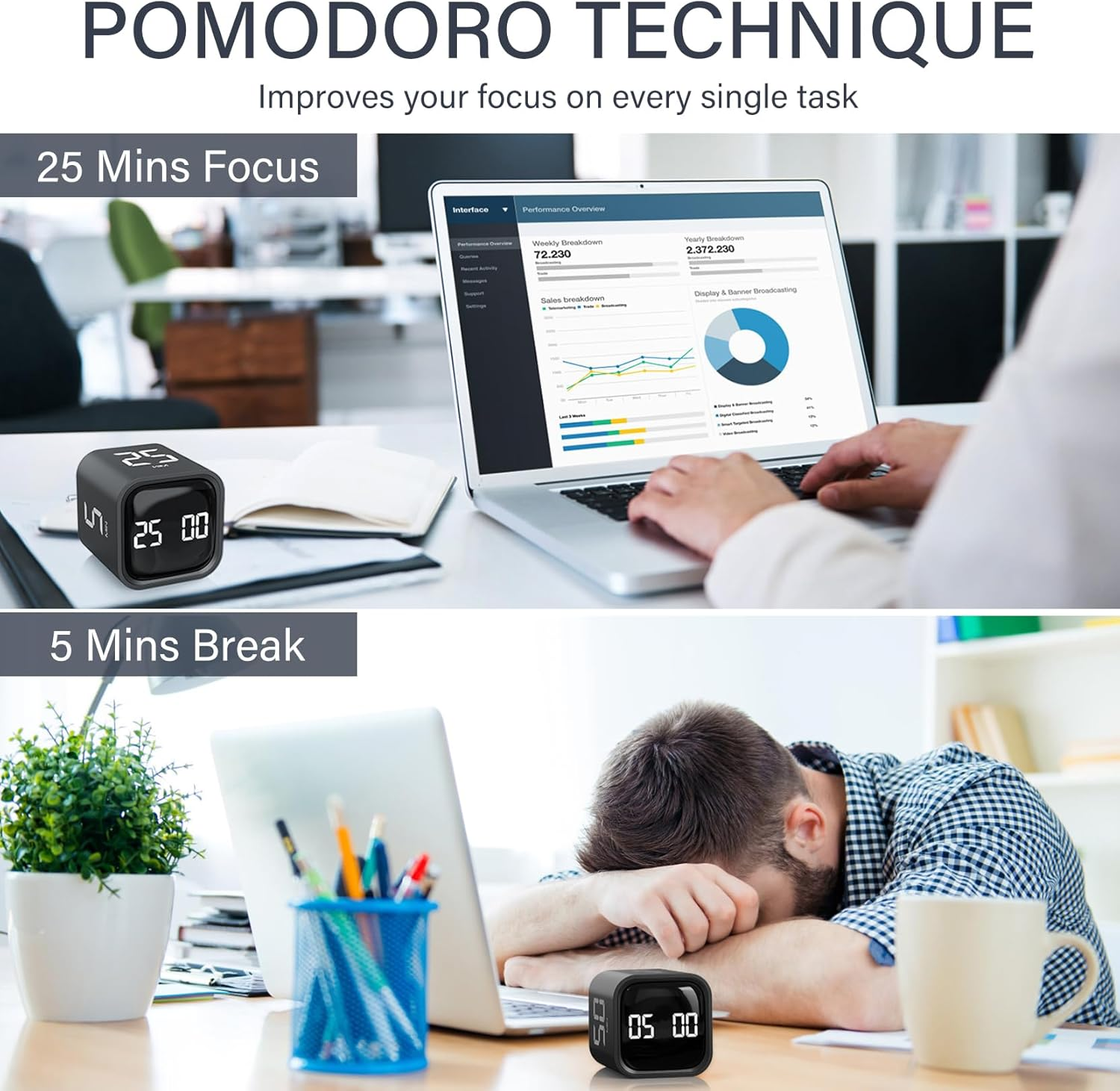
The Flip: You want a 25-minute sprint? You literally flip the "25" side to face up. That’s it. It starts.
The Break: Time’s up? Flip it to "5".
The Stop: Flip the screen face up.
The Reset: Flip the screen face down.
It sounds lazy, but for someone with ADHD or a heavy cognitive load, removing the "setting the timer" step is a game-changer. It turns "starting work" into a tactile ritual rather than a digital chore.
What Makes This "Real" Pomodoro?
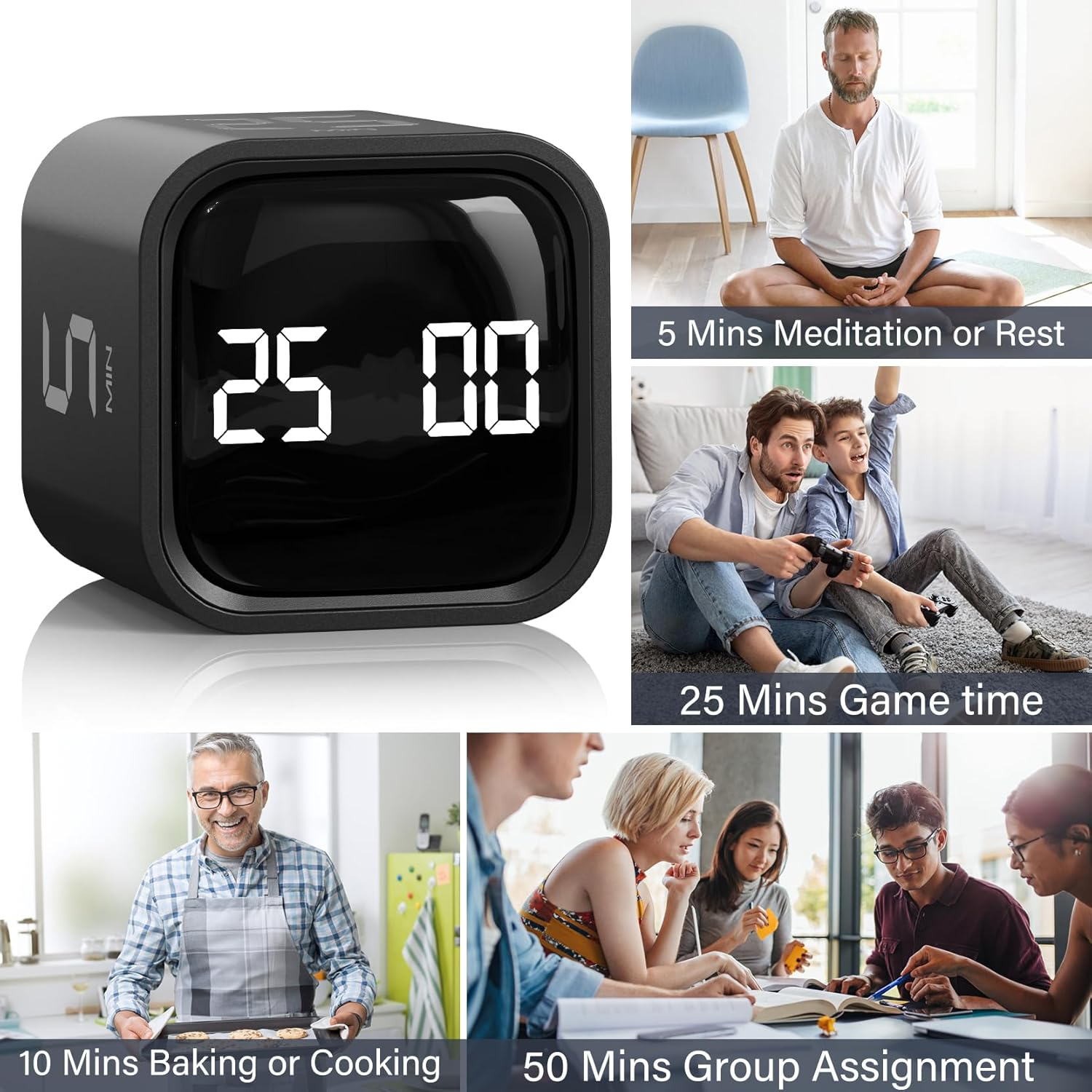
A lot of clones on the market give you random intervals like 1, 3, or 10 minutes. This specific version has the preset 25 and 5-minute faces. It’s built for the technique, not for timing eggs. It also includes 10, 30, and 60-minute faces for those longer deep-work blocks or "Slow-modoro" sessions.
The "Deep Work" Breakdown: Pros vs. Technical Debt
The Wins:
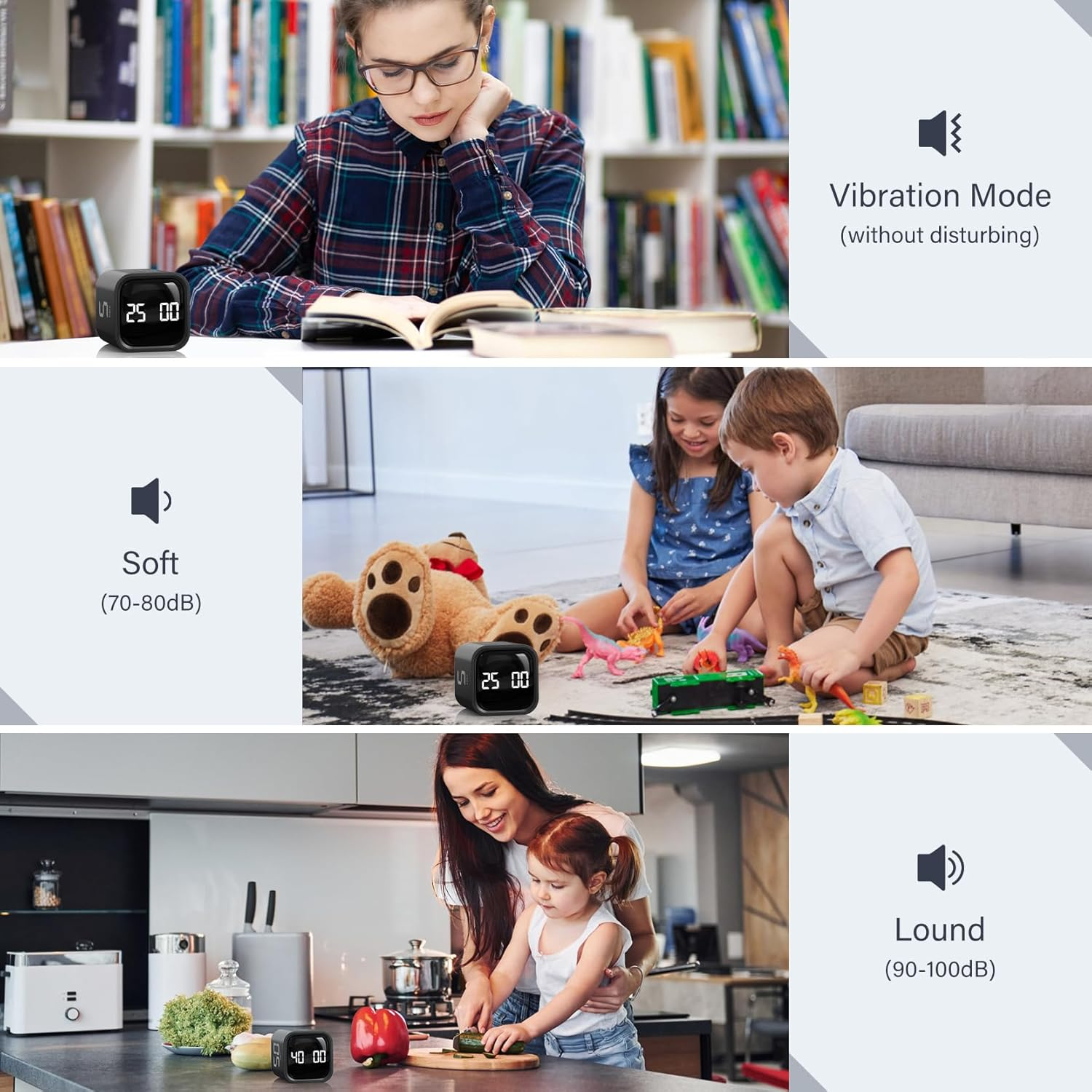
Vibration Mode: This is the killer feature. If you work in a library or a shared office, you don't want a 80dB alarm piercing the silence. The vibration is strong enough to feel through the desk but silent to everyone else.
No Ticking: Unlike mechanical timers, this is silent during the countdown. No "anxiety-inducing" ticking sounds.
Stopwatch Mode: If you flip it to the stopwatch icon, it counts up. Great for "time-tracking" how long a specific bug fix actually takes.
The Friction (Cons):
Build Material: It’s lightweight plastic. It looks aesthetic on a desk, but it doesn't have that "heft" of a premium metal gadget. It feels like a tool, not a luxury item.
The Gravity Sensitivity: Occasionally, if you set it down too gingerly, the sensor might take a second to register. You have to be deliberate with the flip.
Comparison: Cube Timer vs. Phone Apps
Feature | Rotating Cube Timer | Phone App (Forest/Focus) |
|---|---|---|
Friction to Start | Low (Physical Flip) | Medium (Unlock, Open App, Start) |
Distraction Risk | Zero | High (Notifications/Social Media) |
Portability | High (Fits in pocket) | High |
Tactile Feedback | Yes | No |
The Verdict: If you find yourself checking Instagram the moment you pick up your phone to "set a timer," you need the cube. It’s an air-gapped solution for your focus.
Who is this for? (And who should skip it?)
Buy this if:
You struggle with ADHD or "time blindness."
You work in a shared office and need a silent/vibrating alert.
You want to get into the Pomodoro habit without adding more screen time.
Skip this if:
You already have a "Perfect" digital workflow that you never deviate from.
You need precision down to the second (this is for block-timing, not a lab experiment).
Final Thought: Does it Actually Boost Output?
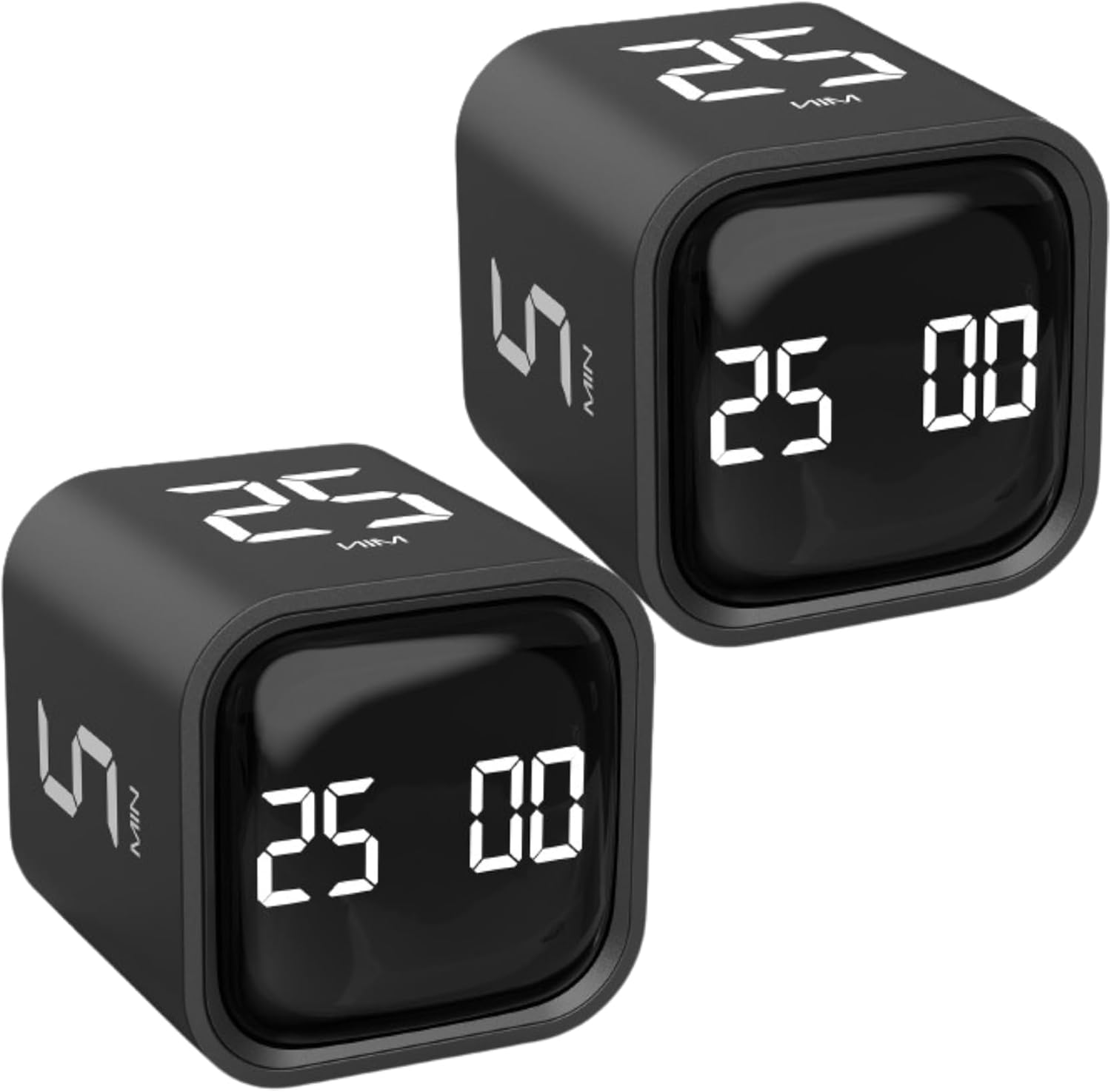
I didn't think a $20 plastic cube would matter. Then I used it for a week... and now I kind of get it.
It’s not about the timer; it’s about the Commitment. When I flip that "25" up, my brain knows the rule: No tabs, no phone, no Slack until the cube vibrates. It’s a physical contract with my productivity system.
Would I buy it again? For the price of a couple of burritos, it’s fixed my "distraction teleports" more effectively than any $50/year SaaS subscription.
Recommended Guides For You:
- The Best Monitors for Office Work in 2026: The Ultimate Productivity Tools
- Work Environment Setup Guide
- Roost V3 Review: Is This $90 Plastic Skeleton Actually the Best Portable Laptop Stand?
Disclaimer: This post contains a link that helps me keep the lab running at no cost to you. I only document tools that actually survive my workflow.