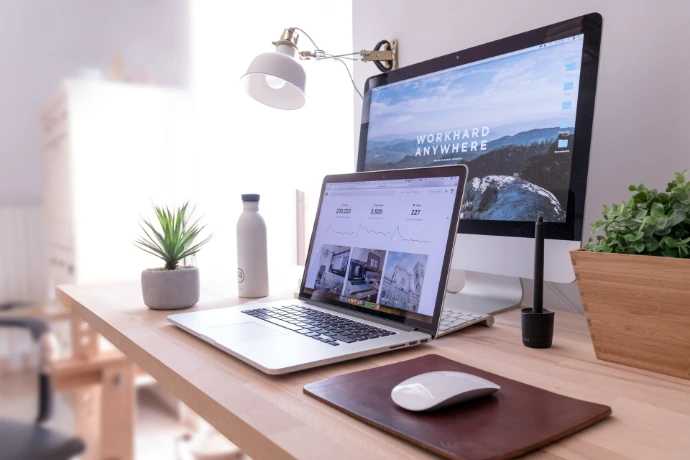
Why Work Environment Matters
Your workspace affects how long you can stay focused and how much energy you have during the day.
Poor environment causes
- eye strain
- headaches
- fatigue
- distraction
- low energy
- loss of focus
Good environment allows
- longer concentration
- less physical stress
- better posture
- higher work speed
- more consistent performance
Small improvements in environment can create large gains in productivity.
Environment works best when combined with proper ergonomics and a well-designed workspace.
Environment is often the fastest variable to fix with immediate results.
Key Elements of a Productive Work Environment
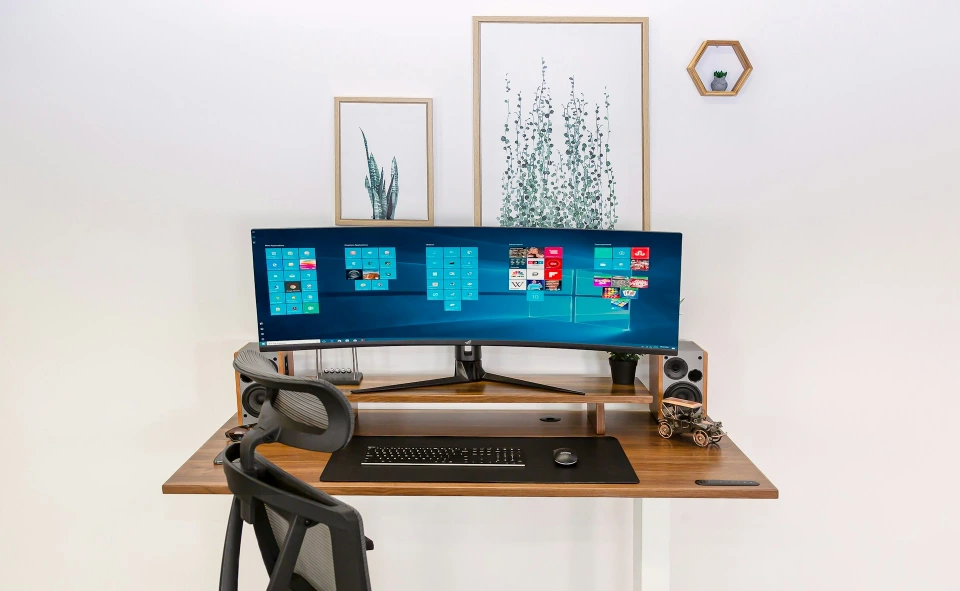
A productive work environment is built from six key elements:
- Lighting
- Noise
- Air quality
- Temperature
- Desk layout
- Visual clutter
If one area is wrong, overall performance drops.
The goal is to reduce friction in the space where you work every day.
Most professionals improve performance by optimizing environment, setup, and tools together.
👉 Start here
- Ergonomic Keyboard Guide
- Keyboard for Long Hours
How to Improve Your Work Environment Step by Step
A bad mouse can cause wrist pain very quickly.
Improving your workspace does not require changing everything at once.
Start with the elements that affect you the most.
Step 1 — Fix lighting
Step 2 — Reduce noise
Step 3 — Improve air and temperature
Step 4 — Optimize desk layout. Desk layout should follow a proper workspace setup and ergonomic principles.
Step 5 — Remove visual clutter
Small changes in these areas often produce immediate improvements in focus and comfort.
👉 Recommended guides:
- Best Ergonomic Mouse
- Mouse for Productivity
- Vertical Mouse Guide
- Mouse for Long Work Hours
Lighting Setup for Desk Work
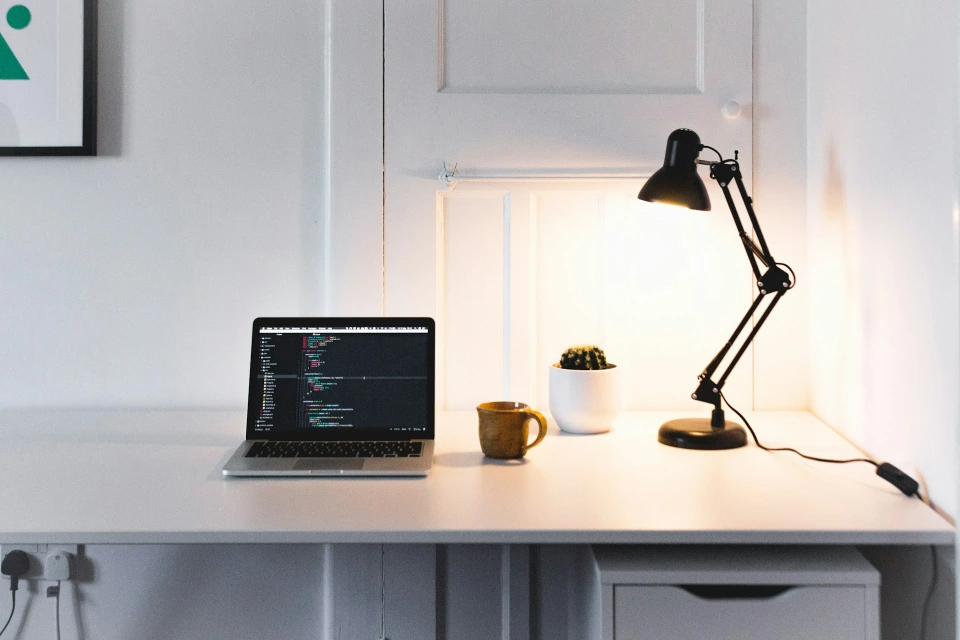
Lighting has a direct effect on eye strain, alertness, and mental energy.
Lighting affects not only eye comfort, but also alertness and cognitive performance.
Common problems:
- room too dark
- light too bright
- light behind monitor
- screen glare
- uneven lighting
Good lighting setup
- soft ambient light
- desk lamp for task lighting
- no glare on monitor
- balanced brightness
- neutral or warm color temperature
Better lighting helps you stay focused longer.
Lighting should be adjusted together with monitor position and desk setup.
👉 Recommended guides:
- Best desk lamp guide
- Monitor lighting setup
- Room lighting tips
Noise and Distractions
Noise is one of the biggest reasons people lose focus.
Even low-level background noise can reduce deep focus over time.
Common distractions:
- people talking
- traffic noise
- keyboard sounds
- notifications
- TV or music in background
To improve focus, reduce external interruptions first.
Focus improves naturally when your environment removes distractions.
Noise control is especially important for remote work setups and home offices.
👉 Recommended guides:
- Noise reduction tips
- Headphones guide
- Quiet workspace setup
Air Quality and Temperature
Air quality affects energy more than most people realize.
Poor air can cause:
- sleepiness
- headaches
- slow thinking
- low motivation
Temperature also affects performance.
Too hot → fatigue
Too cold → tension
No airflow → low energy
Stable physical conditions help maintain consistent energy throughout the day.
Improving the room environment helps maintain focus without extra effort.
Air quality and temperature should support long hours of desk work without fatigue.
These factors affect energy levels and mental clarity, not just comfort.
👉 Recommended guides
- Room ventilation tips
- Air purifier guide
- Comfortable temperature setup
Desk Layout and Space Organization
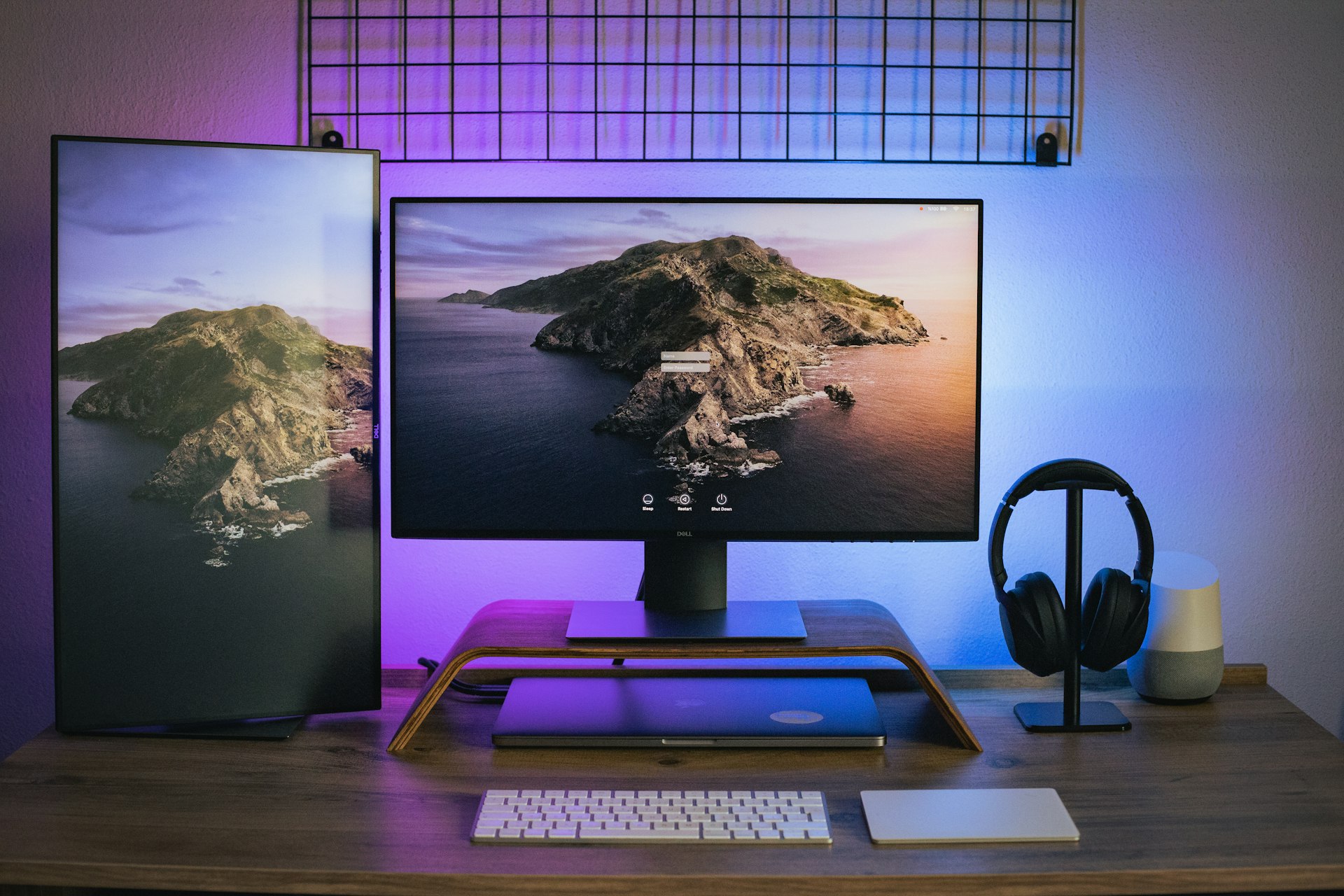
Your desk layout affects how smoothly you work.
Bad layout causes:
- reaching too far
- clutter
- slow movement
- poor posture
- wasted time
Good layout keeps everything within easy reach.
Common improvements:
- monitor at eye level
- keyboard centered
- mouse close to keyboard
- clear desk surface
- organized cables
A clean workspace reduces mental friction.
Most layout improvements start with a proper desk setup.
Desk layout works best when combined with ergonomic comfort and the right tools.
Visual Clutter and Focus
Too many objects on the desk can break concentration.
Clutter creates small distractions that add up over time.
Examples:
- too many gadgets
- papers everywhere
- messy cables
- too many screens
- too many open tabs
A simple workspace makes it easier to stay focused.
The goal is not minimalism — it is reducing visual and mental friction.
Common Mistakes
Many people underestimate how much environment affects daily performance.
Many people try to fix productivity with apps or motivation.
But the real problem is often the environment.
Common mistakes:
- working in dark room
- cheap lighting
- noisy workspace
- bad chair position
- poor monitor height
- cluttered desk
- no airflow
These small inefficiencies compound every day.
Fixing the environment often gives faster results than changing habits.
A high-performance workspace requires environment, setup, comfort, and tools working together.
Recommended Guides
If you want to improve productivity, start with the environment you interact with every day.
Then optimize tools and workflow on top of that foundation.
👉 Desk accessories guide
👉 Standing desk guide
You do not need to change everything at once.
Start with one improvement — lighting, noise, or desk layout — and build an environment that supports consistent, focused work.
Small environmental changes often create immediate improvements in productivity.