Build a Workspace That Actually Improves Your Productivity
Research-backed tools, setup guides, and system-level improvements for professionals who spend 8+ hours at a desk.
Find the Best Tools for Your Setup Start Optimizing Your Workspace

Why Professionals Trust Productivity Lab
- Tested in real-world, long-hour work sessions
- Focused on performance, comfort, and efficiency — not specs alone
- Built for developers, remote workers, and desk professionals
- Clear recommendations with real trade-offs (no hype)
- Designed to save you hours of research and bad purchases
Your Workspace Is Probably Slowing You Down
Before:
- Wrist pain after long work sessions
- Back and neck fatigue
- Cluttered or inefficient desk setup
- Too many tools, no clear choices
- Constant distractions and slow workflow
After:
- Comfortable 8–12 hour work sessions
- Clean, optimized workspace
- Faster, smoother workflow
- Confident buying decisions
- Better focus and less daily fatigue
Small changes to your setup can completely change how you work.
Most Productivity Advice Is Wrong
Most productivity advice focuses on discipline, habits, or motivation.
But if your workspace and tools are inefficient, you’re fighting friction all day.
Productivity is a system.
We help you optimize:
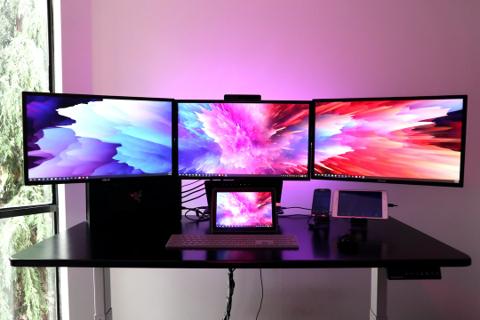
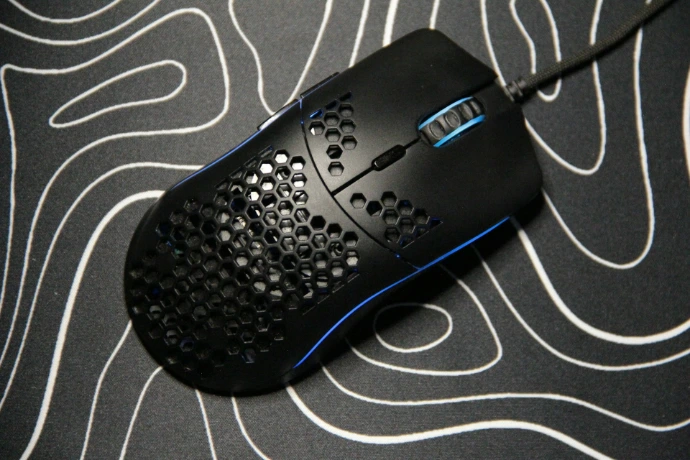
- Tools → keyboard, mouse, monitors
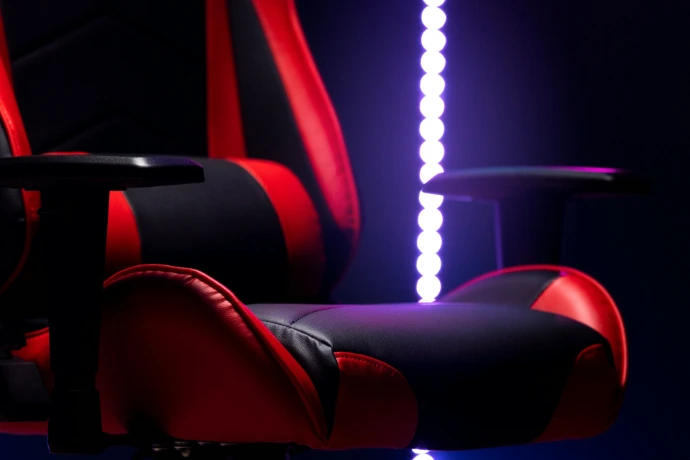
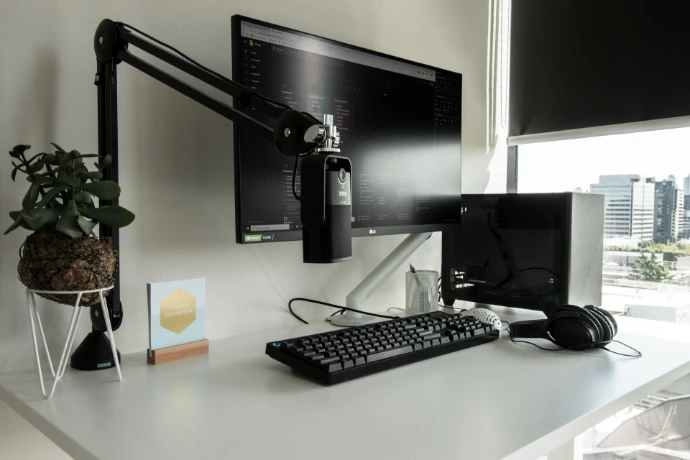
- Workspace → desk, chair, layout
- Environment → lighting, focus, workflow
So you can work faster, more comfortably, and with less effort.

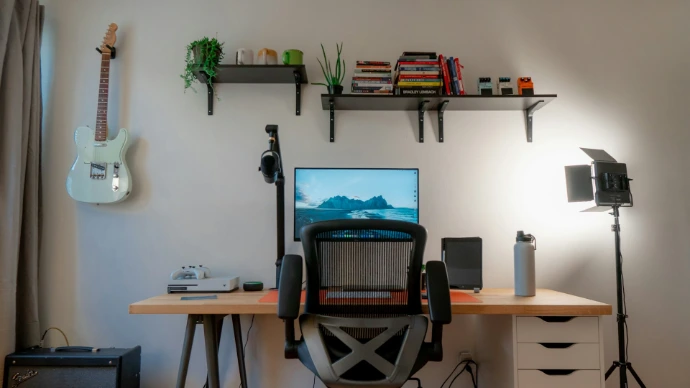
How Productivity Lab Works
Step 1: Identify what’s slowing you down
(pain, inefficiency, bad tools)
Step 2: Get research-backed recommendations
(clear picks, comparisons, and trade-offs)
Step 3: Upgrade your setup step-by-step
(build a system that actually works)
Start Optimizing Your Setup
Work Tools & Desk Gear
Find the best keyboards, mice, and tools for long work sessions.
Workspace & Ergonomics
Fix posture, reduce pain, and build a comfortable setup.
Environment & Productivity System
Optimize focus, lighting, and daily workflow.
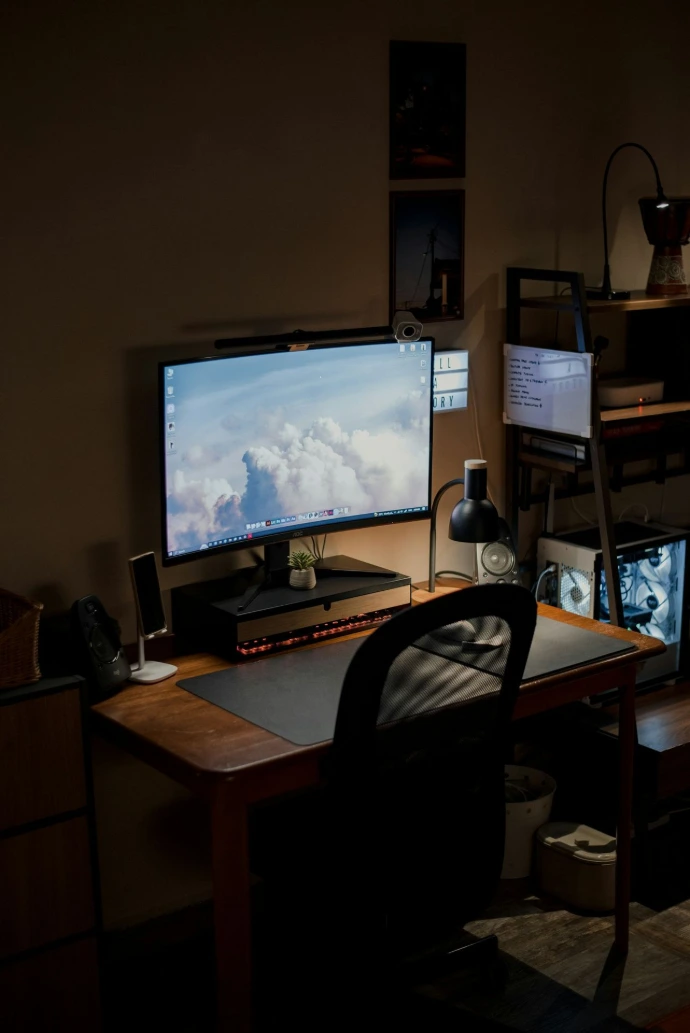
Most People Don’t Upgrade Everything at Once
They improve one thing…
Then everything else starts to matter.
Typical upgrade path:
mouse → keyboard → chair → desk → full setup
Start with one high-impact change — and build from there.
Skip Hours of Research
Instead of:
- comparing hundreds of products
- reading endless Reddit threads
- guessing what’s “worth it”
We give you:
- clear recommendations
- structured comparisons
- real-world insights
Find what works in minutes, not hours.

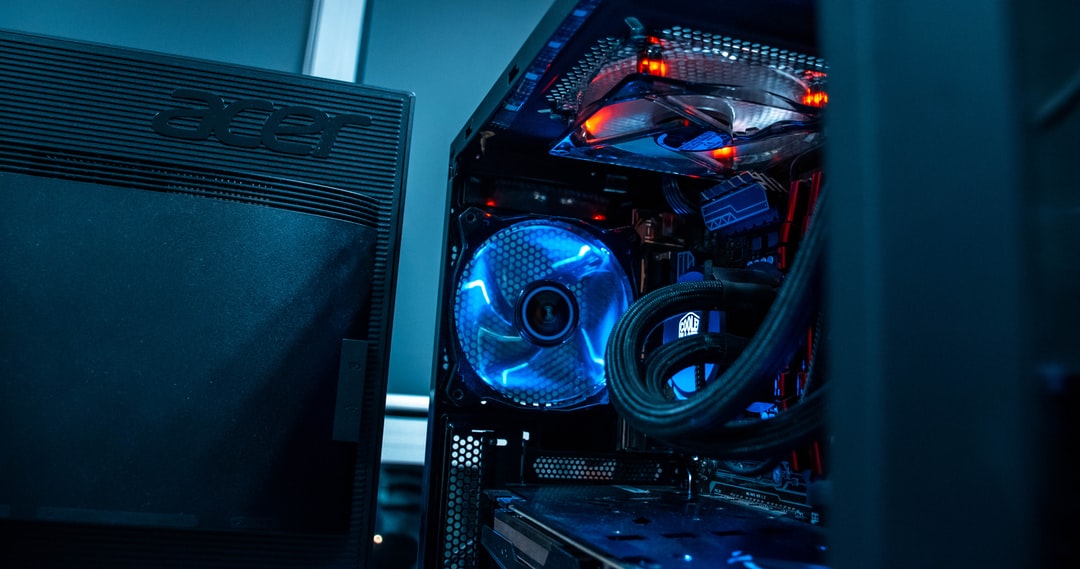
Start With Proven Picks
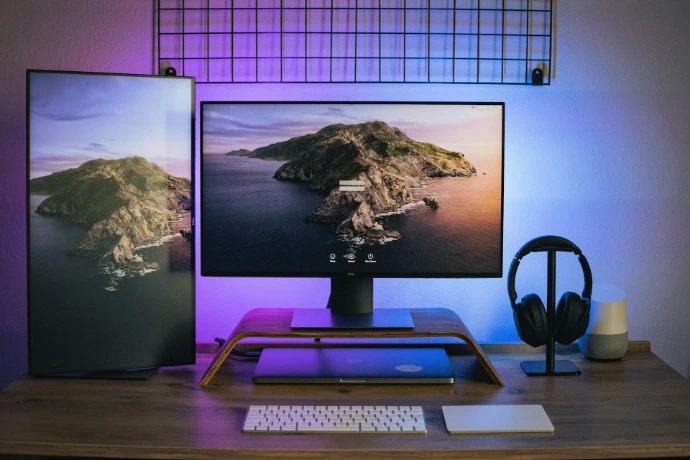

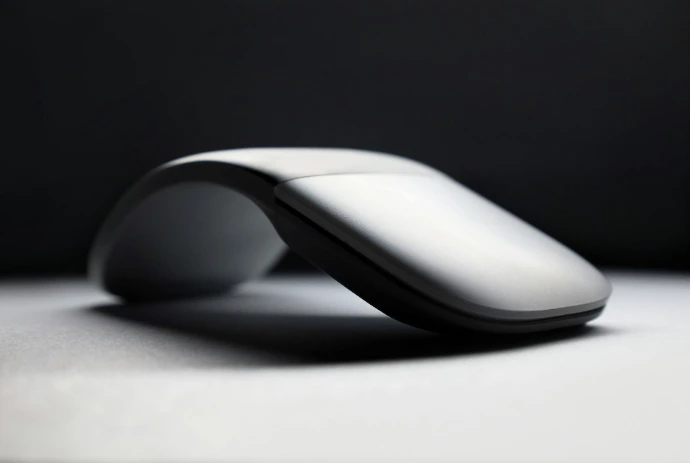
Most Popular Workspace & Productivity Guides
Not Sure Where to Start?
- Wrist pain or discomfort → Fix your mouse & ergonomics
- Back or posture issues → Upgrade your chair & desk setup
- Too many options → Start with our “Best Picks”
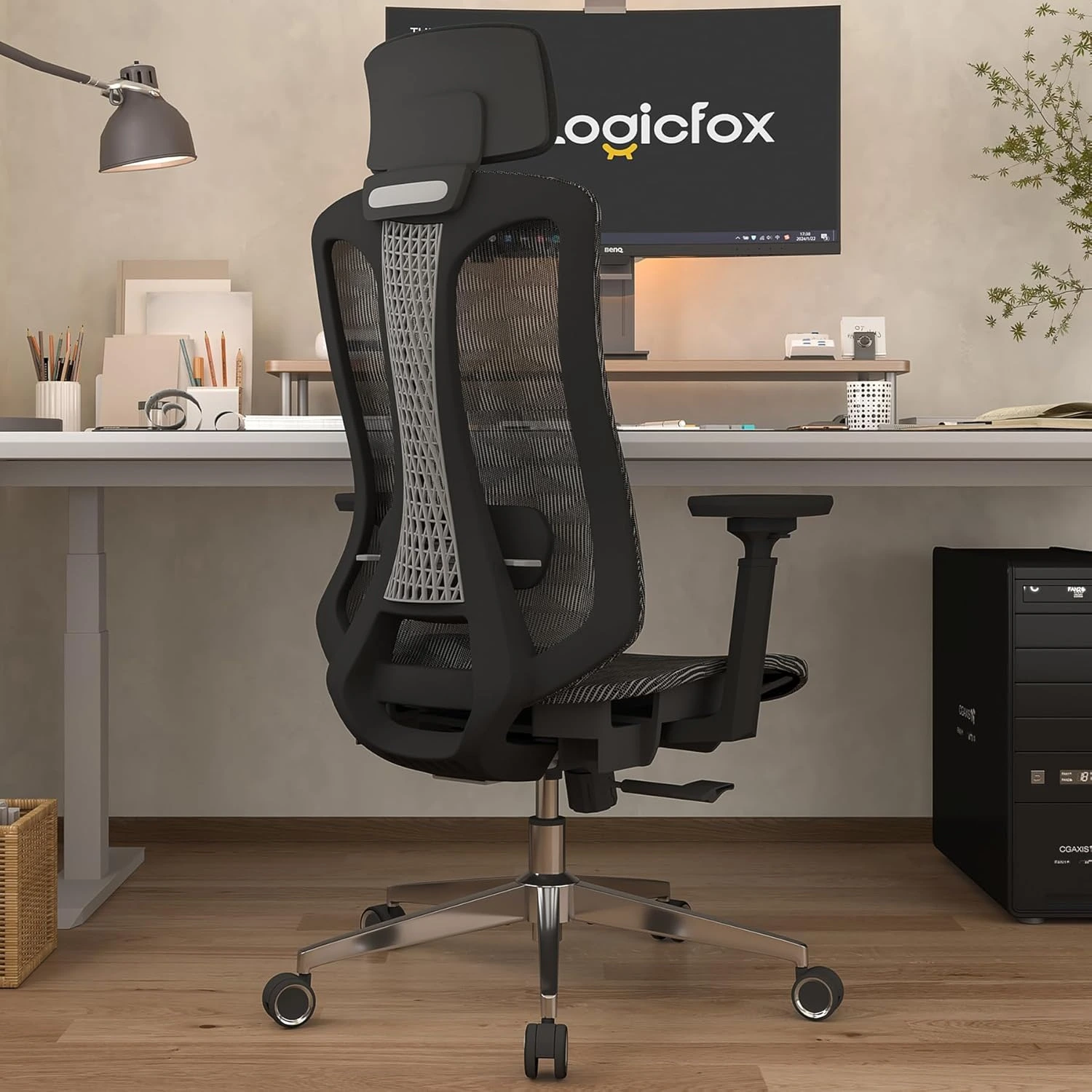
Workspace Setup Guide for Productivity
Ergonomic Chair, Desk, Monitor & Home Office Setup
Learn how to build a productivity workspace setup with the right chair, desk, monitor, and ergonomic gear. Complete guide for remote workers, home offices, and professionals.
Essential Work Tools for Productivity
Keyboards, Mouse, Headsets & Office Gear
Discover the best work tools for productivity including keyboards, mice, headsets, webcams, and desk accessories. Upgrade your workflow with tools designed for long hours of focused work.
Work Environment Setup Guide
Lighting, Noise, Air & Workspace Optimization
Optimize your work environment for productivity. Learn how lighting, noise, air quality, and desk layout affect focus, energy, and performance at your workspace.
Ergonomics & Comfort Guide for Work
Reduce Back Pain, Fatigue and Desk Strain
Productivity Guide for Desk Work
Workflow, Focus, and Efficient Work Systems
Step by Step Guides for Beginner
Setup, Ergonomics, Tools & Productivity Guides
No Hype.
Just What Actually Works.
- We don’t recommend everything — only what makes a real difference
- We highlight trade-offs, not just benefits
-
We focus on long-term value, not cheap shortcuts
Some links may earn a commission, but recommendations are based on real performance — not payouts.

Frequently asked questions
Productivity Lab is a research-driven platform that helps professionals improve productivity by optimizing their workspace, tools, and work environment.
Instead of focusing on motivation or generic advice, we focus on system-level improvements — the things that actually change how you work every day.
This includes:
- workspace setup (desk, chair, layout)
- work tools (keyboard, mouse, monitors)
- environment (lighting, focus, workflow)
Start with your biggest pain point or bottleneck.
For most people:
- wrist pain → upgrade your mouse or keyboard
- back pain → fix your chair and desk setup
- low productivity → improve your tools or environment
If you're unsure, start with our Best Picks — these are the highest-impact upgrades for most users.
The best upgrade depends on your current setup, but the highest-impact improvements are usually:
- ergonomic mouse or keyboard (reduces strain + improves comfort)
- chair or desk setup (long-hour support)
- monitor setup (screen space + positioning)
Small upgrades often create noticeable improvements in daily workflow, especially if you work long hours.
Sometimes — but not always.
Expensive tools are usually worth it when:
- you use them 6–10+ hours per day
- they directly affect comfort or speed
- they solve a real problem (pain, inefficiency, fatigue)
We focus on helping you understand:
- when a product is worth the price
- what trade-offs exist
- and when a cheaper option is enough
Most people waste time comparing dozens of options without clear criteria.
At Productivity Lab, we simplify this by focusing on:
- real-world usage (not just specs)
- long-hour performance
- comfort and efficiency gains
- trade-offs between similar products
Our goal is to help you make confident decisions faster.
No.
Most users see meaningful improvements by upgrading just one or two key components.
Common starting points:
- mouse
- keyboard
- chair
From there, many users naturally continue improving their setup over time.
Your workspace directly impacts:
- focus
- comfort
- work speed
- fatigue levels
A poorly optimized setup creates constant friction:
- physical discomfort
- slower workflow
- more distractions
An optimized setup reduces that friction, making it easier to:
- stay focused longer
- work more efficiently
- feel less exhausted after long sessions
The best setup for long hours focuses on:
- proper ergonomics (chair, desk height, posture)
- comfortable input devices (keyboard, mouse)
- correct monitor positioning
- minimal distractions
- good lighting and environment
The goal is not just comfort — it’s sustainable performance over 8–12 hour workdays.
Pain is usually caused by:
- poor posture
- bad ergonomics
- incorrect tool positioning
Common fixes include:
- switching to an ergonomic mouse
- adjusting chair height and support
- improving desk and monitor alignment
Small adjustments can significantly reduce strain over time.
Platforms like Reddit and YouTube are useful, but:
- information is fragmented
- recommendations lack structure
- it’s hard to compare options objectively
Productivity Lab organizes this information into:
- clear systems
- structured comparisons
- practical recommendations
So you can skip hours of research and confusion.
We aim to provide honest, experience-based recommendations.
- We highlight both pros and cons
- We include trade-offs (not just “best” claims)
- We focus on what actually improves daily use
Some links may be affiliate links, but recommendations are based on:
👉 real performance and long-term value
It depends on how much you use it.
Many professionals justify higher spending because:
- they use their setup 8–12 hours per day
- better tools reduce pain and fatigue
- productivity gains compound over time
That said, not everything needs to be expensive.
We help you decide:
- where to invest
- where to save
- and what actually makes a difference
- focusing on aesthetics instead of function
- buying based on hype instead of use case
- ignoring ergonomics
- upgrading everything at once
- not understanding trade-offs
A better approach is:
👉 optimize step-by-step based on real needs
Some improvements are immediate.
For example:
- switching to a better mouse or keyboard
- adjusting monitor height
- improving lighting
Other improvements happen gradually as you refine your setup.
Most users follow an upgrade path over time, not a one-time overhaul.
Most sites:
- list products
- focus on specs
- or give generic advice
Productivity Lab focuses on:
- system-level optimization
- real-world usage
- long-hour performance
- structured decision-making
We don’t just recommend products.
👉 We help you build a setup that actually improves how you work.
Start Building a Better Workspace Today
Better tools. Better setup. Better performance.