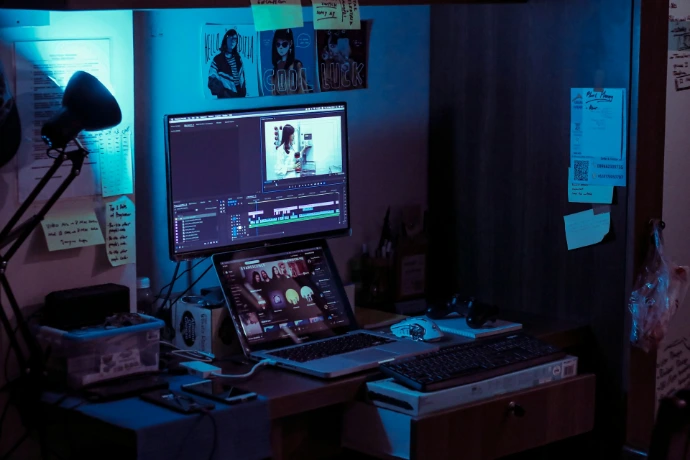
Why Your Workspace Setup Affects Productivity
Your brain reacts to your environment more than you think.
When your desk setup is uncomfortable, cluttered, or poorly designed, your body gets tired faster. When your body gets tired, your focus drops. When focus drops, productivity disappears.
Most remote workers sit 6–10 hours per day. Small problems in posture, screen height, or chair support become big problems over time.
Common issues caused by a bad workspace setup:
lower back pain
neck tension
wrist strain
eye fatigue
low energy
constant distractions
A good ergonomic workspace setup removes friction.
Instead of fighting discomfort, your body stays relaxed and your brain can stay focused on work.
Professionals who work long hours — developers, designers, consultants, freelancers, and entrepreneurs — often invest in better setups because the return is huge.
Better environment → better focus → better work → better results.
The most important part of any desk setup is the chair.
Office Chairs for Long Work Hours (Ergonomic Chair Guide)
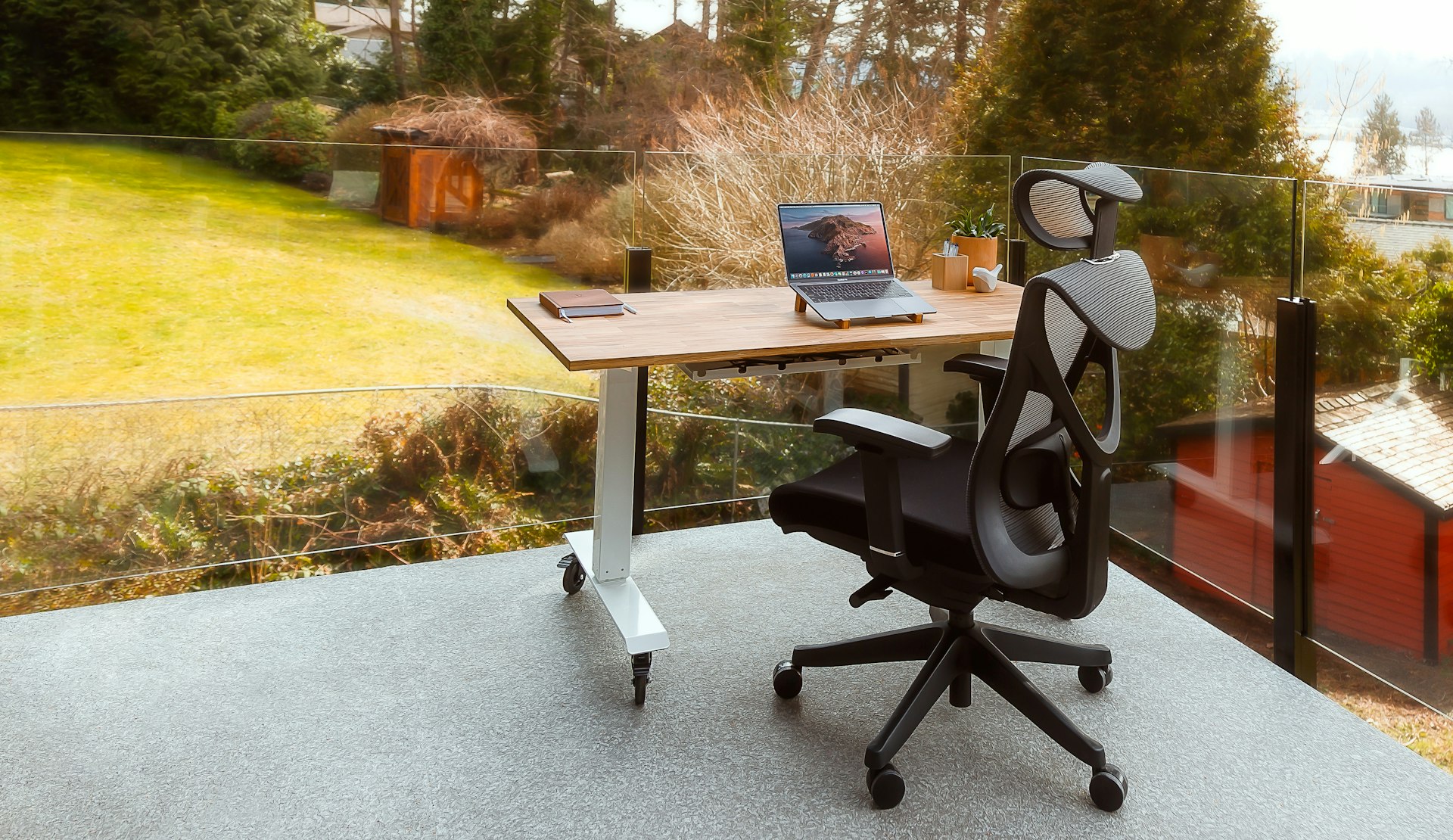
Your chair has the biggest impact on comfort and productivity.
If your chair is bad, everything else becomes harder. You move more, adjust more, lose focus more often, and feel tired faster.
Cheap chairs often cause:
lower back pain
bad posture
shoulder tension
fatigue after a few hours
reduced concentration
I’ve spent years testing chairs, and the biggest mistake I see is people buying 'gaming chairs' for the aesthetic. For a remote professional, breathability and lumbar tension matter more than looking like you're in a race car. You want a chair that 'disappears' beneath you so you can focus on your screen, not your spine.
A good office chair supports your spine, keeps your posture natural, and allows you to work for long sessions without discomfort.
Important things to look for:
lumbar support
adjustable armrests
seat depth
breathable material
tilt support
durability for long hours
Not every expensive chair is good, and not every cheap chair is bad. The goal is finding a chair designed for long computer work and productivity.
👉 If you want to compare the best options:
Office Chair Buying Guide
Mesh vs Cushion Chairs
Best Chairs for Back Pain
Ergonomic Chair Guide
Most professionals upgrade their chair first because it has the biggest impact on daily comfort.
You may also want to improve your desk setup with a better standing desk or monitor arm.
Standing Desk Setup and Adjustable Workstations

Sitting all day reduces energy and focus.
Many people notice that after a few hours, their posture collapses, their breathing becomes shallow, and their attention drops.
A standing desk allows you to change position during the day, which improves comfort and alertness.
Benefits of adjustable desks:
better posture
less back pain
more movement
higher energy
less fatigue during long work sessions
However, not every desk is worth buying.
Important factors:
stability
motor quality
height range
weight capacity
desk size
noise level
Some people prefer manual desks, but most professionals use electric adjustable desks for convenience.
👉 Compare the best options here:
Standing Desk Benefits
Electric vs Manual Desk
Desk Height Guide
Standing Desk for Back Pain
Upgrading your desk is one of the easiest ways to improve a workspace setup.
Monitor Setup for Productivity and Focus
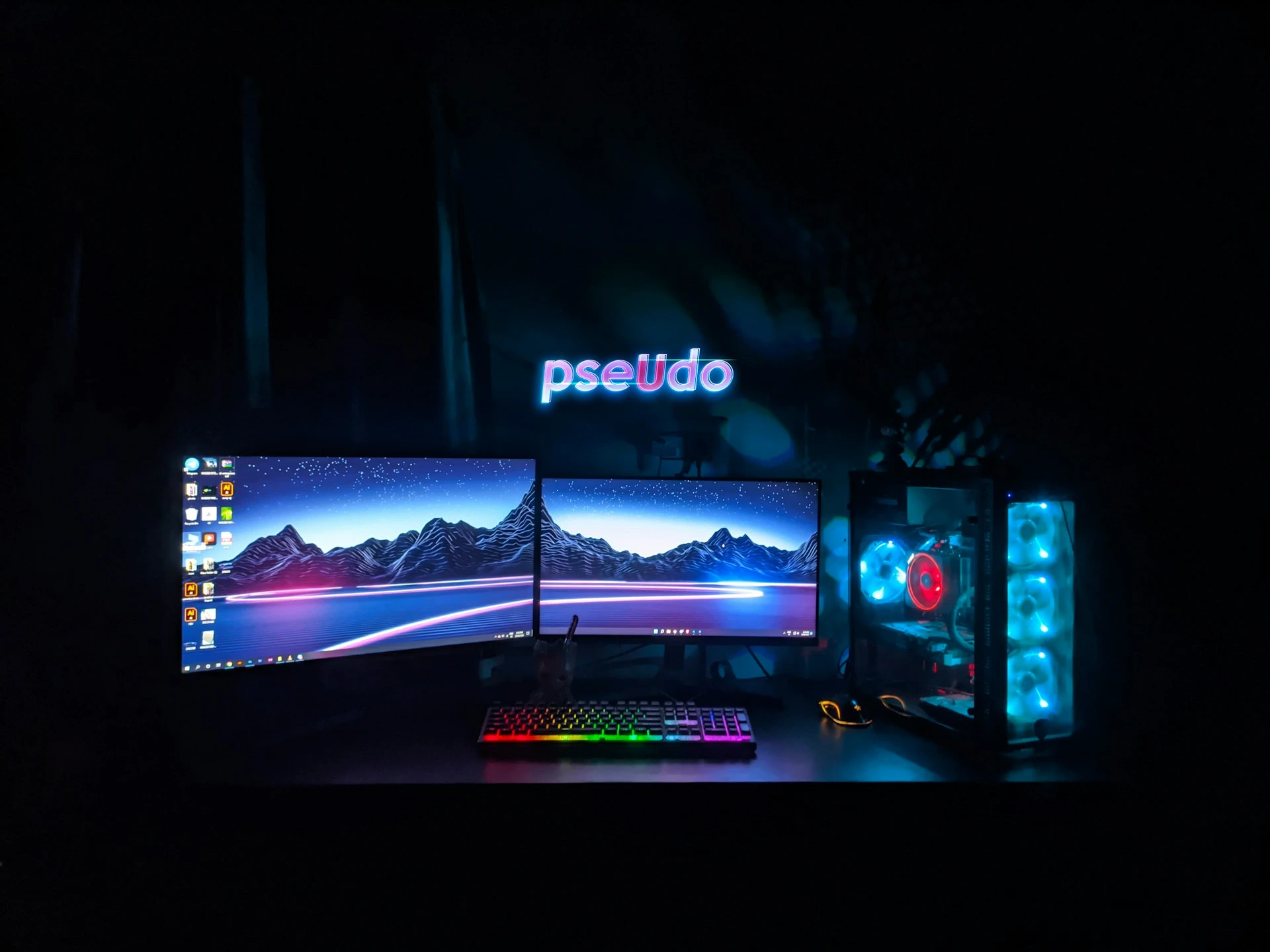
Screen position has a huge impact on productivity.
If your monitor is too low, you bend your neck.
If it is too high, your shoulders tighten.
If it is too small, you work slower.
If it is too far, your eyes get tired.
Many people work only on a laptop, which is one of the worst setups for long hours.
A proper monitor setup should allow:
straight neck posture
relaxed shoulders
comfortable eye distance
enough screen space
clean workflow
Important parts of monitor setup:
monitor height
monitor arm
dual monitor vs single
laptop + monitor setup
screen size
lighting position
👉 Recommended guides:
Best Monitor Arms
Dual Monitor Setup Guide
Laptop + Monitor Setup
Eye Strain Setup Guide
A good monitor setup works best with an ergonomic chair and proper desk height.
Essential Desk Accessories for Workspace Setup
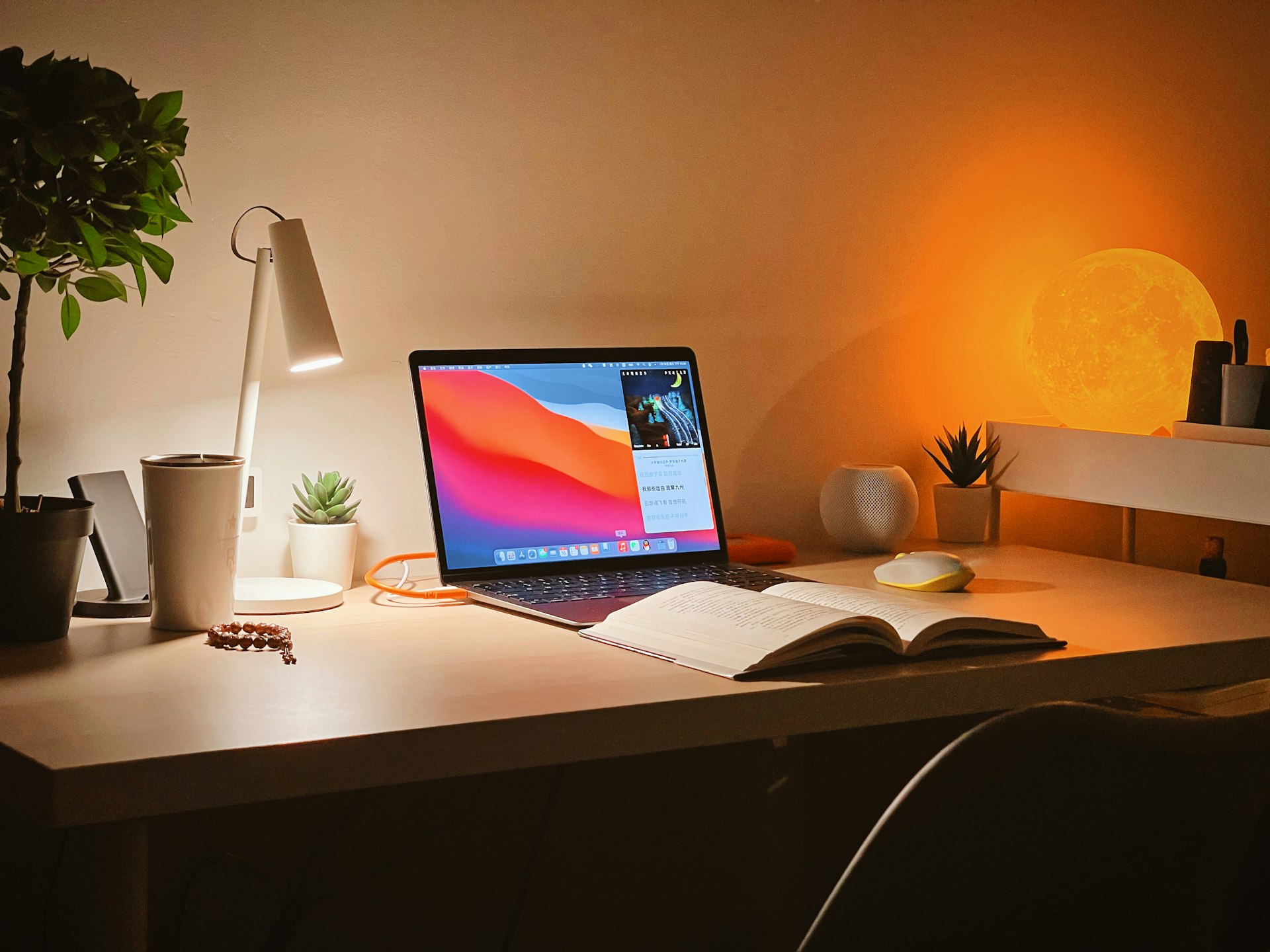
Small upgrades can make a big difference in a desk setup.
After chair, desk, and monitor, the next step is optimizing the details.
Accessories reduce strain, improve comfort, and remove small frustrations that break focus.
Useful upgrades include:
mechanical keyboard
ergonomic mouse
wrist rest
footrest
desk mat
cable management
laptop stand
desk lighting
These items affect how your hands, wrists, and shoulders feel every day.
A better input setup often means less fatigue and smoother workflow.
👉 Recommended guides:
Wrist Support Guide
Desk Accessories for Productivity
Minimal Desk Setup Guide
Small improvements can have a big impact on daily productivity.
High-Performance Priority List
Priority | Component | Impact on Output | Why it matters |
|---|---|---|---|
Critical | Ergonomic Chair | 90% | Prevents back fatigue and focus-breaks. |
High | Monitor Arm | 70% | Fixes 'tech neck' and eye strain. |
Medium | Mech. Keyboard | 40% | Better tactile feedback = fewer typos. |
Common Workspace Setup Mistakes
Many people try to save money on their desk setup and lose productivity every day.
Common mistakes include:
using a cheap chair
working only on a laptop
monitor too low
desk too high or too low
no arm support
bad lighting
cluttered desk
no cable management
no standing option
buying random accessories without a plan
Fixing even one of these problems can make work easier.
Fixing all of them can completely change how you work.
Your goal is not to build a perfect desk.
Your goal is to build a workspace that lets you work comfortably for hours.
Best Workspace Setup Guides
If you want to upgrade your workspace setup, start with the most important components.
👉 Best Office Chairs for Long Hours
👉 Best Desk Accessories
👉 Best Productivity Desk Setup
These guides compare real products and help you choose the right tools without wasting time.
Start with one upgrade, then improve your setup step by step.
Build a Workspace That Supports Your Best Work
Productivity is not only about discipline.
Your workspace setup shapes your focus, energy, and performance every day.
When your desk is uncomfortable, work feels harder.
When your workspace is optimized, work feels natural.
A better setup helps you:
focus longer
reduce fatigue
avoid pain
work faster
stay consistent
If you want to improve your productivity, start by improving your environment.
Use the guides above to build a workspace that supports your best work.