Skip to Content

Work Tools for Productivity

Optimize the tools you use every day — keyboard, mouse, monitor, and workflow devices.

Recommended Products

These are widely used, well-tested tools with strong real-world performance.


Keyboards

→ Ducky One 3 SF

→ Epomaker RT100

→ HHKB Professional Hybrid Type-S

→ Keychron C3 Pro

→ Keychron K Pro series

→ Keychron K8 Pro

→ Keychron Q1

→ Keychron Q2

→ Keychron Q6 Max

→ Keychron Q6 Ultra

→ Keychron V3

→ Kinesis Advantage360

→ Leopold FC660C

→ Logitech MX Mechanical 

→ NuPhy Air75


Mice

→ Anker Vertical

→ Finalmouse Starlight series

Kensington Trackball

→ Logitech G Pro X Superlight

→ Logitech Lift

→ Logitech M720 Triathlon

→ Logitech MX Ergo S

→ Logitech MX Master 3S

→ Logitech MX Vertical

→ Razer DeathAdder V3 Pro

→ Razer Pro Click V2


Productivity Gadgets

→ Anker 675 Docking Station

→ Anker USB-C Hub

→ CalDigit TS5 Plus

→ Duex Float 2 Pro

→ Elgato Stream Deck MK.2

→ Elgato Stream Deck+

→ Ember Mug 2

→ Loupedeck Live385

→ reMarkable Paper Pro

→ Terramaster D1 SSD Plus

→ Ugreen Nexode 300W


Headsets

→ Apple AirPods Max 2

→ Bose QC Ultra (Gen 2)

→ Bose QuietComfort Ultra

→ Jabra Evolve3 85

→ Logitech Zone Wireless 2 ES

→ Sony WH-1000XM5

→ Sony WH-1000XM5


Microphones

→ Elgato Wave:3

→ Logitech Yeti GX

→ Rode NT-USB+

→ Rode PodMic USB

→ Shure MV7+

→ Shure SM7B

→ SteelSeries Alias Pro Kit


Webcams

→ Anker PowerConf C200

→ Insta360 Link 2

→ Logitech Brio 4K

→ Logitech MX Brio

→ Obsbot Tiny 3

→ Razer Kiyo Pro Ultra

→ Sony ZV-E10 (Webcam Use)


Laptops

→ Apple MacBook Pro (M5)

→ Dell XPS 13

→ Dell XPS 15

→ Lenovo ThinkPad X1 Carbon


Monitors

→ Apple Studio Display XDR

→ ASUS ProArt PA279CRV

→ Asus ProArt PA27JCV

→ Dell UltraSharp U3225QE

→ LG UltraFine 4K

→ LG UltraFine 5K

→ Samsung Odyssey G9 (49” ultrawide)

→ Samsung ViewFinity S8 (37")


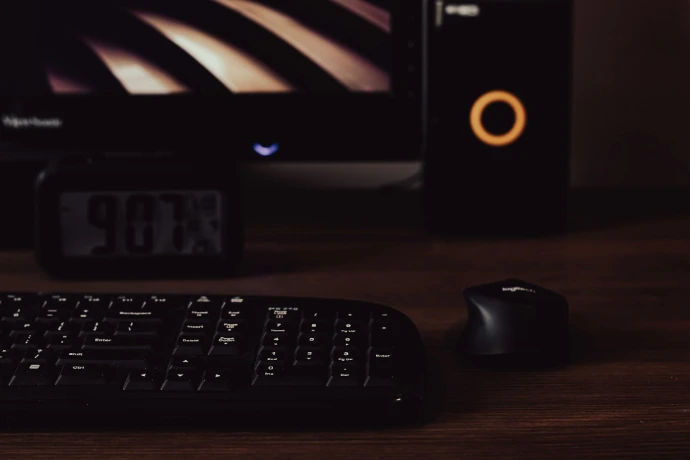
a computer keyboard and mouse on a desk

Find the Right Tool for Your Use Case 

Start based on what you want to improve.

Browse All Tool Categories

Browse by Category

Keyboards

View All

Mice

View All

Webcams

View All

Microphones

View All

Headsets

View All

Monitors

View All

Upgrade Your Tools (Step-by-Step) 


Most people don’t upgrade everything at once.

They improve one tool…
then notice the difference…
then upgrade the next.

Typical upgrade path:
mousekeyboardmonitorworkflow tools

Start with the highest-impact upgrade first. 

See Best Upgrades for Productivity

Popular Reviews

Detailed breakdowns based on real use.

Your Dynamic Snippet will be displayed here... This message is displayed because you did not provide enough options to retrieve its content.
person using laptop

Skip Hours of Research 

 Choosing the right tools can take hours of comparison.

We simplify that by focusing on:

  • real-world usage (not just specs)

  • long-hour comfort

  • actual performance differences

  • clear trade-offs

So you can decide faster — and avoid bad purchases.


How to Choose the Right Tools

Not every “best” tool is right for you.

We help you choose based on:

  • your workflow (coding, design, general work)

  • usage time (short vs long sessions)

  • comfort needs (wrist, posture, fatigue)

  • budget vs long-term value

The goal is not to buy more tools —it’s to choose the right ones.

Find the Right Tools for Your Setup

Stop guessing. Start optimizing your workflow. 


Back to Top