In 2026, the "good enough" era of laptop webcams is officially over. As remote work matures into a permanent fixture for tech enthusiasts and professionals, your digital presence has become your primary handshake. A high-end webcam is no longer just about resolution; it is about dynamic range, AI-driven subject tracking, and sensor size.
The current market has split into two camps: traditional 4K powerhouses that prioritize raw image quality and AI-augmented "gimbal" cams that act as a personal camera crew. Whether you are presenting to a board or recording high-fidelity content, the right glass makes the difference between looking like a professional and looking like a blurred thumbnail.
The 2026 Webcam Power Rankings
| Category | Winner | Key Strength | Resolution |
| Best Overall | Insta360 Link 2 | 1/2" Sensor & AI Gimbal | 4K 30fps |
| Best Image Quality | Razer Kiyo Pro Ultra | Massive 1/1.2" DSLR-like Sensor | 4K 30fps (Uncompressed) |
| Best for Most People | Logitech MX Brio | Sony STARVIS Sensor & Build | 4K 30fps |
| Best AI Tracking | Obsbot Tiny 3 | 2-Axis Gimbal & Voice Control | 4K 60fps |
| Best Budget 2K | Anker PowerConf C200 | Exceptional Value & Sharpness | 2K (1440p) |
The Engineering Peak: Insta360 Link 2
Best For: The Dynamic Presenter Who Needs a Personal Camera Crew.
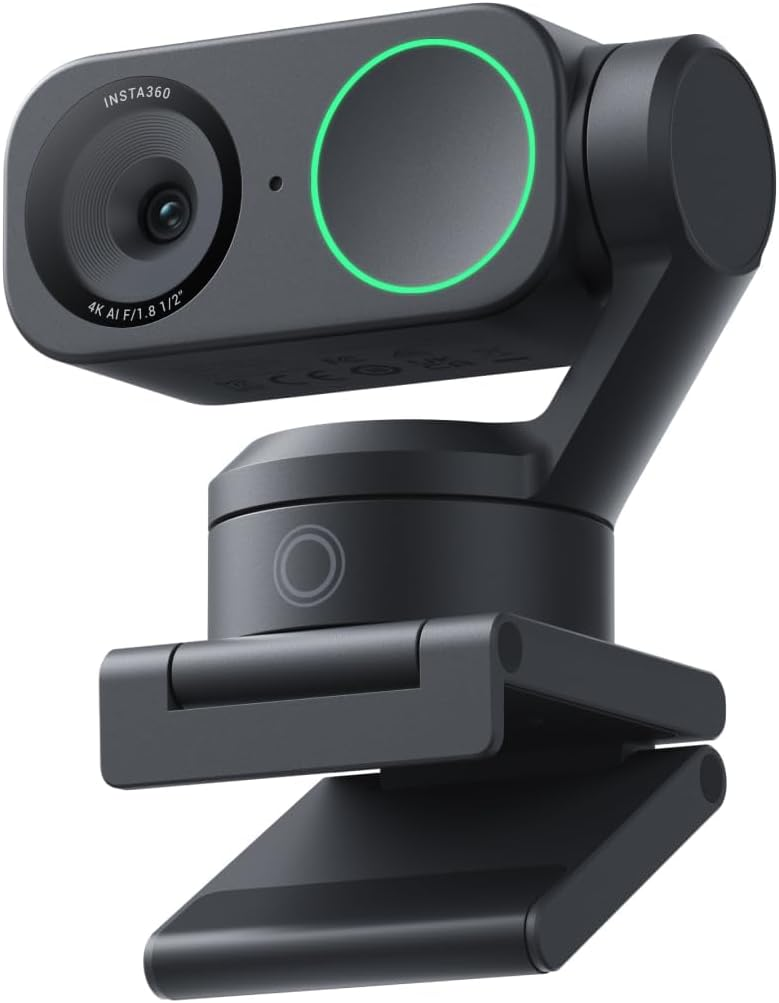
The Insta360 Link 2 has redefined the category by miniaturizing gimbal technology. It doesn't just sit on your monitor; it watches you.
AI Tracking & Framing: Using a physical 2-axis gimbal, the Link 2 follows you as you move around your workspace. If you stand up to use a whiteboard or pace during a brainstorm, the camera stays locked on you with cinematic smoothness.
1/2" Sensor Performance: While most webcams struggle in poor lighting, this sensor—paired with advanced HDR—keeps your skin tones natural even when you’re backlit by a window.
DeskView Mode: A mechanical "down-tilt" feature allows you to show your desktop surface perfectly squared-off, making it the ultimate tool for developers showing off hardware or designers sketching live.
The Pure Visionary: Razer Kiyo Pro Ultra
Best For: The "No-Compromise" Enthusiast Seeking DSLR Quality.
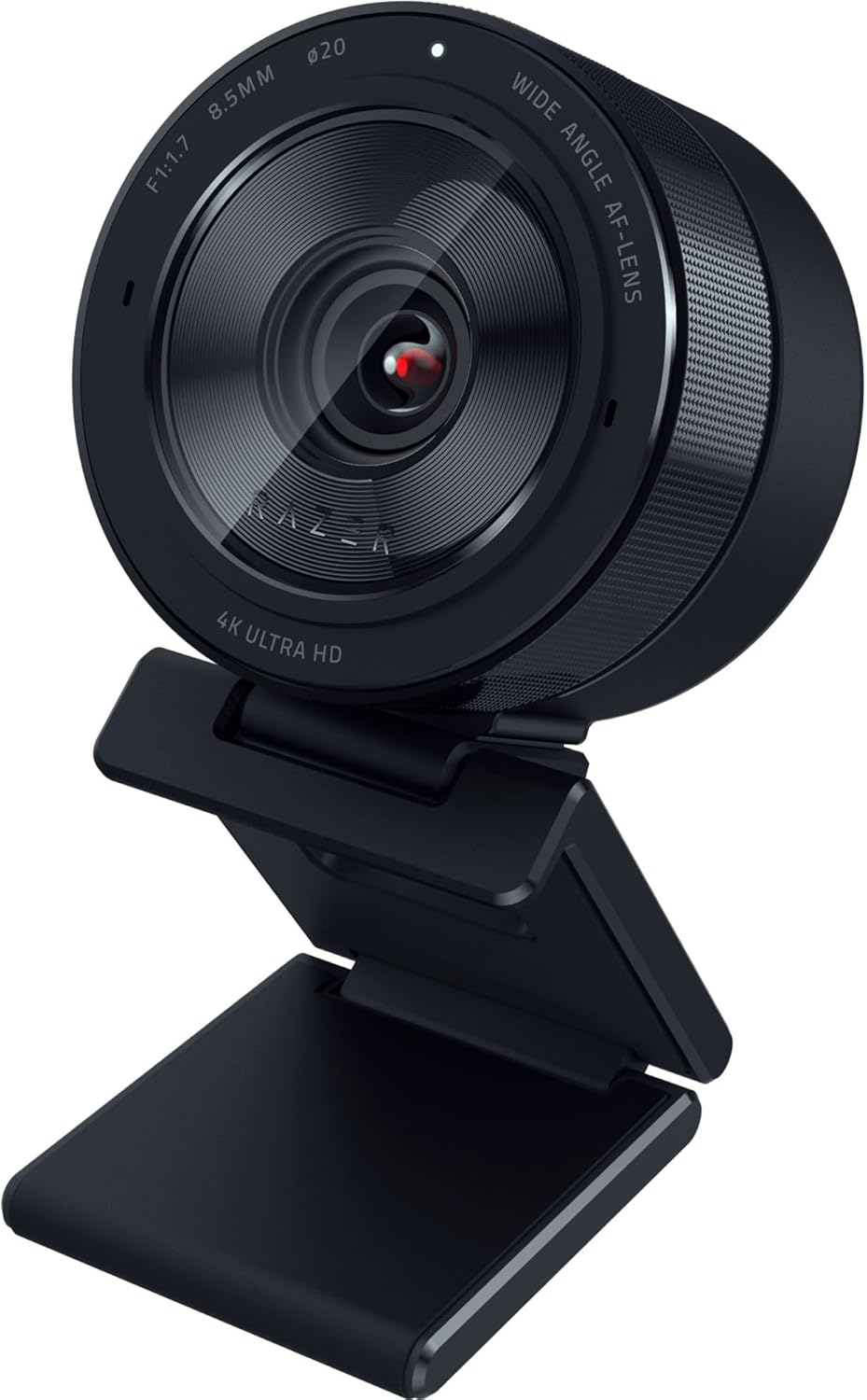
If you want your Zoom call to look like a cinematic production without the hassle of a mirrorless camera, the Razer Kiyo Pro Ultra is the answer. It houses the largest sensor ever put into a dedicated webcam.
1/1.2" Sony Starvis 2 Sensor: This is nearly four times the size of a standard webcam sensor. The result is "true" bokeh—natural background blur that isn't faked by software.
Raw 4K: It outputs uncompressed 4K video, maintaining a level of detail in your hair and clothing that other cameras smudge out with aggressive noise reduction.
Review Detail: It features an adjustable aperture and a physical privacy shutter that clicks into place like a professional camera lens.
The Professional Standard: Logitech MX Brio
Best For: Serious Offices and Multi-Device Power Users.
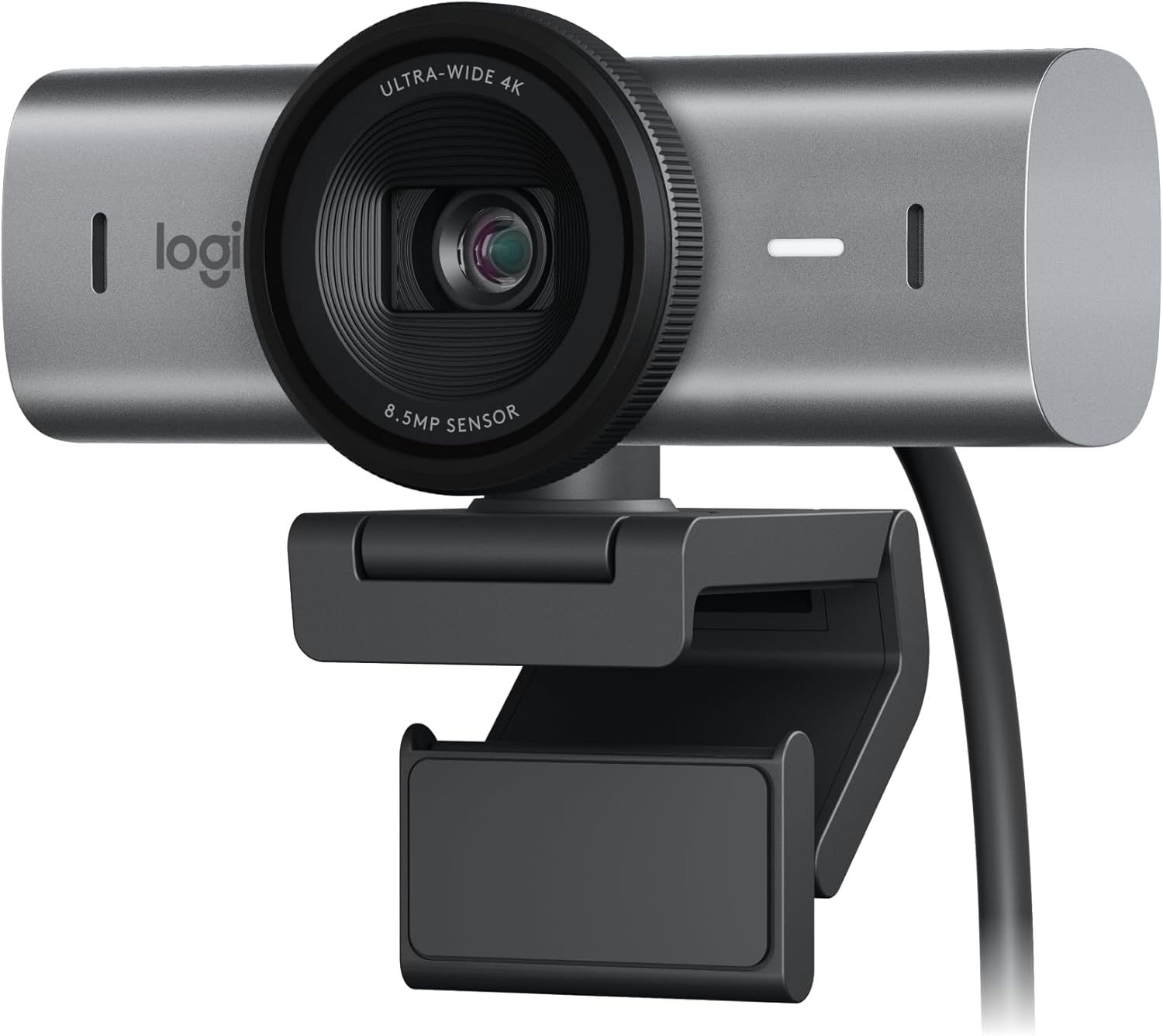
Logitech finally brought the "MX" badge to their webcam lineup, and the MX Brio delivers exactly what the productivity geek expects: reliability and deep software control.
RightLight 5 Technology: Logitech’s AI handles difficult lighting—like the glare from a secondary monitor—better than almost anyone else. It ensures your face is the focus, not the lamp behind you.
Precision Controls: Through the Logi Tune app, you can fine-tune your ISO, shutter speed, and white balance. It is the most "set and forget" high-end camera on the list.
Build Quality: The aluminum housing is premium, heavy, and designed to match the aesthetic of the MX Mechanical keyboards and mice.
The AI Specialist: Obsbot Tiny 3
Best For: High-End Content Creation and Large Workspace Users.
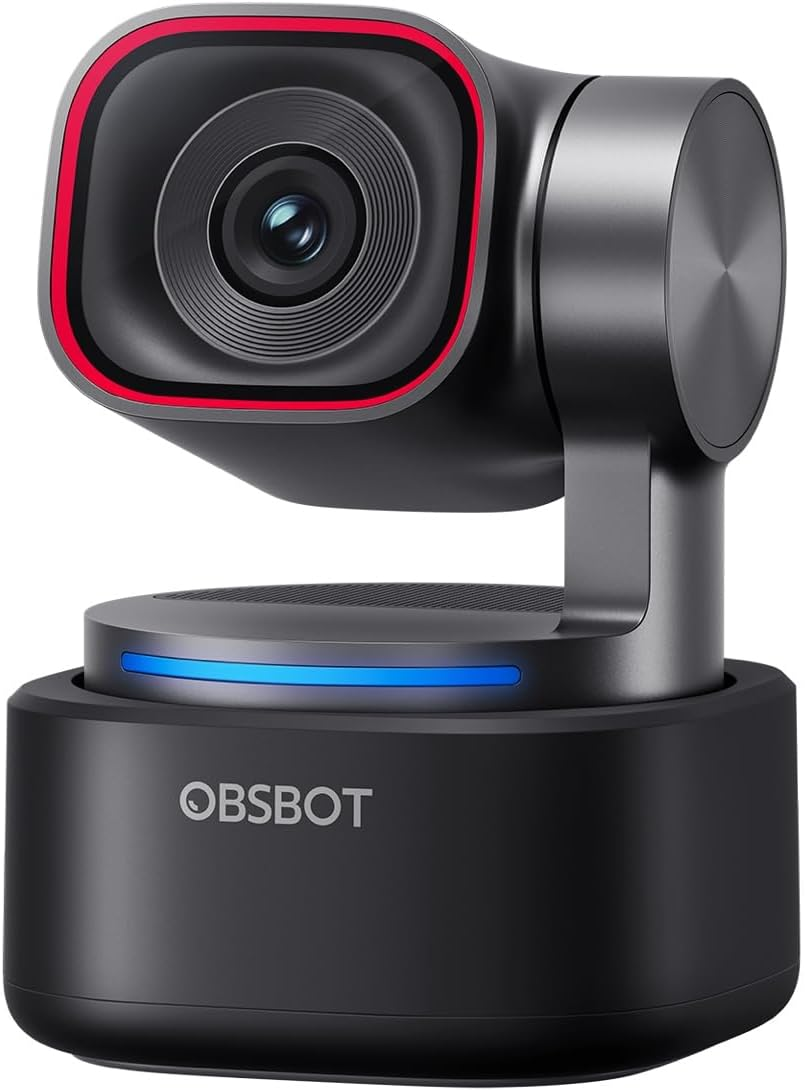
The Obsbot Tiny 3 takes AI integration to the extreme. It is one of the few cameras that supports 4K at 60fps, providing a level of fluidity that makes standard 30fps calls look choppy in comparison.
Voice & Gesture Control: You can zoom in/out or start tracking simply by making a "L" sign with your hand or giving a voice command. It’s perfect for solo creators who can’t reach their mouse while filming.
Dual-Microphone System: It uses beamforming technology to isolate your voice and cancel out the hum of your PC fans, though we still recommend a dedicated mic for the best experience.
Portrait Mode: For the modern professional who also creates for social platforms, it can rotate internally to film native vertical 4K video.
The Value King: Anker PowerConf C200
Best For: A Significant Upgrade Without the 4K Price Tag.
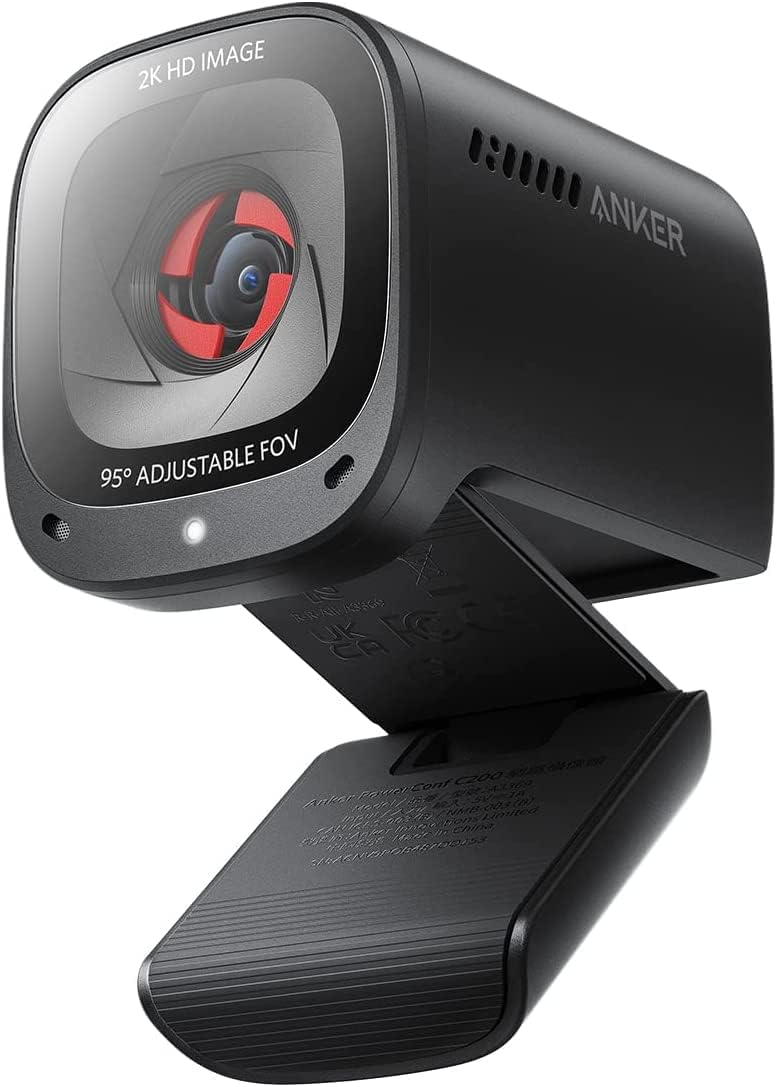
If you aren't ready to spend $200+, the Anker PowerConf C200 is the gold standard for budget setups. It delivers 2K (1440p) resolution, which is a massive jump over standard 1080p.
Adjustable Field of View: You can toggle between 65°, 78°, and 95° via the AnkerWork app. This is crucial if you want to crop out a messy background without losing image quality.
Physical Privacy Switch: No software "mute" here—a physical slider covers the lens, providing absolute peace of mind.
Low Light King: For its price bracket, the C200 handles "dim room" scenarios surprisingly well, preventing the grainy "sand" look that kills most budget cams.
Technical Gut Check: The "Sensor Over Resolution" Rule
When buying a work webcam, don't get blinded by the "4K" label. An enthusiast knows that a 1080p image from a large sensor will always look better than a 4K image from a tiny one.
USB Bandwidth: Most 4K webcams require a USB 3.0 port to deliver their full potential. If you plug a Razer Kiyo Pro Ultra into a legacy USB 2.0 hub, you will experience lag and compressed artifacts.
Mounting Stability: High-end webcams (like the MX Brio) are heavy. Ensure your monitor can support the weight, or invest in a small desktop tripod to prevent your screen from tilting backward.
Lighting is Still King: Even the Obsbot Tiny 3 cannot fix a pitch-black room. Use a dedicated key light or a monitor light bar to give the sensor enough data to work with.