Maybe it’s the third cup of coffee talking, or maybe it’s the lingering headache from staring at a "standard" 1080p panel for six hours, but let’s be real. If you’re pushing code or managing complex systems, your monitor isn’t just a peripheral. It’s your primary interface with reality.
In 2026, the era of grainy, washed-out office displays is finally behind us. We’ve moved into a space where IPS Black contrast, 5K/6K "Retina" densities, and Thunderbolt 4 hubs are the baseline for a high-performance setup. If you've been feeling that late-afternoon eye fatigue, the culprit probably isn't your workload—it's your hardware.
Here are the definitive tools for your desk this year.
The 2026 Office Monitor Power Rankings
| Category | Winner | Key Strength | Resolution |
Best Overall | IPS Black & 140W USB-C PD | 4K UHD | |
Best for Text Clarity | 218 PPI "Retina" Sharpness | 5K | |
Best for Mac Users | Mini-LED & 120Hz ProMotion | 5K | |
Best Budget 4K | Exceptional value & color | 4K UHD |
The Gold Standard: Dell UltraSharp U3225QE
Best For: The Professional All-Rounder.
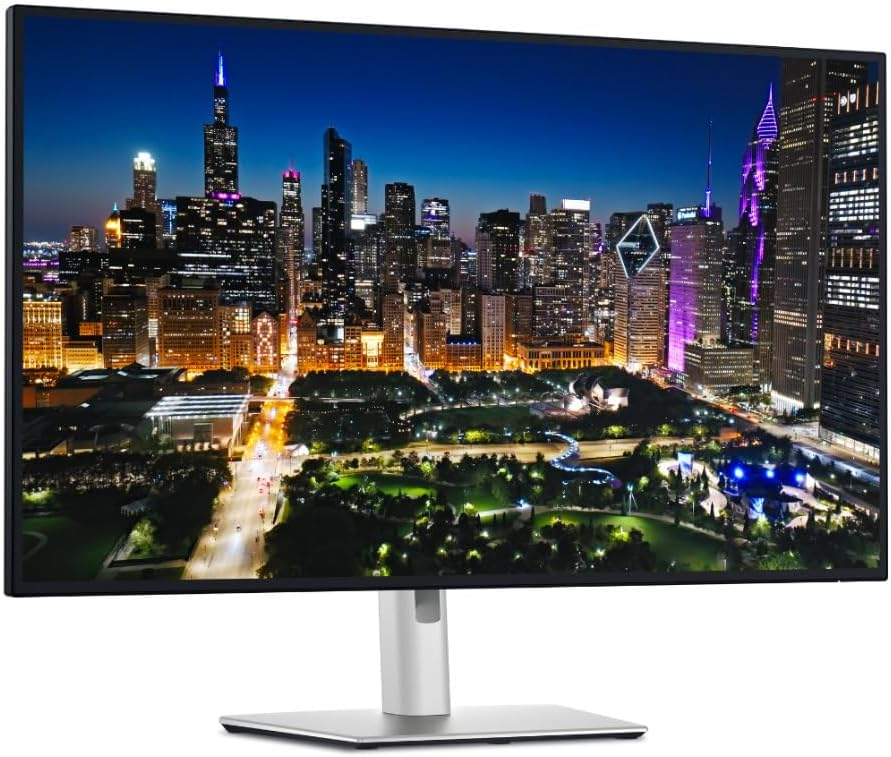
The Dell U3225QE has claimed the flagship spot for a very specific reason: it finally addresses the "grey black" problem. By utilizing the latest IPS Black panels, it doubles the contrast ratio of traditional IPS screens to 2000:1. You get those inky blacks essential for dark-mode IDEs without the weird text fringing or burn-in risks that come with OLED.
140W Thunderbolt 4: This is a monster of a hub. It’ll fast-charge a 16-inch MacBook Pro or a high-end workstation laptop via a single cable while handling 2.5Gbps Ethernet.
The 120Hz Upgrade: It sounds like a gaming spec, but once you scroll through a 2,000-line config file at 120Hz, you’ll realize how much smoother it is on your eyes. Everything just feels... more responsive.
Auto KVM: If you jump between a Linux box and a MacBook, this allows you to share one set of peripherals across both machines seamlessly. No extra switches required.
The Text Clarity King: Asus ProArt 5K PA27JCV
Best For: Coders, Writers, and Detail-Obsessed Professionals.
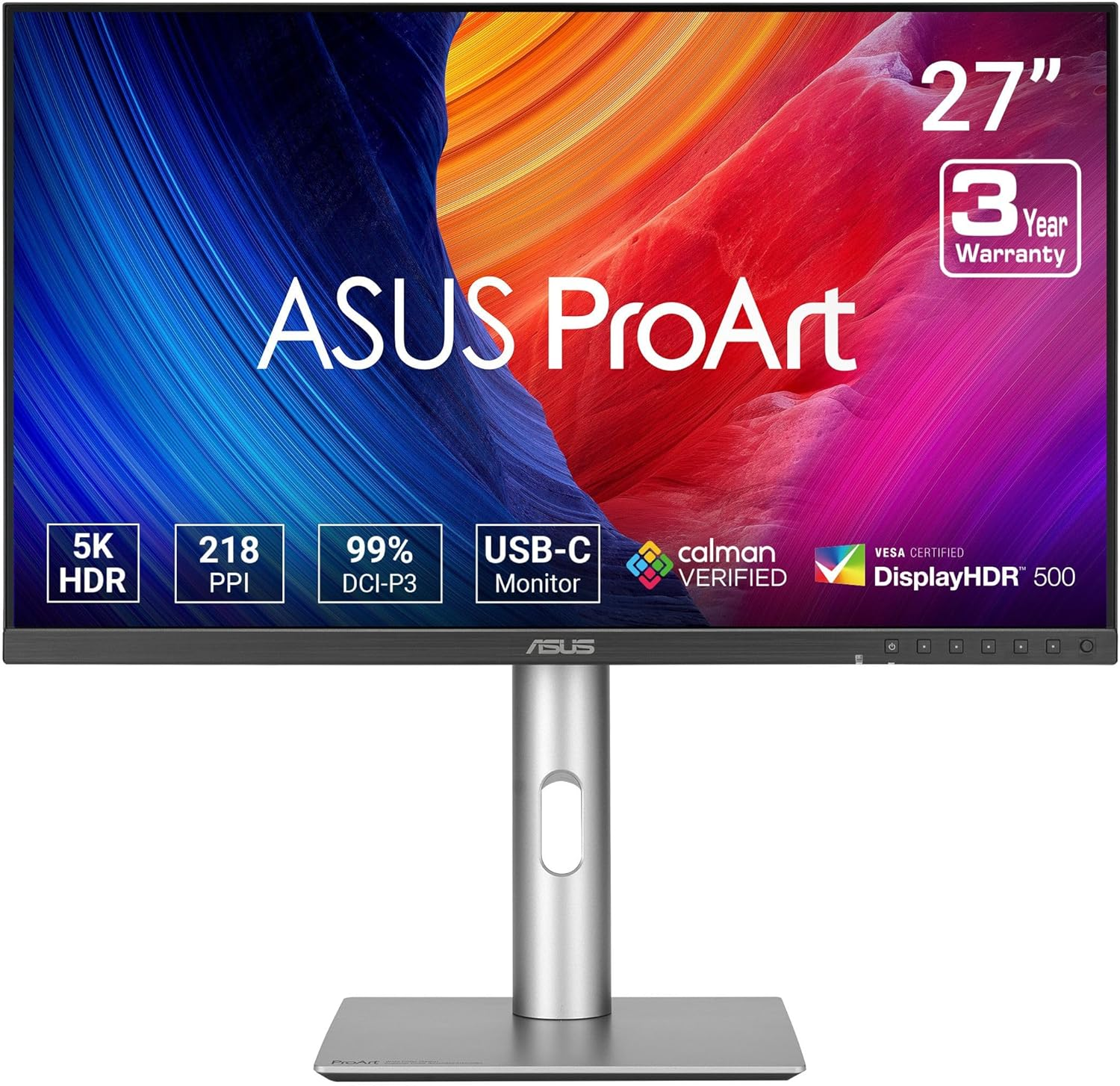
If you’ve ever found yourself squinting at blurred fonts on a standard 4K screen, the Asus ProArt 5K is the fix. Packing 5120 x 2880 into a 27-inch frame hits the 218 PPI "Retina" sweet spot.
Laser-Sharp Rendering: At this density, Windows and macOS run at 2x scaling. The result? Text looks like it was printed on the glass. No more anti-aliasing artifacts.
Professional Calibration: It arrives with a Delta E < 1. If you care about your setup’s color accuracy for side projects or design work, it’s ready out of the box.
The Verdict: It’s arguably the best non-Apple alternative to the Studio Display, offering a better matte finish and a much more adjustable stand for significantly less money.
The Value Disruptor: Samsung ViewFinity S8 (S80UD)
Best For: High-End Specs on a Mid-Range Budget.
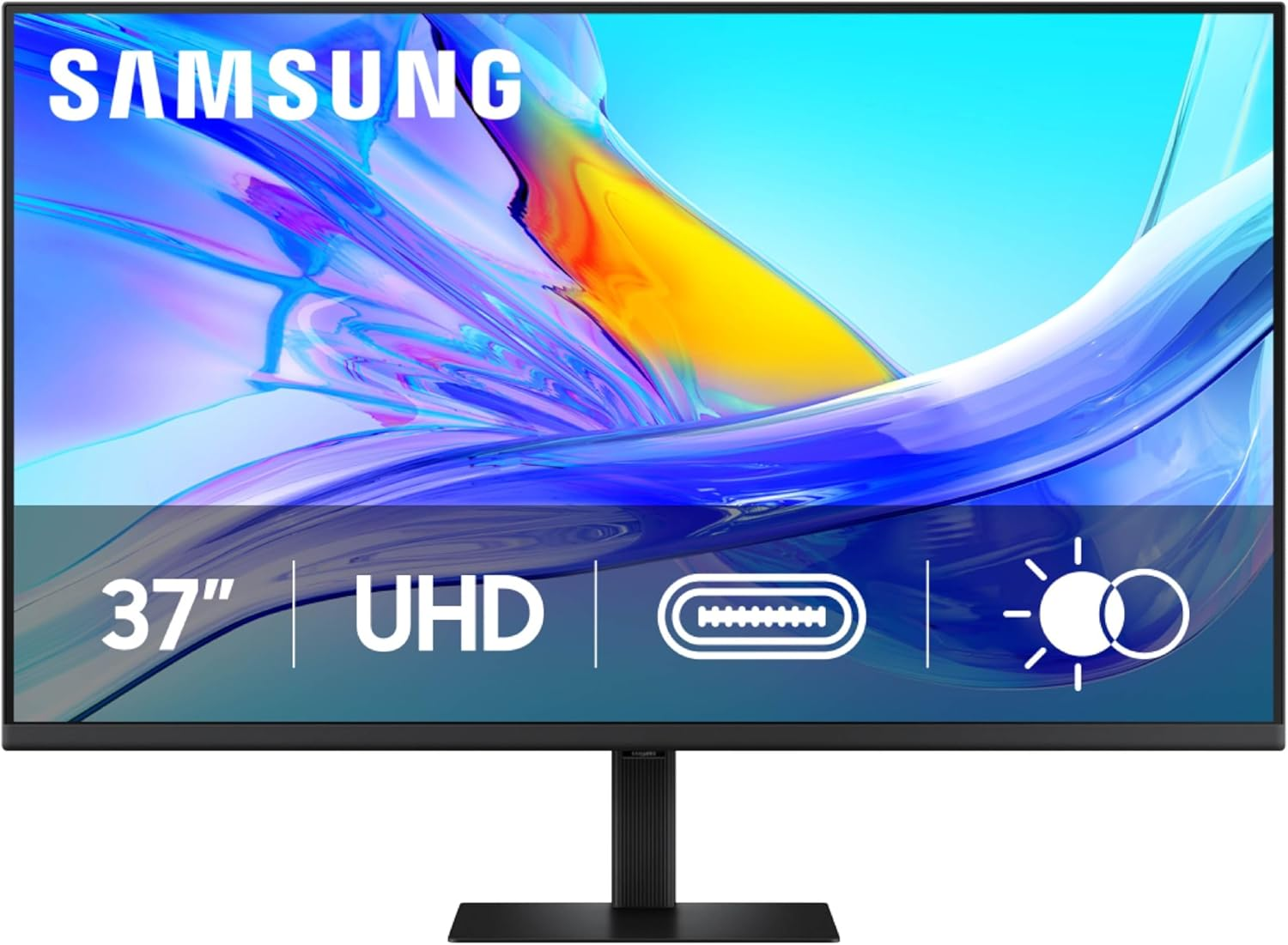
Samsung’s ViewFinity S8 is the "Value King" of 2026. It manages to deliver a professional-grade 4K IPS panel with a glare-free matte finish that feels much more expensive than the price tag suggests.
Connectivity: 90W USB-C charging and an integrated LAN port mean this functions as a full-scale dock for your laptop.
Portrait Mastery: The stand is surprisingly solid, offering a full 90-degree pivot. If you need a vertical secondary screen for Slack, Discord, or documentation, this is an easy win.
The Luxury Pick: Apple Studio Display XDR (2026 Edition)
Best For: The Apple Ecosystem & Aesthetic Setup.
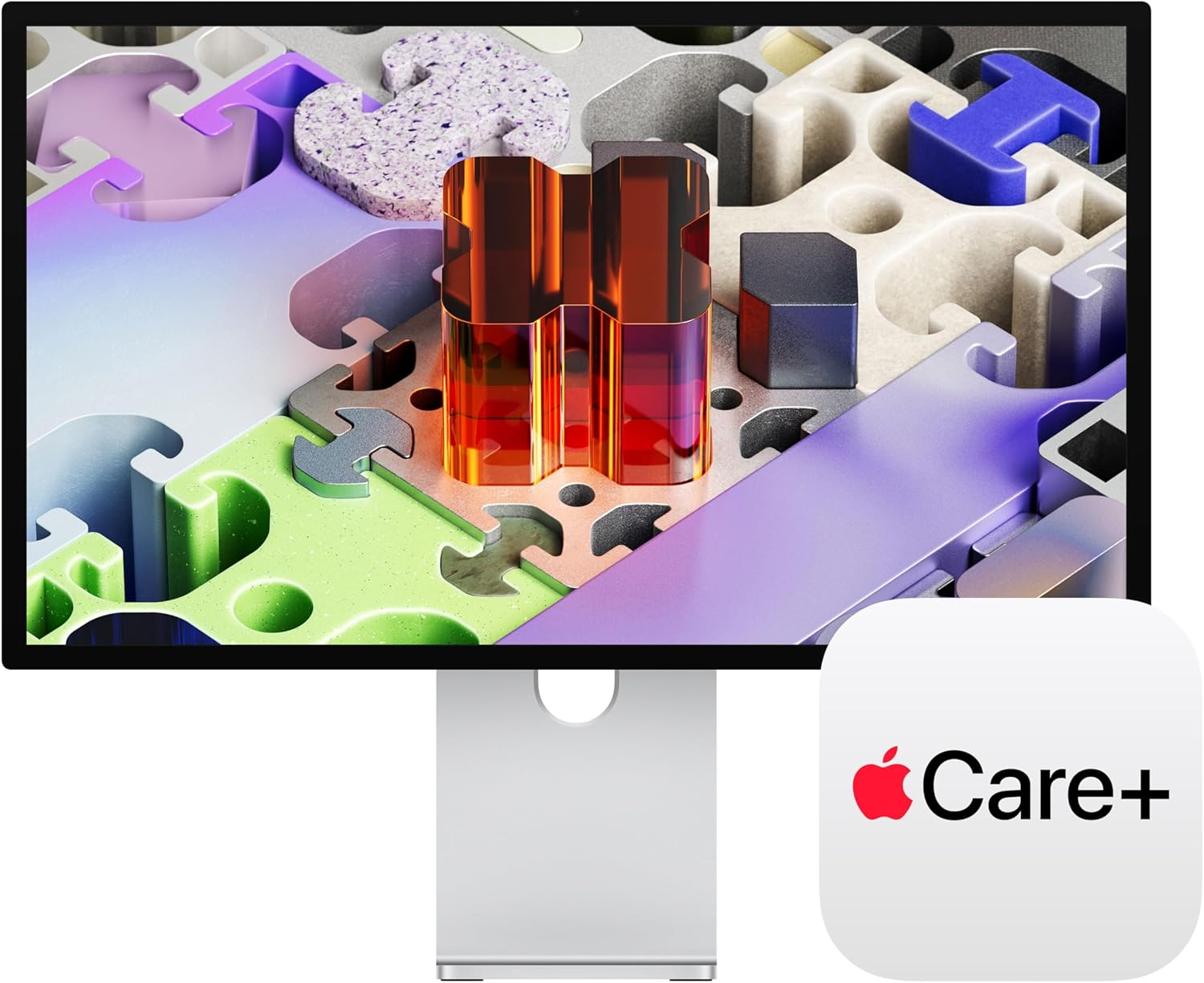
Apple finally brought ProMotion (120Hz) and Mini-LED to the Studio Display.
Mini-LED Precision: The local dimming zones provide deep blacks that rival OLED but maintain the high sustained brightness you need for a sunlit office.
Thunderbolt 5: It’s ready for the next decade of hardware, supporting massive bandwidth for daisy-chaining high-speed storage.
Review Ultra-Detail: What Actually Matters in 2026?
When you’re building out a pro-level setup, ignore the flashy "gaming" marketing. Focus on these three pillars:
1. PPI (Pixels Per Inch)
Pixel density is the secret to eye comfort. Low density makes your brain work harder to "fill in" the gaps in text.
Avoid: 27-inch 1080p (81 PPI) — This is why your eyes hurt.
Target: 27-inch 4K (163 PPI) or 32-inch 4K (140 PPI).
God Tier: 27-inch 5K (218 PPI).
2. IPS Black vs. Standard IPS
If you’ve noticed your screen looks "grey" when the lights are low, that’s IPS Glow. IPS Black (found in the latest Dell and HP Series 7 Pro models) hits a 2000:1 contrast ratio, making long coding sessions in dark mode far more pleasant.
3. Thunderbolt 4 Daisy-Chaining
Look for "Thunderbolt Out" ports. This allows you to plug a second monitor directly into your first one. It’s the easiest way to keep your cable management clean without buying an expensive third-party dock.