
The $90 "Anti-Hunch" Infrastructure: Why the Roost V3 is Still the King of Portable Productivity
Let’s stop pretending that "working from anywhere" is glamorous when you’re hunched over a coffee shop table like a question mark.
If you’re a remote professional, your neck is essentially your "uptime." Once it goes down due to strain, your output drops to zero. I’ve spent years trying to solve the "laptop slouch" with stacks of books, $15 aluminum brackets, and those weird folding origami stands. They all failed for the same reason: they weren't designed for systemic reliability.
The Roost V3 is a weird piece of gear. It’s a skeletal, 6-ounce contraption made of glass-filled nylon that costs nearly $100. It looks like a toy, but it’s actually the most critical piece of infrastructure in my mobile kit.
Quick Verdict (The "Low-Latency" Review)
Best for: Digital nomads, remote engineers, and anyone who treats "eye-level ergonomics" as a non-negotiable.
The Payoff: It lifts your screen up to 12 inches, effectively turning a Starbucks table into a standing desk.
The Trade-off: The price is painful. You are paying for precision engineering and a 10-year design life, not just "a stand."
Bottom Line: If you value your spine more than your wallet, this is the best portable laptop stand for remote workers on the market in 2026.
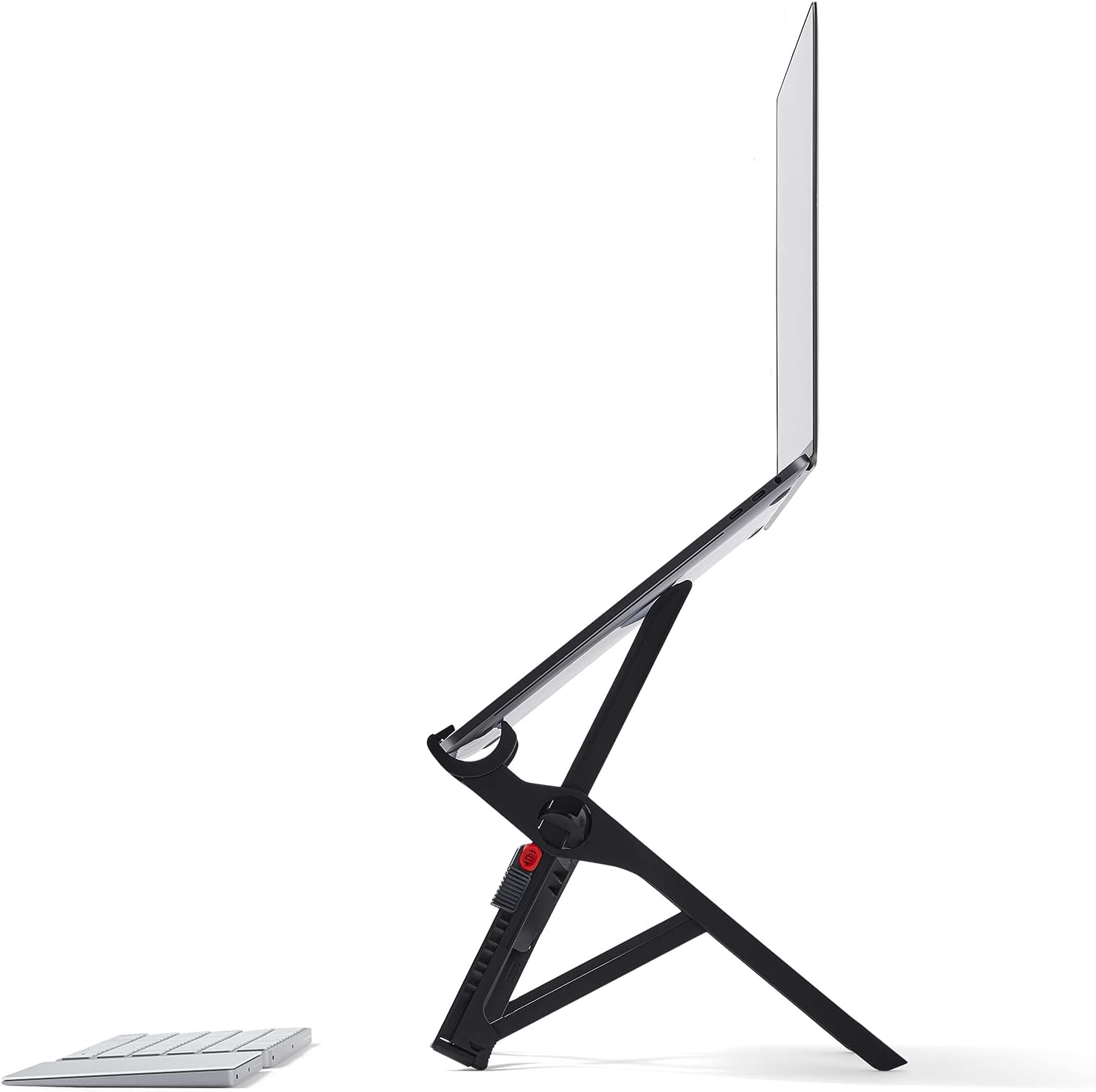
Is the Roost V3 Build Quality Worth the Premium Price Tag?
The first thing you’ll think when you unbox the Roost V3 is: "I paid $90 for this plastic?" But here is the technical reality: it’s not just plastic. It’s glass-filled nylon—a material used in structural automotive parts. Most "portable" stands are either heavy aluminum blocks that add a pound to your bag or flimsy $20 clones that wobble when you type. The Roost stays rigid while weighing only 6.3 oz.
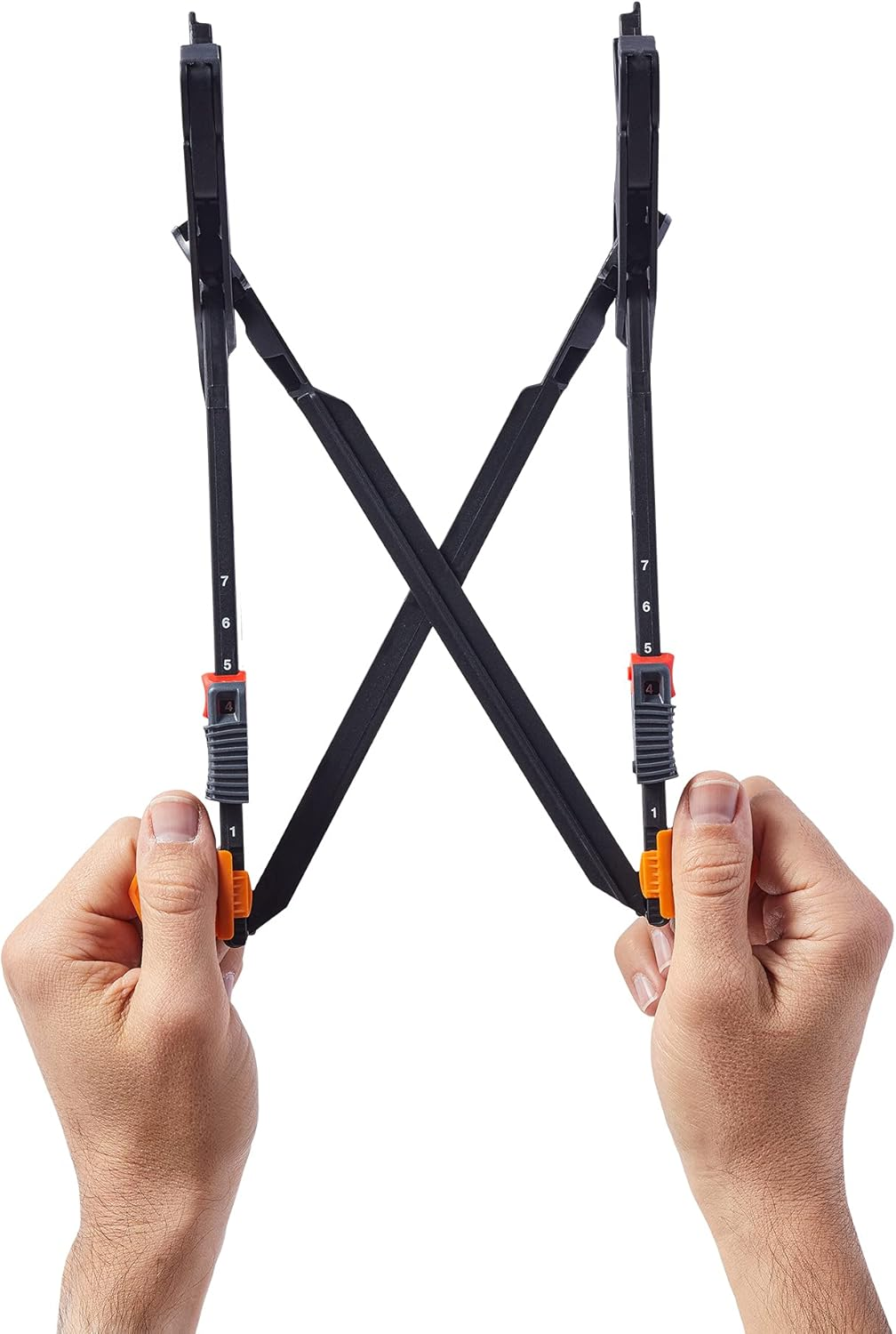
Zero-Latency Setup: I can go from "folded in my bag" to "fully deployed eye-level workstation" in under 5 seconds. If gear is hard to set up, you won’t use it. The Roost removes that friction.
Roost V3 Compatibility: Will It Fit Your MacBook or PC Laptop?
Most portable stands give you one or two height options. The Roost V3 gives you seven.
The Tech: It uses rubberized pivot grips that "latch" onto your laptop’s chassis. Your MacBook isn't just resting on it; it’s locked in.
The Result: Even on a shaky airplane tray or a crowded coworking desk, your screen stays dead-still.
Roost V3 vs Nexstand K2: Which Portable Laptop Stand Should You Buy?
| Feature | Roost V3 | Nexstand K2 (Budget) |
| Type | Ultra-Portable | Generic Folding Stand |
| Weight | 6.3 oz | 8.5 oz |
| Strengths | 7 height levels; fits almost all laptops; high durability. | Cheap; gets the job done. |
| Weakness | Expensive for nylon build; requires external peripherals. | Bulkier; lower quality plastic; wider footprint. |
| Best For | Digital nomads; remote pros; frequent travelers. | Occasional travelers on a budget. |
| Not Ideal For | Permanent desk setups; heavy 17" gaming laptops. | High-end minimalist setups. |
Specs That Actually Matter
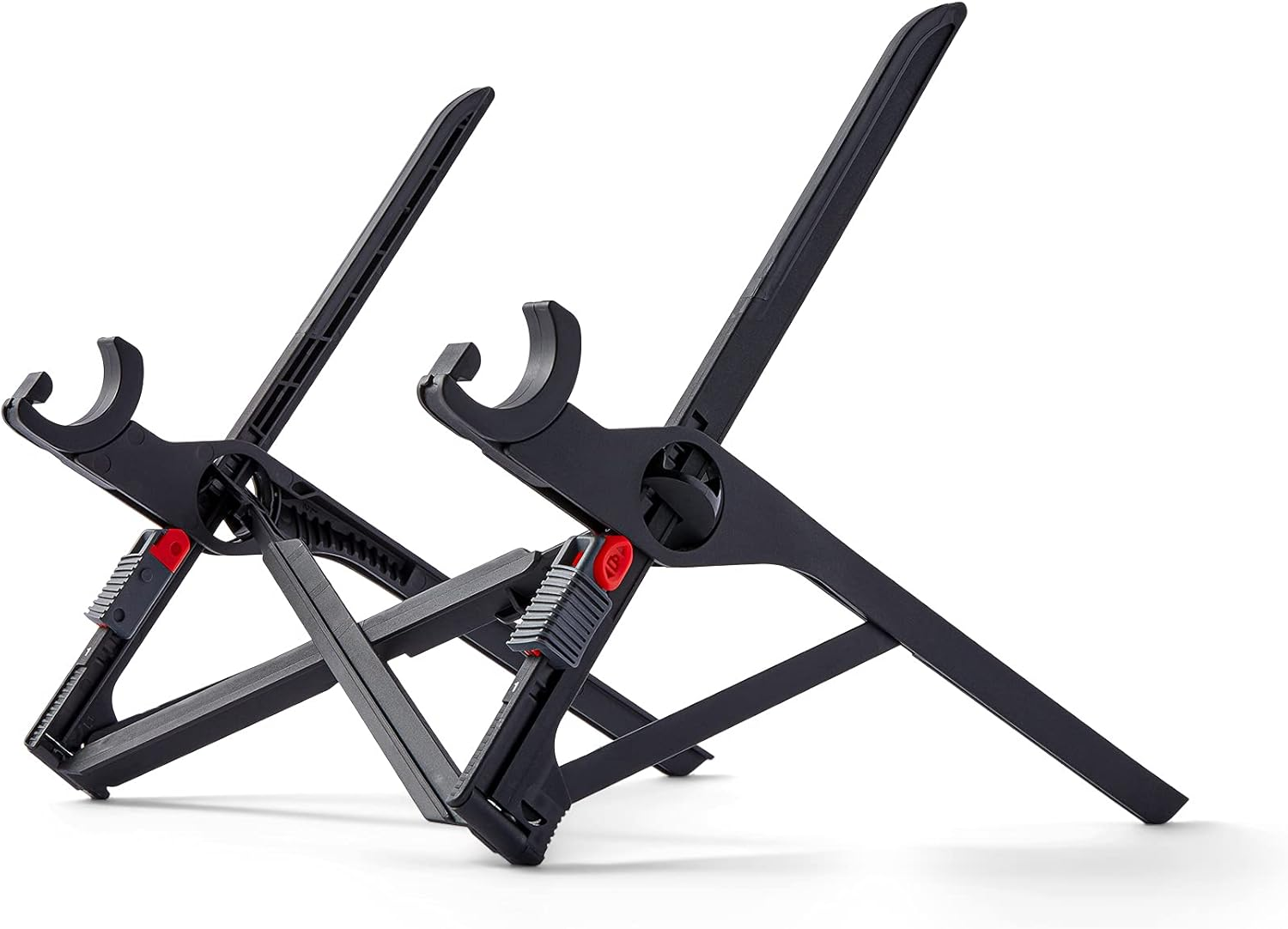
Height Range: 6" to 12" of lift.
Compatibility: Fits almost all laptops (front edge must be < 0.75" thick).
Folded Size: 1" x 1.5" x 13" (Fits in a bottle pocket).
Max Load: Officially holds up to 50 lbs (though I wouldn't test that with a $3k laptop).
The Roost V3 Upgrade Path: What Gear to Buy After Your Laptop Stand
The Roost V3 is step one in a three-part system. If you already have one and want to level up, here is the path:
Upgrade From: Generic aluminum folding stands or stacks of books.
Upgrade To (The Ultimate Workspace): If you're moving from "mobile nomad" to a "permanent home office," you upgrade to an Ergotron LX Monitor Arm with a laptop tray or a WorkFit Sit-Stand Converter.
The "Roost V3 Plus" Path: If you already own the V3 and just want better mobile performance, your next purchase isn't a new stand—it's a NuPhy Air75 V2 mechanical keyboard and a Logitech MX Anywhere 3S. The stand is the foundation; the peripherals are the power.
Trade-offs (The "Technical Debt")
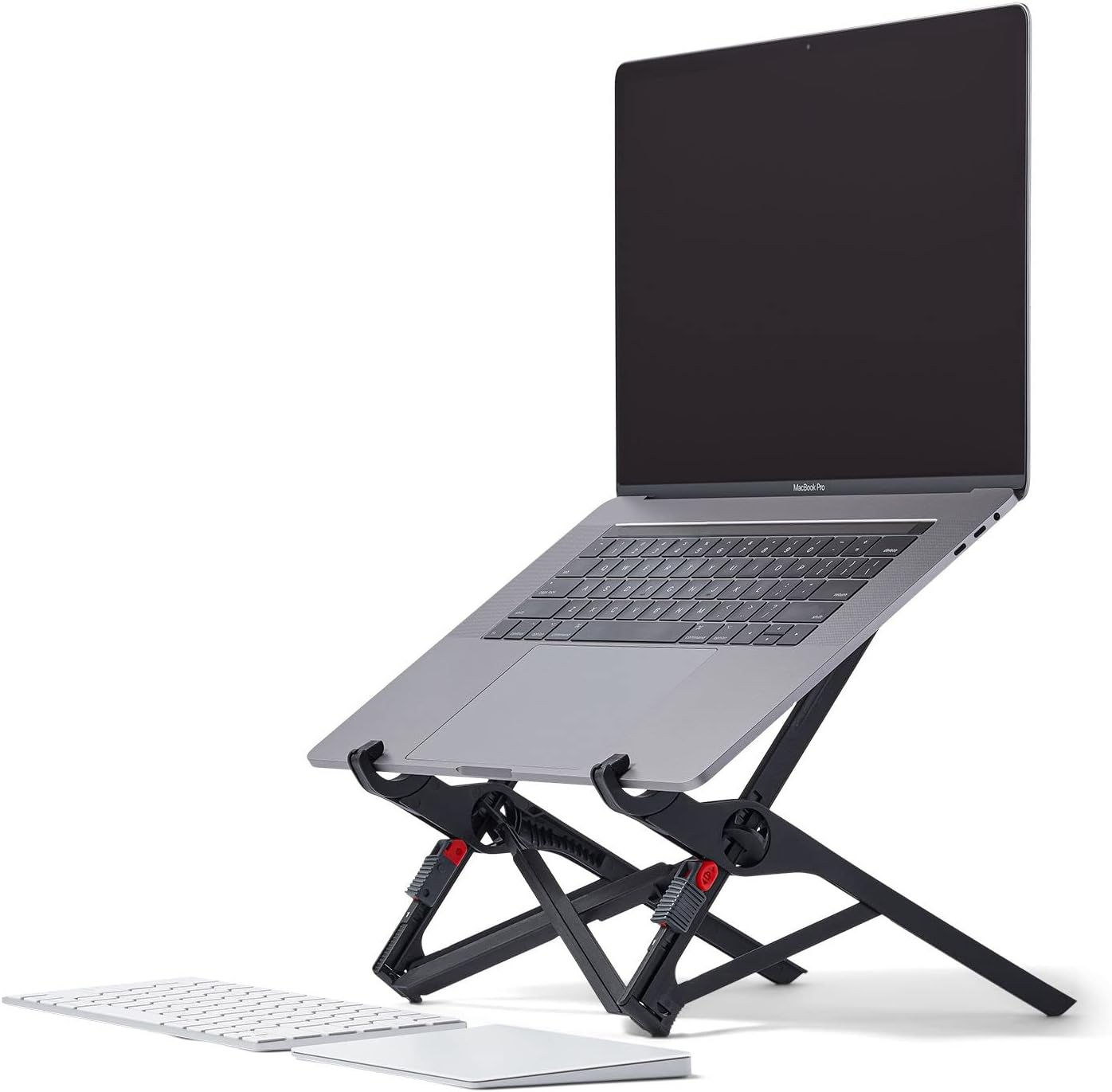
The Peripheral Tax: You cannot type on the laptop keyboard while it's on the Roost. You must carry an external keyboard and mouse.
Adjustment Effort: Switching between the 7 height levels takes a bit of "fiddling" with the plastic tabs. It’s not a one-button click.
Size Limits: While it's strong, giant 17" gaming rigs tend to feel top-heavy. It’s optimized for 13"–16" machines.
Final Verdict: Is the Roost V3 the Best Portable Laptop Stand for Your Desk?
The Roost V3 is a "Buy It For Life" tool. It removes the physical "lag" caused by bad posture and allows you to work longer and sharper. If you're serious about your remote work system, don't skimp on the foundation.
Recommended For You:
Laptop Stand for Productivity: The 2026 Definitive Guide