For the elite professional, a workspace is no longer just a collection of furniture; it is a high-fidelity system designed to eliminate every friction point between thought and execution. In 2026, "premium" is defined by Thunderbolt 5 bandwidth, 5K mini-LED density, and active ergonomic modules that adapt to your physiological state.
When budget is secondary to performance, the goal is to build a "zero-distraction" cockpit. This guide curates the absolute pinnacle of current workspace engineering—tools that function as infrastructure rather than mere accessories.
Quick Verdict: The 2026 Executive "Endgame" Build
Component | The Elite Choice | Why it wins | Est. Investment |
|---|---|---|---|
Primary Display | 5K Mini-LED & 120Hz ProMotion | $3,299 | |
Ergonomic Throne | Targeted sacral & lumbar stabilization | $1,805 | |
Standing Desk | Integrated proprietary power column | $1,269 | |
Input (Keys) | Ortholinear split-concave ergonomics | $479 | |
Input (Mouse) | 20° tilt trackball with quiet clicks | $149 | |
Visual Input | 1/1.2" Sony Starvis 2 large sensor | $299 | |
Audio Sanctuary | AI-powered ClearVoice™ isolation | $649 |
The Visual Anchor: Apple Studio Display XDR
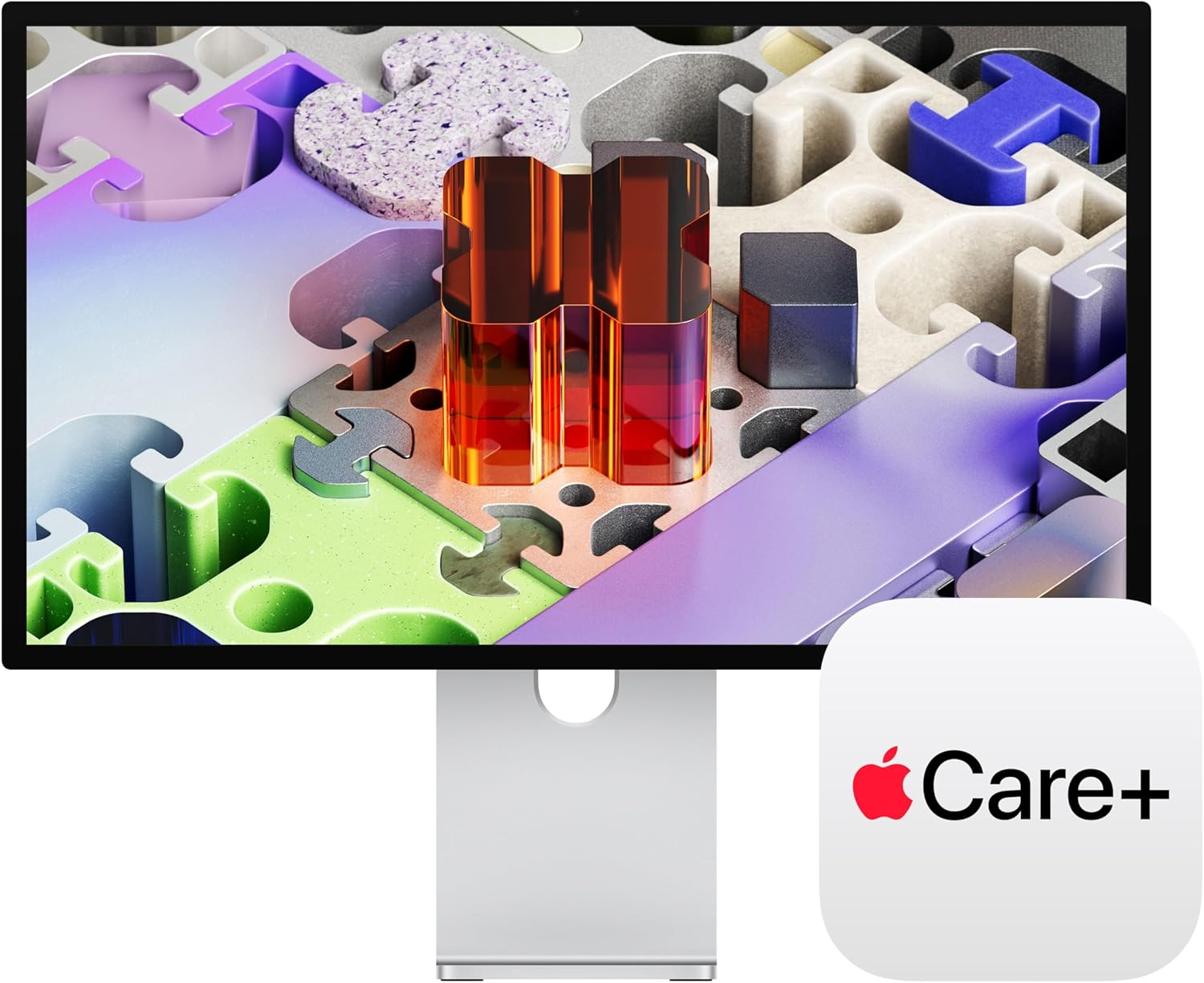
In 2026, the Apple Studio Display XDR has effectively retired the legacy Pro Display XDR for most professionals. It is a 27-inch 5K Retina panel that solves the "glossy vs. matte" debate with elite mini-LED precision.
Mini-LED & ProMotion: With 2,304 local dimming zones and a 120Hz refresh rate, this display eliminates the "ghosting" found on standard IPS panels. For developers and editors, the 2000-nit peak HDR brightness means you are seeing true-to-life contrast.
Thunderbolt 5 Integration: It delivers 140W of host charging, meaning it can fast-charge a high-spec 16-inch workstation laptop while handling 120Gbps of data through a single cable. It’s the ultimate "single-cable" master.
The Biometric Seat: Herman Miller Aeron (PostureFit SL)
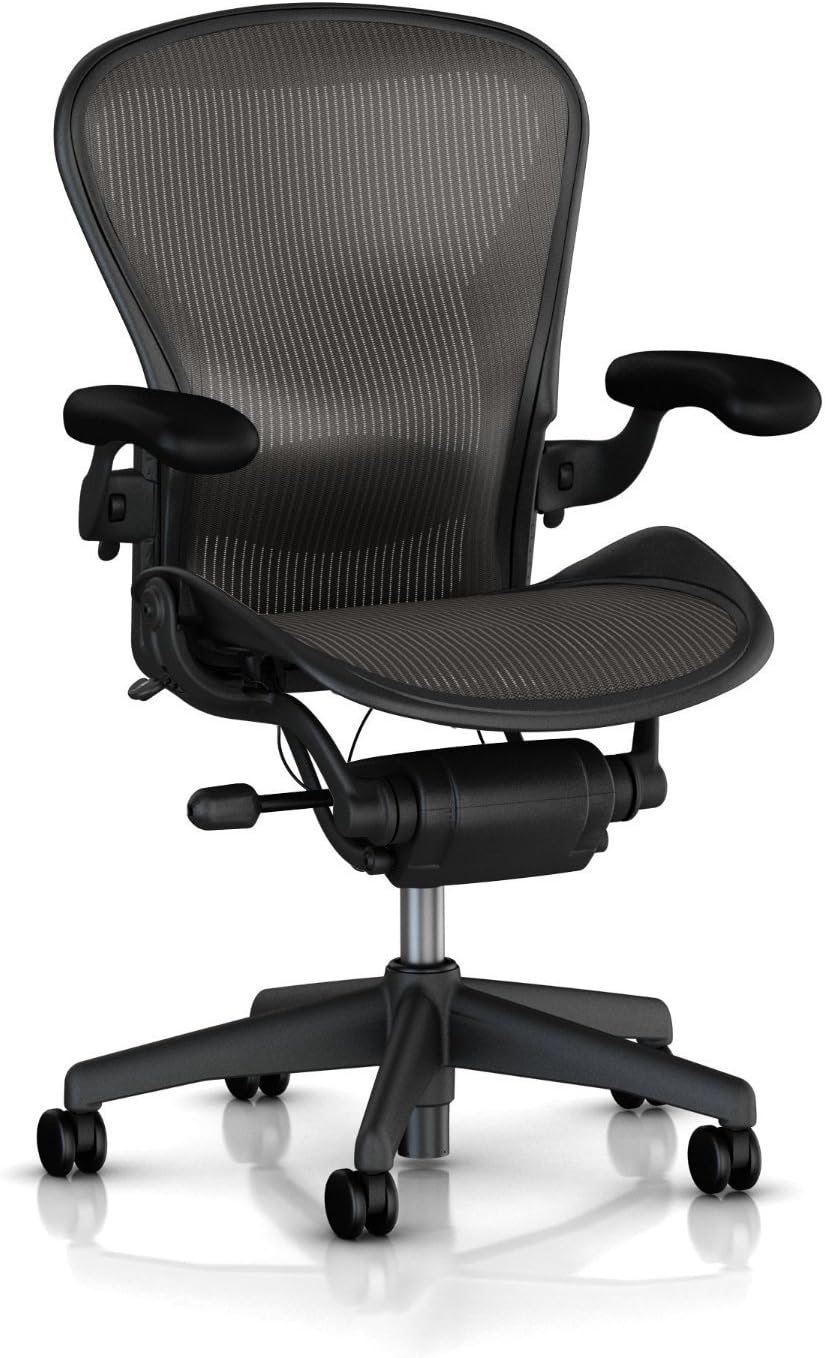
While some prefer the "soft" feel of the Embody, the Aeron with PostureFit SL remains the enthusiast's choice for active, long-duration tasking.
PostureFit SL Technology: This isn't just "lumbar support." It features two adjustable pads that stabilize the sacrum (the base of the spine) while supporting the lumbar curve. It prevents the "pelvic tilt" that causes fatigue during 10-hour sprints.
8Z Pellicle Suspension: The mesh features eight zones of varying tension. It's essentially a suspension system for your body weight, ensuring no pressure points develop while keeping your core temperature neutral.
The Infrastructure: Secretlab Magnus Pro XL
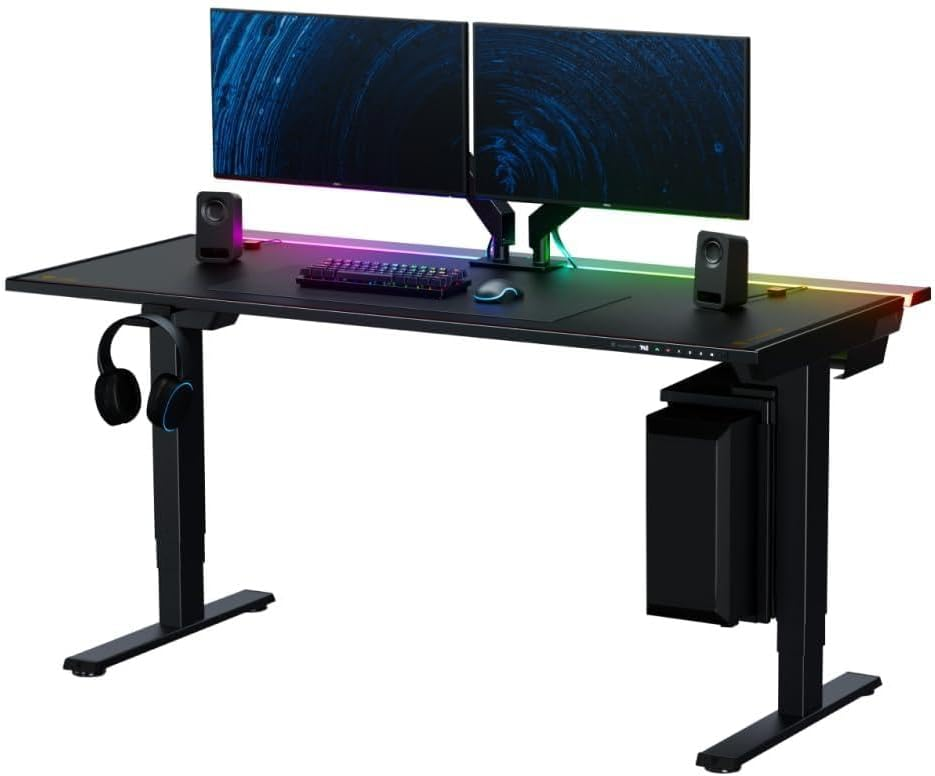
A premium desk isn't just a motorized slab; it is a thermal and cable management system. The Magnus Pro XL treats power like a built-in utility.
Integrated Power Supply Column: One cord goes to the wall. The desk itself then provides power through a hidden, full-length cable gallery.
The "Zero-Wire" Aesthetic: In 2026, the magnetic ecosystem (MagPad, magnetic anchors) has been refined to hide even the bulkiest Thunderbolt 5 power bricks. It is the only desk that looks as clean from the back as it does from the front.
The Input: Kinesis Advantage360 & MX Ergo S
Generic peripherals are a source of "Ergonomic Technical Debt." To build a sustainable system, we move away from traditional staggered layouts.
Kinesis Advantage360
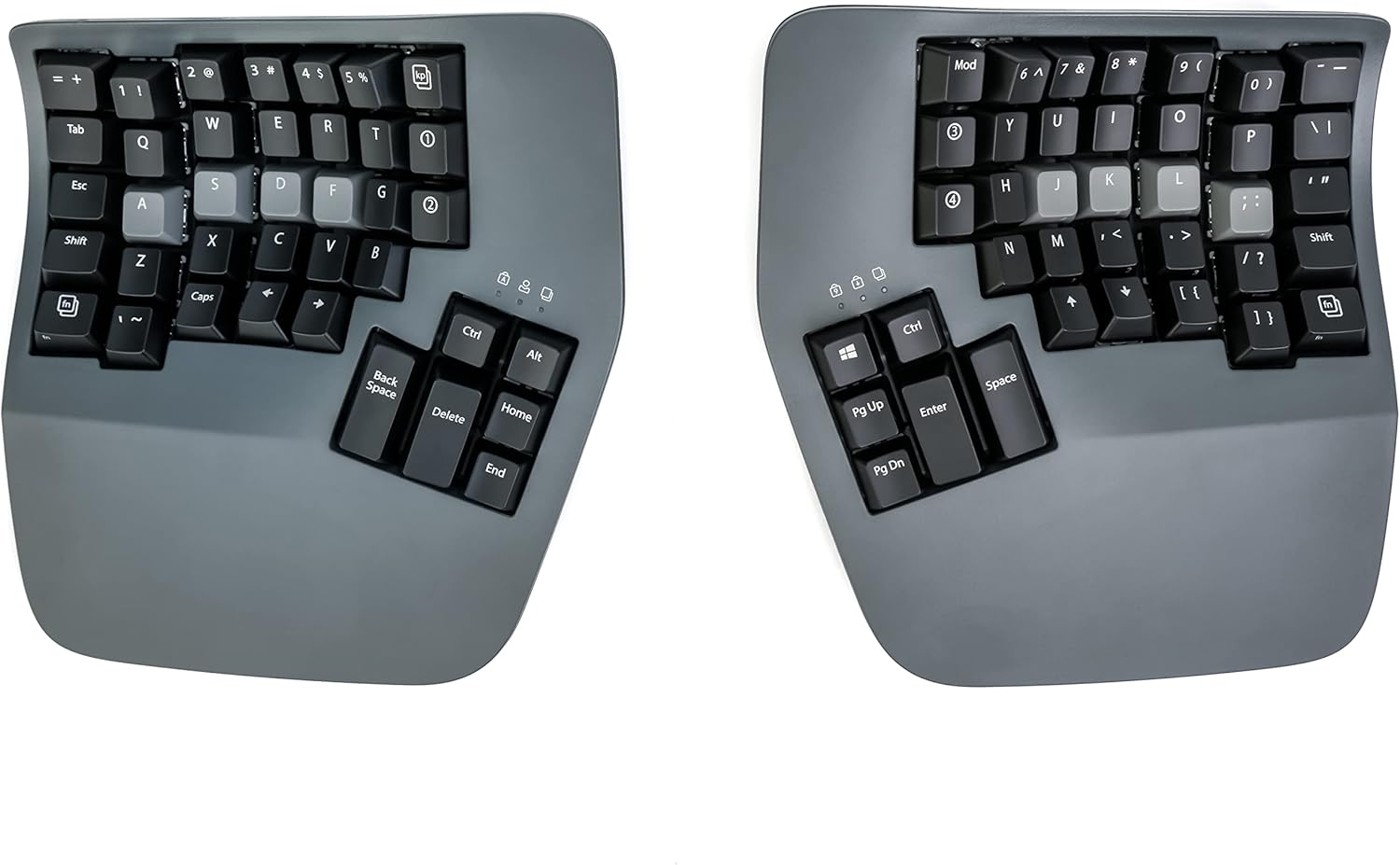
This is the "Endgame" keyboard. It uses a concave keywell design that matches the natural arc of your fingers and a split chassis that allows your shoulders to stay open. It eliminates "Ulnar Deviation" entirely.
Logitech MX Ergo S
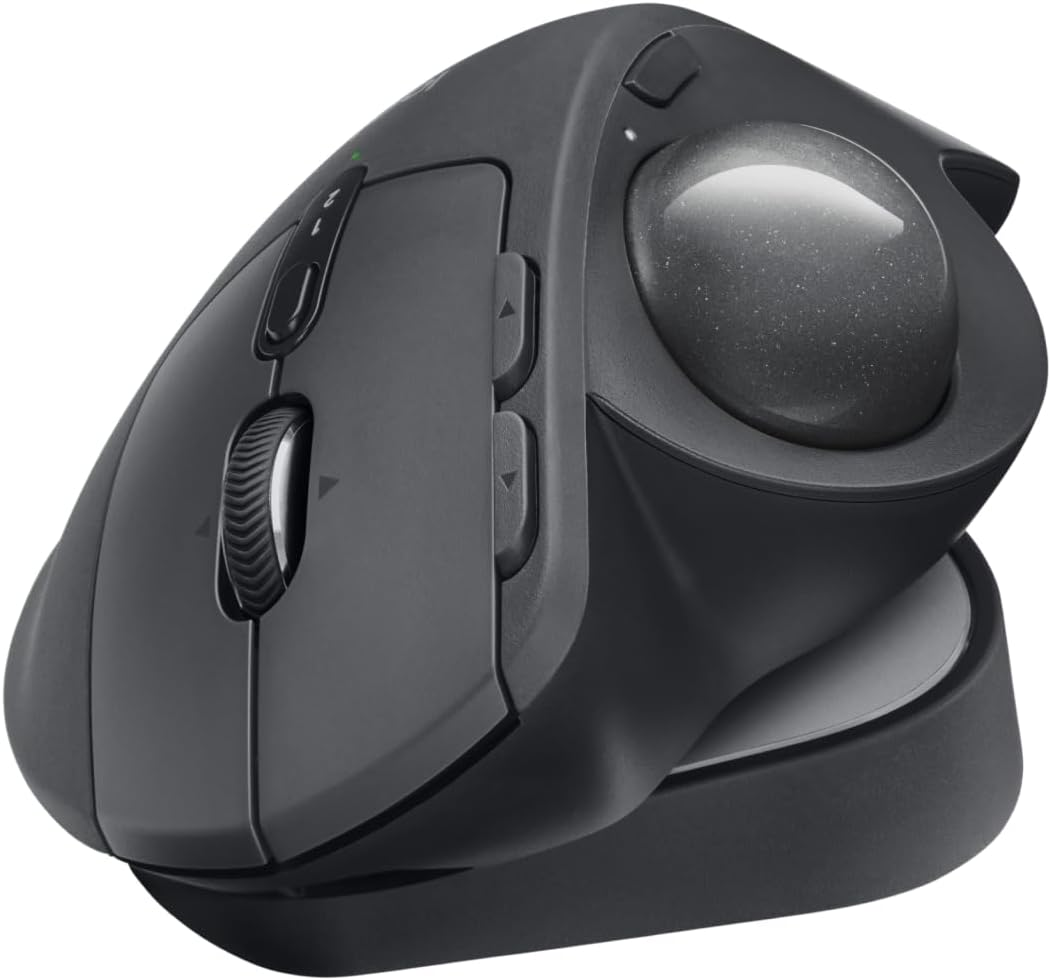
We pair this with the MX Ergo S. The 20-degree tilt reduces forearm muscle strain by 27%. Because it’s a trackball, your wrist never moves, protecting you from carpal tunnel while maintaining high precision for UI work.
The Studio-Grade Stream: Razer Kiyo Pro Ultra
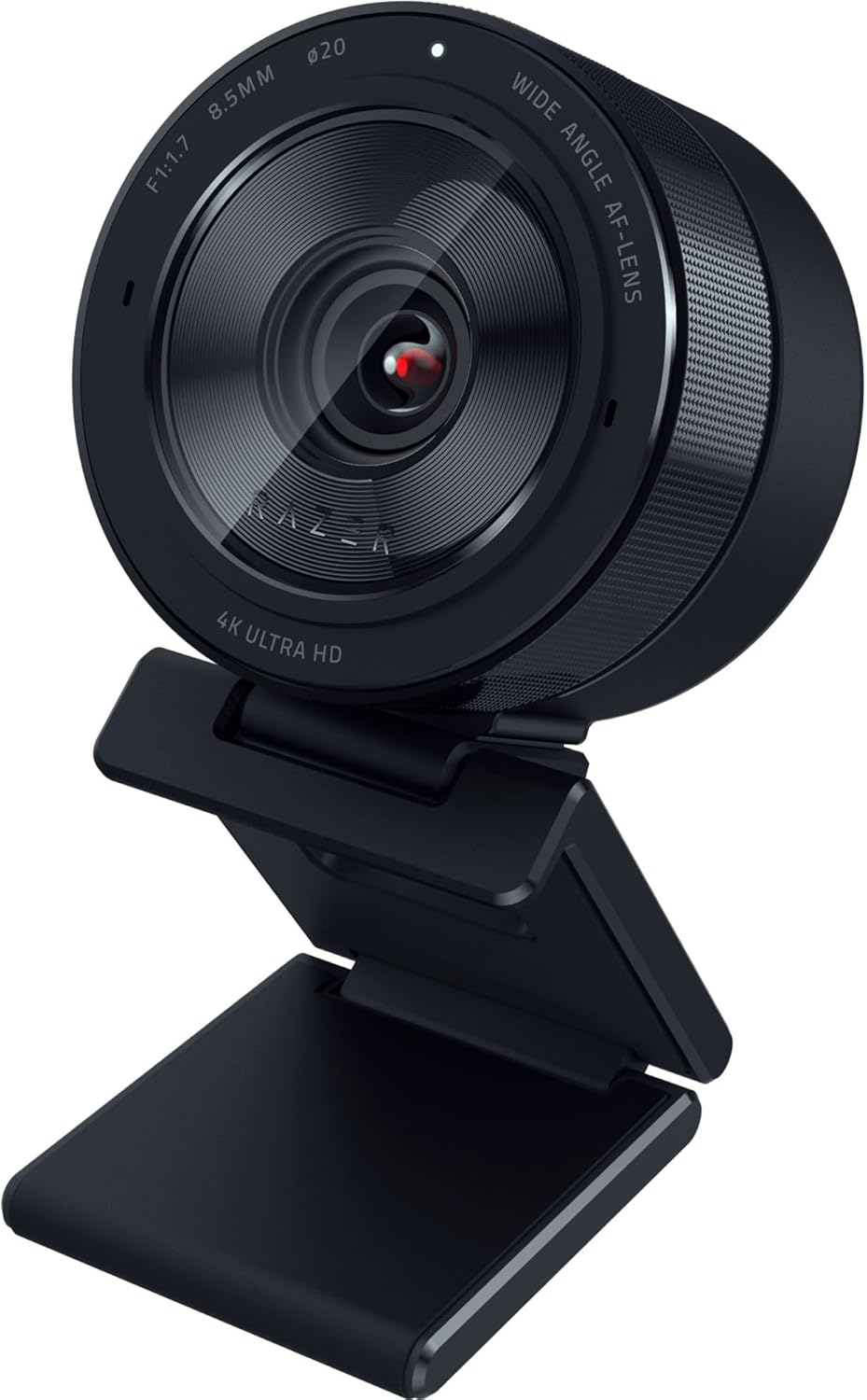
Your video feed is your digital handshake. The Razer Kiyo Pro Ultra features a massive 1/1.2" Sony Starvis 2 sensor, providing DSLR-like quality without the complexity of a mirrorless setup.
Hardware Bokeh: Because the sensor and f/1.7 aperture are so large, you get a natural, creamy background blur that makes "AI blur" look amateurish.
HDR Mastery: It handles extreme lighting—like a window behind you—without turning your face into a shadow.
The Acoustic Fortress: Jabra Evolve3 85
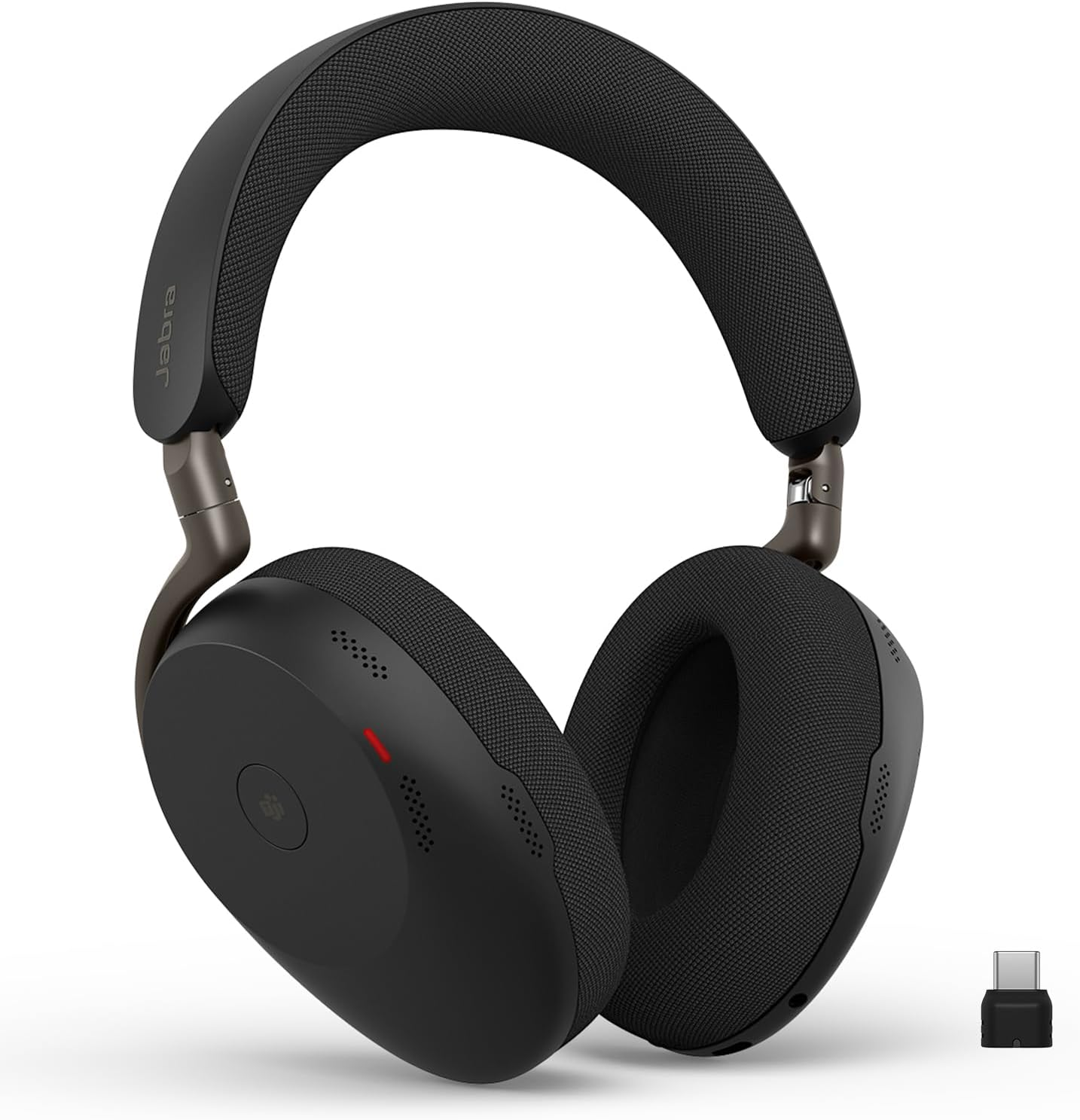
When your environment is loud, the Jabra Evolve3 85 creates a private office through sheer DSP (Digital Signal Processing) power.
ClearVoice™ AI: Uses a deep-learning model trained on 60 million sentences to isolate your voice. It can effectively mute a coffee grinder mid-call while keeping your voice crystal clear.
Spatial Sound: 2026’s enhanced spatial audio "places" meeting participants in a virtual 3D space, which significantly reduces the cognitive load of long conference calls.
Trade-offs: The "Technical Debt" of a Premium Setup
Even at this level, there are trade-offs to consider:
Learning Curve (Kinesis): The Advantage360 will drop your WPM (Words Per Minute) to near-zero for the first week. It is a long-term investment in your health, but it requires a "re-training" period.
Webcam Mounting: The Apple Studio Display XDR has a very thin top bezel. The Razer Kiyo Pro Ultra is a heavy unit; you may want a dedicated desk-mounted arm (like the Elgato Master Mount) rather than resting it on the monitor.
The "Aeron Lock": The Aeron is a "tasking" chair. It doesn't allow for sitting cross-legged or lounging like the Embody. It is a tool for work, not for naps.
Who is this for?
The Elite Developer: Who needs maximum screen real estate and zero ergonomic friction.
The Executive: Who requires a "zero-mess" environment and studio-quality video for high-stakes calls.
The Health-Conscious Professional: Who views their desk as an investment in preventing long-term physical strain.