The "Economy of Performance" Strategy
There’s a persistent myth in the productivity community: that a "professional" setup requires a $5,000 entry fee for Herman Miller seating and Apple-branded displays. In 2026, that gap has narrowed into a sliver. If you understand system optimization, you can build a workspace that delivers 90% of the elite experience for roughly 20% of the capital.
A high-performance budget setup isn't about buying the cheapest items available. It’s about strategic spending on the "biological touchpoints"—your spine, your wrists, and your eyes. Here is the 2026 "Economy" build that outclasses most mid-range corporate offices.
The 2026 Budget Powerhouse Build (Audit & Specs)
| Component | The Budget King | Why it Wins | Est. Price |
| Standing Desk | FlexiSpot EN2 | 3-stage stability & bamboo value | $220 |
| Ergonomic Chair | Logicfox Ergonomic Pro | 10H comfort & 3D armrests | $320 |
| Monitor | ASUS ProArt PA279CRV | 4K Color Accuracy & 96W PD | $399 |
| Mechanical Keyboard | Keychron C3 Pro | Gasket mount "thock" for $50 | $55 |
| Productivity Mouse | Logitech M720 Triathlon | 3-device switching & infinite scroll | $45 |
The Foundation: FlexiSpot EN2 (3-Stage Edition)
Best For: Budget-Premium Seekers.
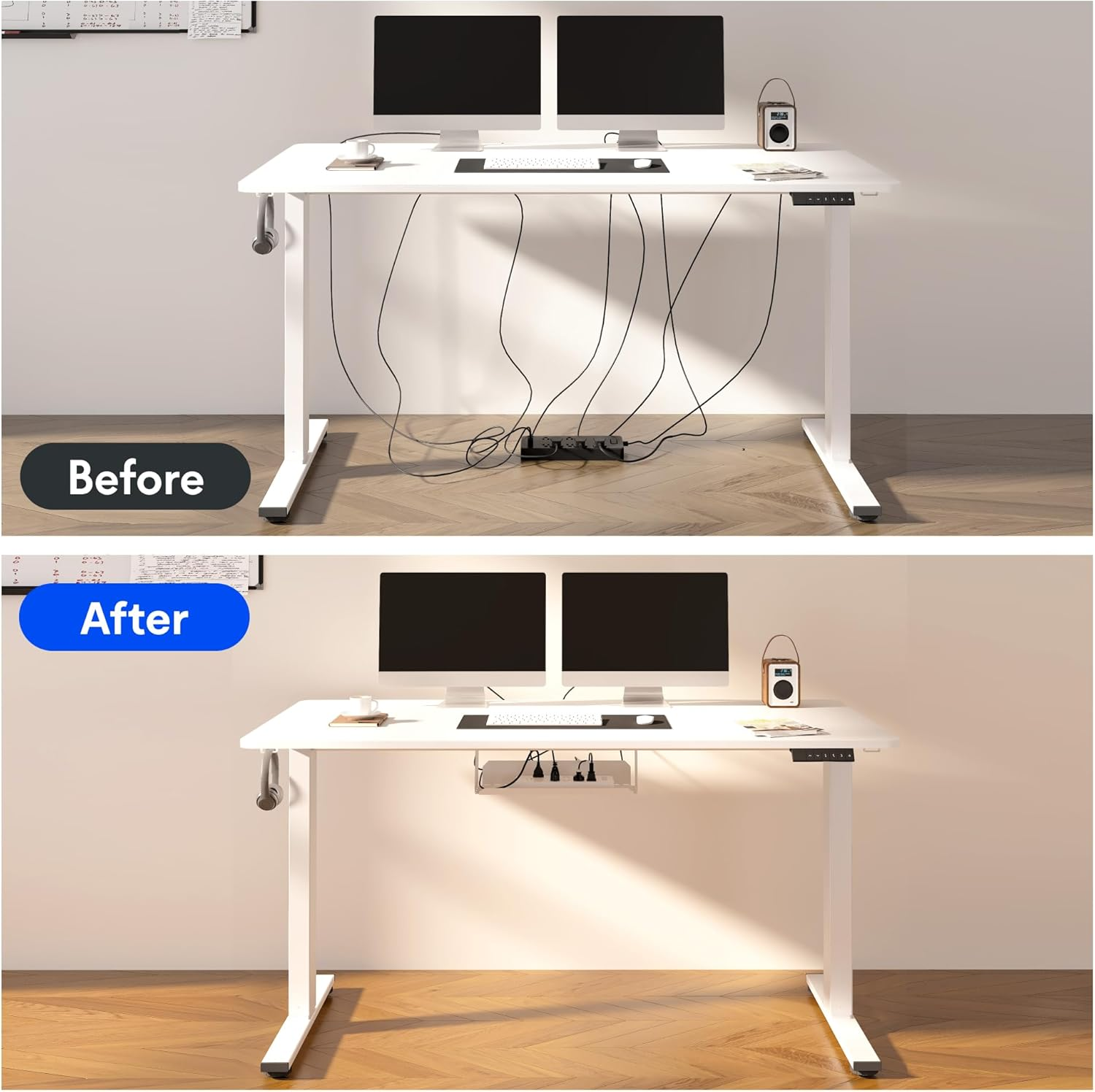
The FlexiSpot EN2 has effectively replaced the older E2 series by offering a whole-piece desktop and a significantly quieter motor system. For the enthusiast, the "whole-piece" top is a major upgrade—it eliminates the unsightly seam found on cheaper, split-top budget desks.
Performance ROI: While it has a lower weight capacity (176 lbs) than the heavy-duty Elite models, it’s more than sufficient for a single 27-inch monitor and a laptop setup.
Stability Trade-off: At sitting heights, it’s an anchor. At maximum extension, you’ll encounter some lateral sway if you’re a heavy typist.
Upgrade Path: If your gear list grows to include heavy PC towers or triple-monitor arms, you’ll eventually want to scale up to the ApexDesk Elite Pro.
The Spine Anchor: Logicfox Ergonomic Pro
Best For: Long-Hour Professionals (8-10H Sessions).
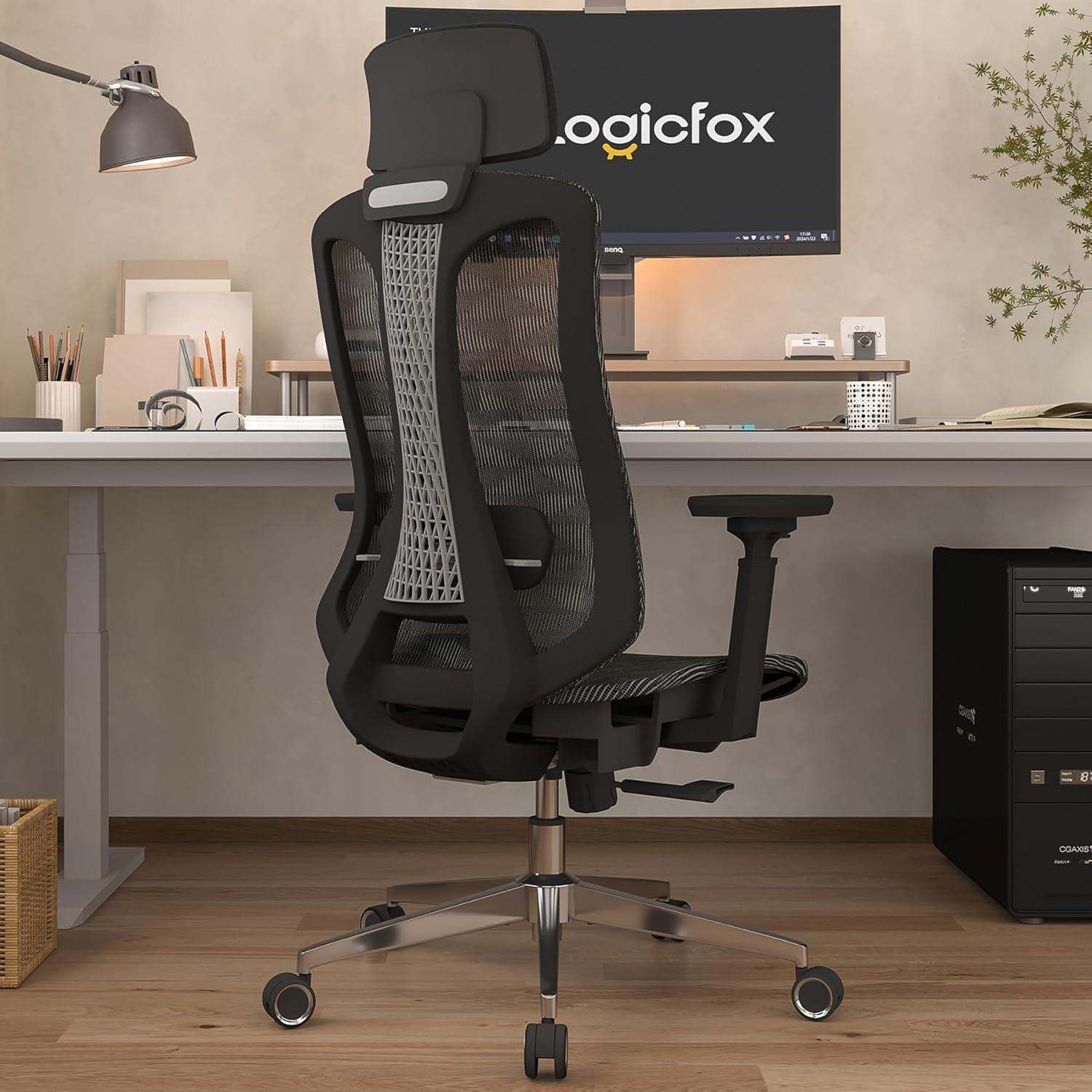
Most budget chairs are just foam slabs that bottom out in six months. The Logicfox Ergonomic Pro is different. It utilizes a high-tensile, breathable mesh that maintains its elasticity over long durations.
Review Ultra-Detail: The 3D armrests are the hero feature here. Being able to adjust height, depth, and angle is critical for maintaining the "90-degree elbow rule" to prevent carpal tunnel.
Contextual Truth: The mesh is firm. If you prefer a "sink-in" couch feel, you’ll hate this. But if you value posture correction and heat dissipation during a 10-hour coding sprint, it’s elite.
Upgrade Path: This is your "bridge" chair. Use it until you’re ready to invest $1,500 in a Herman Miller Aeron.
The Visual Interface: ASUS ProArt PA279CRV
Best For: Color-Critical Work & Mac Users.
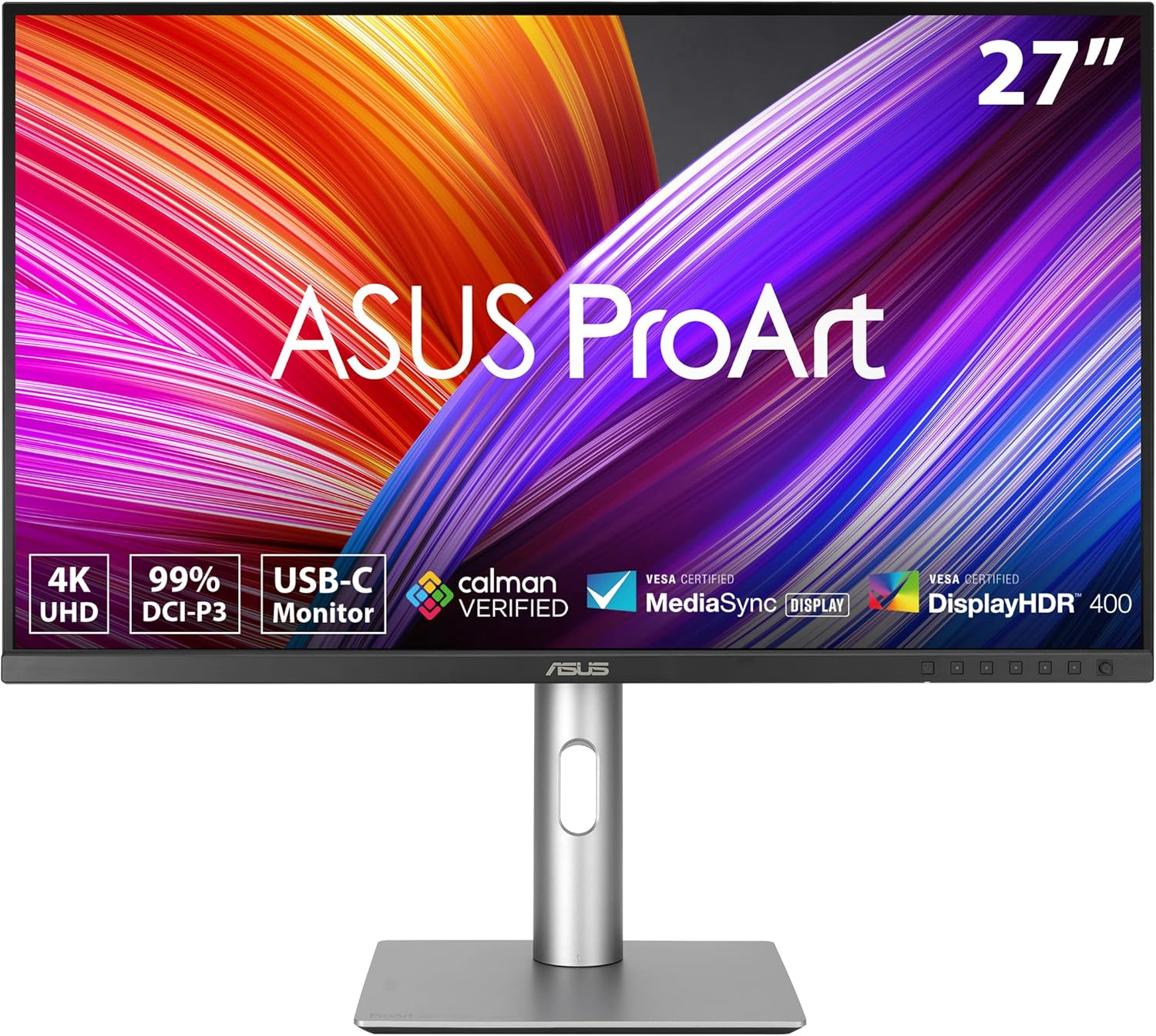
This is where we suggest breaking the "budget" rules. Your monitor is the most important component for reducing mental fatigue. The PA279CRV is a 4K, Calman Verified powerhouse that offers 99% DCI-P3 color coverage.
The Single-Cable Dream: It provides 96W Power Delivery via USB-C. This means one cable charges your MacBook Pro and carries the 4K video signal. It deletes the need for an expensive dock.
Trade-off: It is limited to 60Hz. If you’re a gamer, you’ll notice the lack of smoothness. But for text clarity and color accuracy, it rivals screens twice its price.
Tactical Inputs: Keychron C3 Pro & Logitech M720
The "Touchpoint" Duo.
Keychron C3 Pro
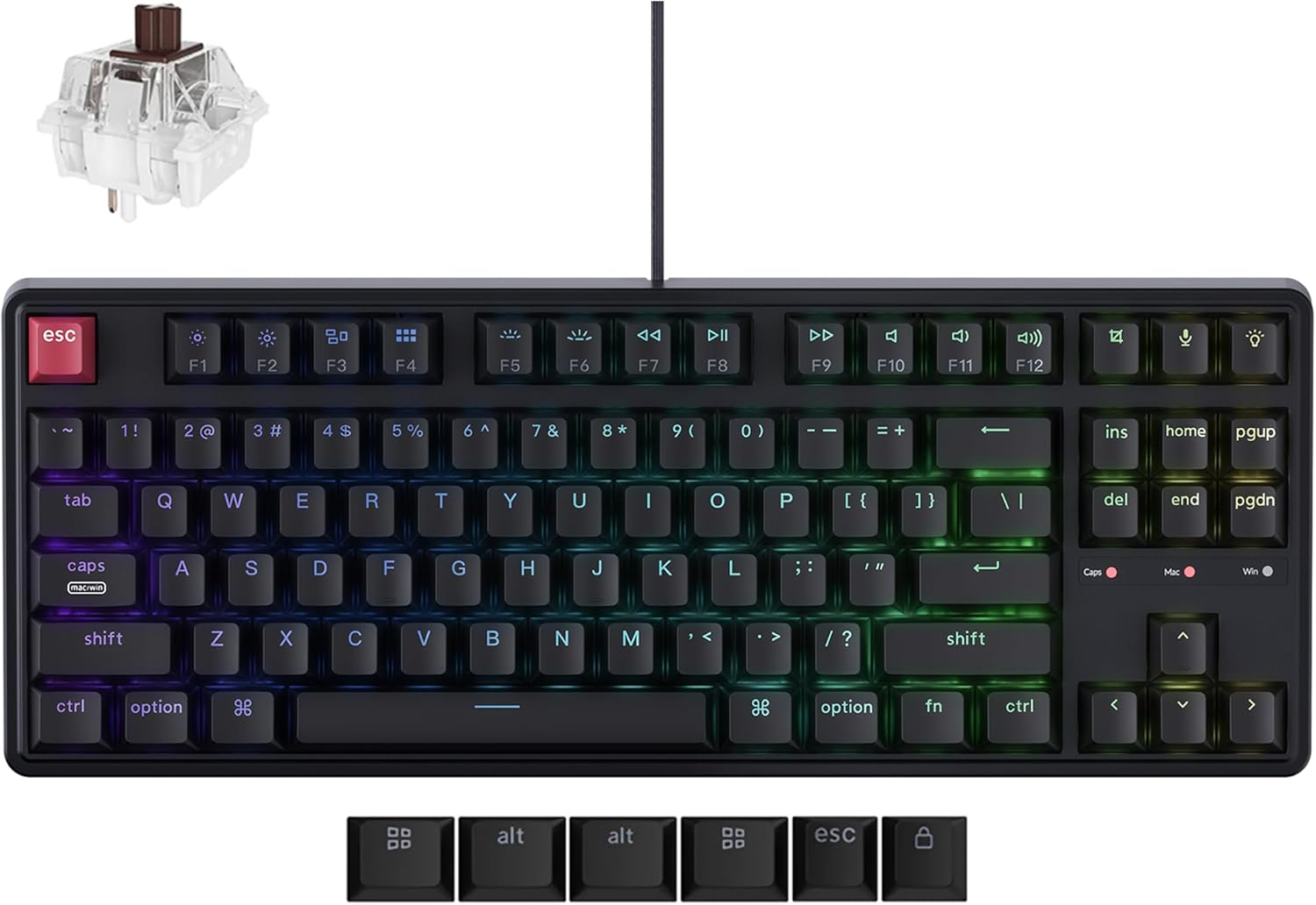
This keyboard has killed the "office membrane" market. It uses a gasket mount—a feature usually found in $200 custom boards—to provide a dampened, "thocky" typing sound. It is wired-only, which is the trade-off for such high build quality at $50.
Logitech M720 Triathlon
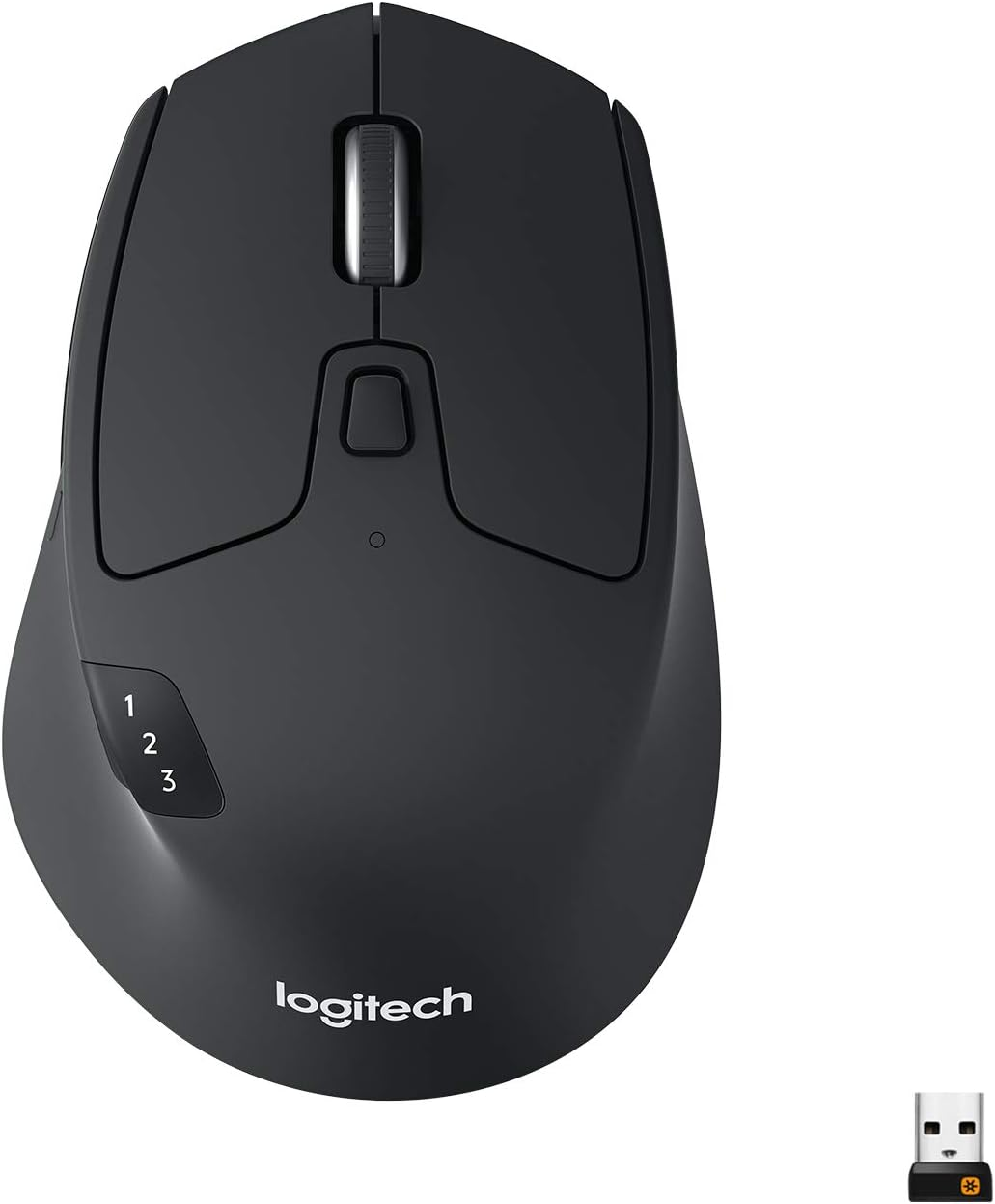
If you can’t justify $100 for an MX Master 3S, the M720 is the only choice. It offers the infinite scroll wheel (essential for long spreadsheets) and can switch between three devices (Mac, PC, Tablet) with one button.
Enthusiast Analysis: Where to Cut Corners (and Where Not To)
Building a system on a budget requires discipline. Here is the Productivity Lab logic:
Don't Pay for "Gaming" Branding: RGB lights add zero to your WPM. If a keyboard is $10 cheaper because it doesn't glow, take that $10 and put it toward a better chair cylinder or a monitor light bar.
Cable Management DIY: Avoid expensive $50 proprietary trays. Use $2 Velcro ties and a basic power strip holder. The FlexiSpot EN2 has a clean enough underside that you can achieve a "floating" look for the price of a coffee.
The "Input First" Rule: If you have to choose between a better desk and a better keyboard, buy the keyboard. You touch the keys 10,000 times a day; you only touch the desk height controller twice.
The Verdict: Your Upgrade Path
Buy the FlexiSpot EN2 if: You want a motorized, eco-friendly start that looks professional.
Buy the ASUS ProArt if: You value text clarity and want to stop the 3 PM headaches.
Buy the Logicfox if: Your current "gaming chair" is killing your lower back.