
In the world of desk setups, we often obsess over the "flashy" hardware—the 4K OLED panels, the custom mechanical keyboards, and the high-end audio interfaces. But as any senior engineer knows, a system is only as reliable as its weakest point of failure.
For many, that failure point is a $30 monitor arm that wobbles every time you type or sags under the weight of a premium display.
I’ve spent the last decade debugging my workspace environment, and I’ve learned that monitor arms aren't "accessories"—they are infrastructure. After cycling through three "budget-friendly" mounts that ended up in the scrap heap, I finally invested in the Ergotron LX.
Here is the analytical breakdown of why this polished aluminum arm remains the "Endgame" choice for enthusiasts and why your biological CPU (your neck and eyes) needs this upgrade.
1. The Specs: Heavy-Duty Engineering
Weight Capacity: 7 to 25 lbs (3.2 to 11.3 kg)
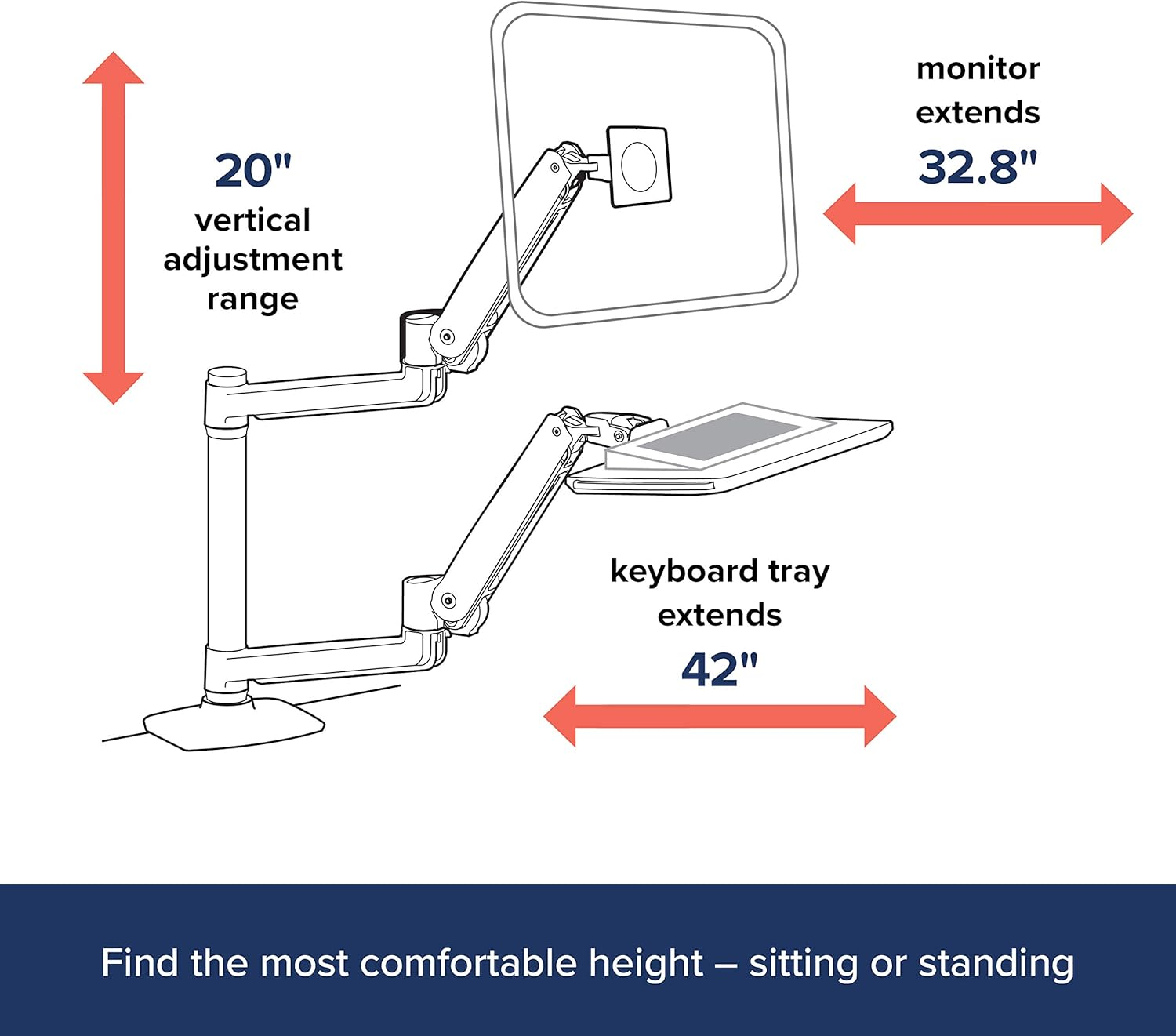
Lift Range: 13 inches (33 cm) of vertical adjustment
Tilt & Pan: 75° tilt (backwards/forwards) and 360° pan
Rotation: 360° for portrait/landscape orientation
Reach: Up to 25 inches (64 cm) of horizontal extension
Warranty: 10-Year industry-leading coverage
2. Build Quality: Polished Aluminum vs. Hollow Steel
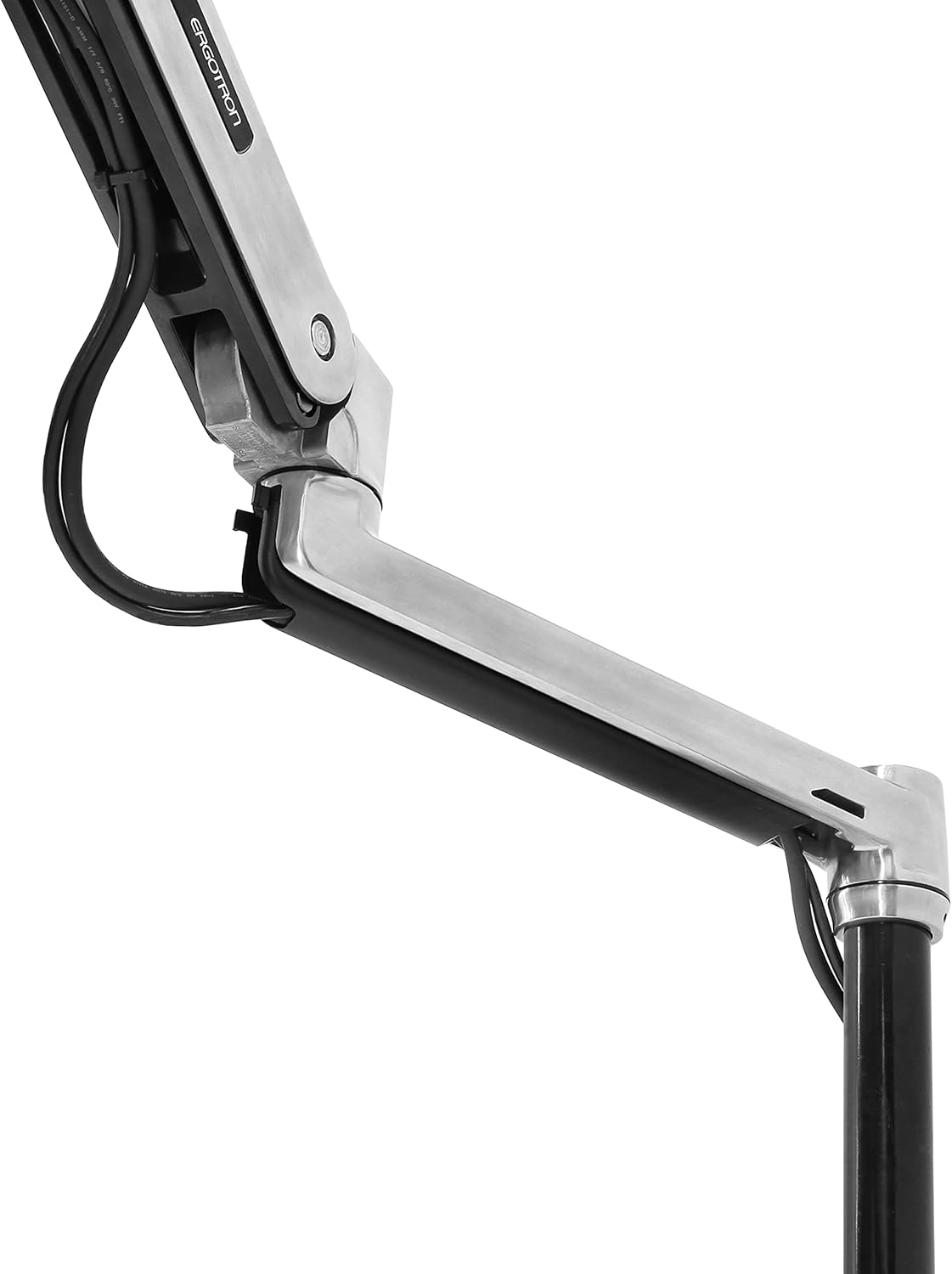
The first thing you notice when unboxing the LX is the mass. Most "budget king" arms use hollow, thin-walled steel that flexes under tension. The Ergotron LX uses polished aluminum and structural steel.
The "Vibration" Test: Cheap arms act like tuning forks; when you hit a key on your mechanical keyboard, the monitor vibrates. The LX uses patented Constant Force™ technology, which provides a dampened, hydraulic feel. It doesn't just hold the monitor; it grounds it. This micro-stability is the secret to reducing eye fatigue over a 10-hour shift.
3. The "Buy It For Life" Warranty
In a market flooded with 1-year limited warranties, Ergotron offers a 10-year warranty. They have tested this arm through a 10,000-cycle motion test to ensure years of trouble-free adjustment.
From an ROI perspective, if you buy one $200 Ergotron LX that lasts 10–15 years, you are actually spending less than the person who replaces their $50 "Amazon special" every three years because the spring tension failed or the clamp stripped.
4. The "Amazon Basics" Elephant in the Room
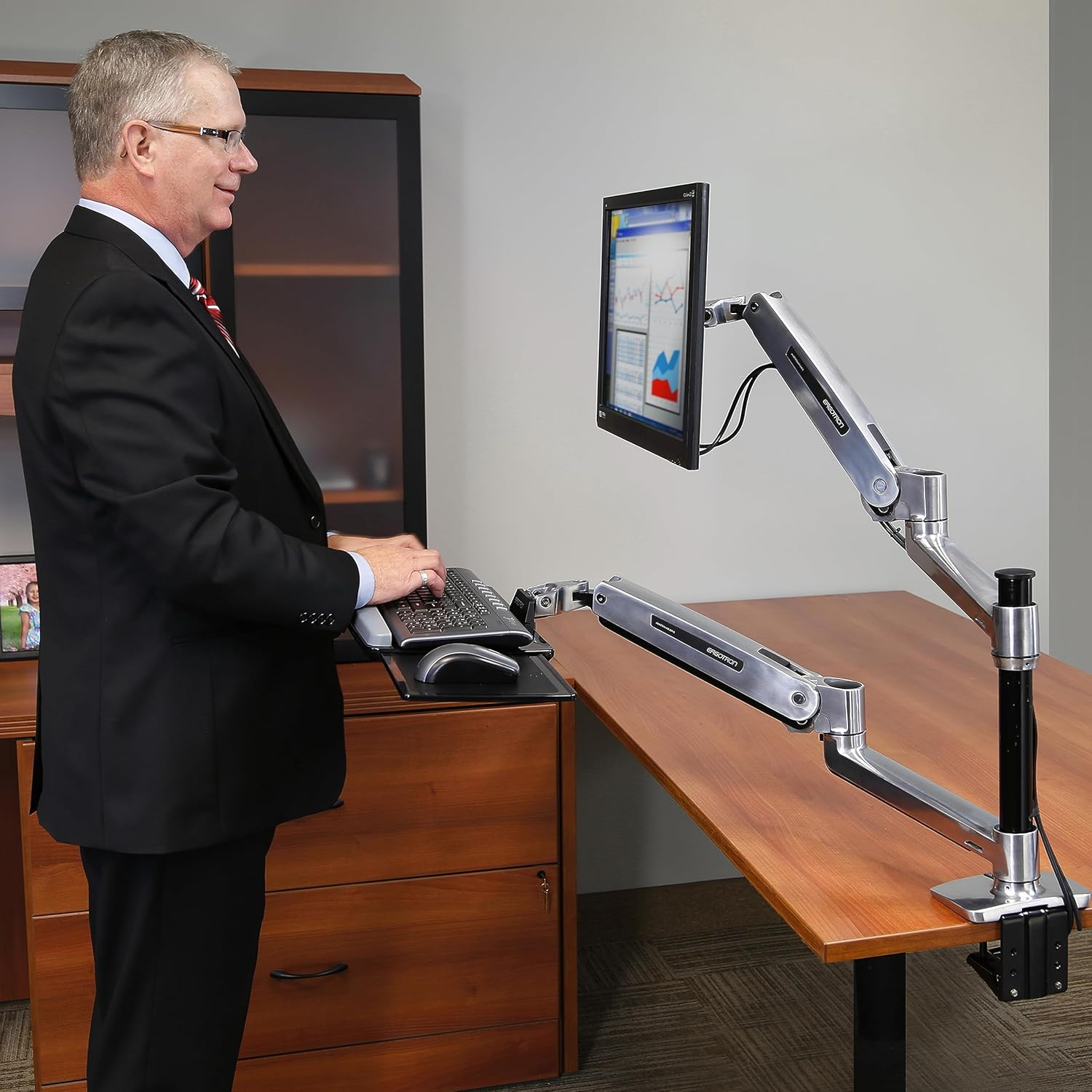
It’s the worst-kept secret in the setup community: the Amazon Basics Premium Monitor Arm is a rebadged Ergotron LX.
The Pros: You can often find the Amazon version for $50–$70 less.
The Cons: You lose the 10-year Ergotron warranty (Amazon usually offers 1 year) and the polished aluminum finish options.
The Verdict: If you are a pure "value seeker," the Amazon version is a great hack. But if you want the long-term support and the premium aesthetic, the genuine Ergotron is the play.
5. Comparison: LX vs. HX vs. The Field
Category | Ergotron LX | Ergotron HX | Budget Amazon Arm |
|---|---|---|---|
Max Capacity | 25 lbs (Standard 27"-34") | 42 lbs (Ultrawide 49") | ~17 lbs (Standard 24") |
Durability | 10-Year Warranty | 10-Year Warranty | 1-Year (Average) |
Motion | Fluid Constant Force™ | Heavy-Duty Gas Spring | Mechanical Spring (Stiff) |
Setup Vibe | Professional / Clean | "Command Center" | Utility / Basic |
6. Trade-offs: The "Reality Check"
Even the "best" has friction points:
Cable Management: The LX uses plastic clips and a zip-tie-style system under the arm. Compared to the integrated internal channels of the Humanscale M2.1, it feels slightly dated.
Tall Users: If you are over 6'2" and use a standing desk, you may find the standard pole height slightly lacking for true eye-level alignment. In that case, I highly recommend the Tall Pole version.
The Price Premium: At ~$200, it is a significant investment. You aren't paying for "features"; you are paying for material science and longevity.
7. Who is this for?
The Remote Engineer: If you frequently move your monitor—pulling it closer for deep-focus coding and pushing it back for Zoom meetings—you need the fluid motion of the LX.
The Ultrawide User: If you own a 34" curved ultrawide, most budget arms will sag over time. The LX is rated to handle this weight with ease.
The Setup Perfectionist: If you want an arm that looks like a piece of high-end medical equipment, not a hardware store bracket.
8. Verdict: The Foundation of Your System
The Ergotron LX is a rare product that actually lives up to its "premium" status. It removes the physical friction of your workspace, allowing you to position your screen with a single finger.
If you are building a workspace designed to last a decade, don't skimp on the infrastructure. The LX is the one part of your desk that will likely outlive the monitor it’s holding.