It’s easy to spend thousands on a high-spec PC and a 6K monitor, only to have the entire experience ruined by a tangled mess of cables or a desk lamp that causes a migraine by 2:00 PM. We often treat accessories as the "extra" stuff, but if you’re pulling ten-hour shifts, these are the tools that actually bridge the gap between a cluttered table and a high-performance cockpit.
After testing the 2026 crop of workspace gear and obsessing over the details that matter to people who actually sit at their desks for a living, these are the only upgrades worth the investment for maximum productivity.
The 2026 Essential Desk Toolkit
| Category | Winner | Why it wins | Key Feature |
Monitor Lighting | BenQ ScreenBar Halo 2 | Zero screen glare & rear bias light | Integrated Wireless Controller |
Cable Control | Ultimate Cable Management Box | Hides the beefiest power bricks | Steel construction & grommets |
Desk Surface | DeltaHUB Felt Desk Pad | Protects the desk; improves tracking | Premium sustainable wool |
Utility Hub | Terramaster D1 SSD Plus | Blazing fast local storage hub | Thunderbolt 4 / 5 Support |
Task Lighting | Dyson Solarcycle Morph | Matches local circadian rhythm | GPS-linked color tuning |
The Eye-Strain Killer: BenQ ScreenBar Halo 2
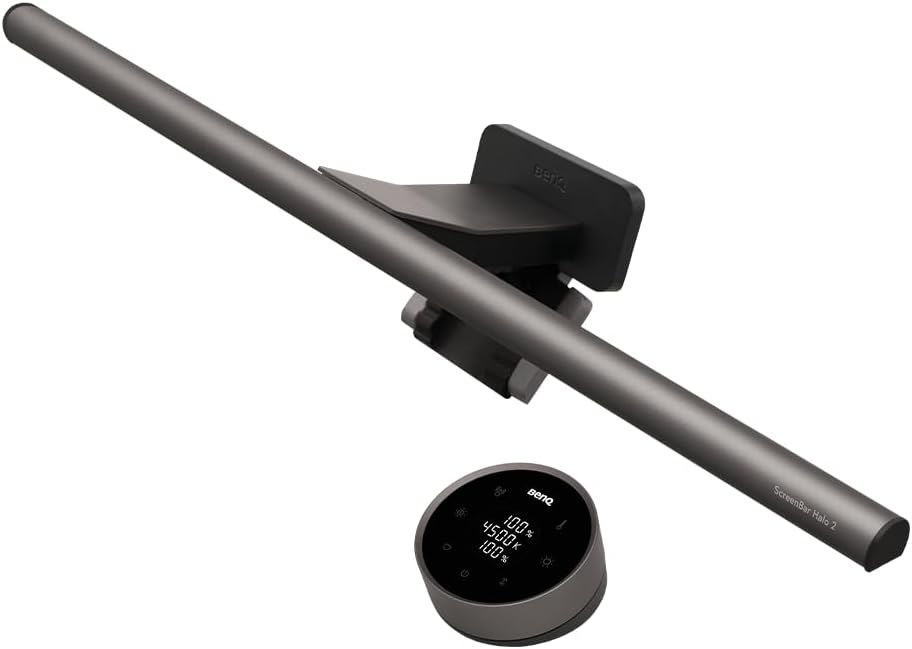
If you find your eyes burning after a long night of debugging, your lighting is probably the culprit. Most desk lamps create a "hot spot" on your monitor that washes out contrast.
The BenQ ScreenBar Halo 2 uses an asymmetric optical design that illuminates your workspace while keeping the screen in total shadow.
The Backlight Factor: It features an integrated rear light that splashes a soft glow against the wall. This reduces the "bright screen in a dark room" effect, which is a leading cause of digital eye strain.
The Controller: The 2026 wireless puck is a dream. You can adjust color temperature—from a focus-heavy 6500K to a warm 2700K for winding down—without reaching over your monitors and knocking things over.
Infrastructure: The Ultimate Cable Management Tray
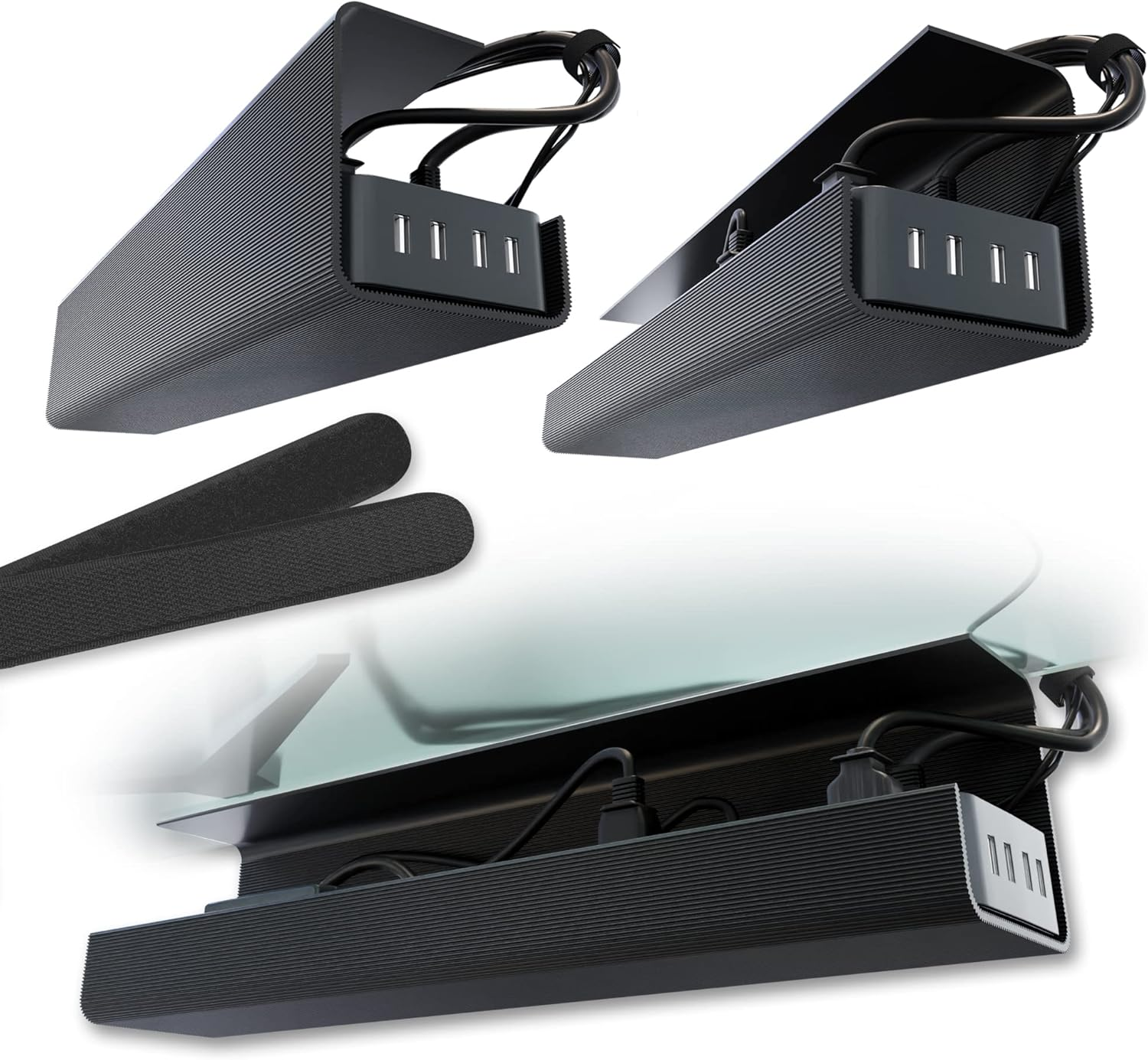
We've all seen those "minimalist" setups that are secretly hiding a rat's nest of cables behind the desk legs. It's an eyesore and, frankly, a distraction.
The Ultimate Cable Management Tray is deep enough to house a full 12-outlet surge protector and those oversized power bricks that come with high-end monitors.
Review Detail: It's made of formed steel, not cheap plastic, which helps significantly with heat dissipation for those heavy-duty adapters.
The Setup Logic: Place it directly under your desk or on a back shelf. The rubber grommets hold your individual USB-C and Thunderbolt cables in place so they don't slide off the desk when you unplug your laptop.
The Surface: DeltaHUB Felt Desk Pad
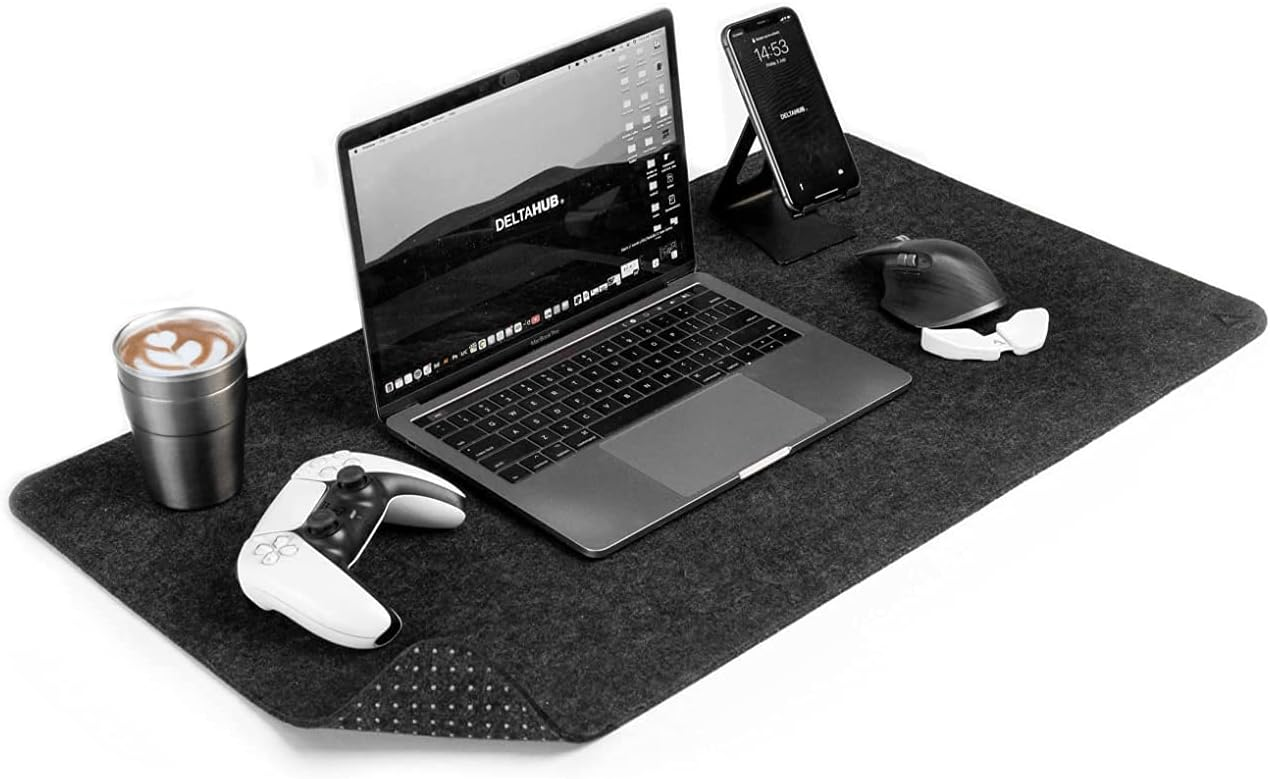
A bare desk is cold, noisy, and wears down your mouse feet. A high-quality desk setup requires a surface that acts as a "buffer" for your entire experience.
The DeltaHUB Felt Desk Pad uses a high-density synthetic wool that feels premium but doesn't "pill" or get fuzzy over time like the cheap versions you see on generic marketplaces.
Performance: It provides just enough friction for precise mouse movements—essential if you're navigating complex UI or timeline-heavy apps.
The "Desk Zen" Factor: It visually defines your workspace. Everything feels more intentional once it’s anchored on a proper mat.
The Data Anchor: Terramaster D1 SSD Plus
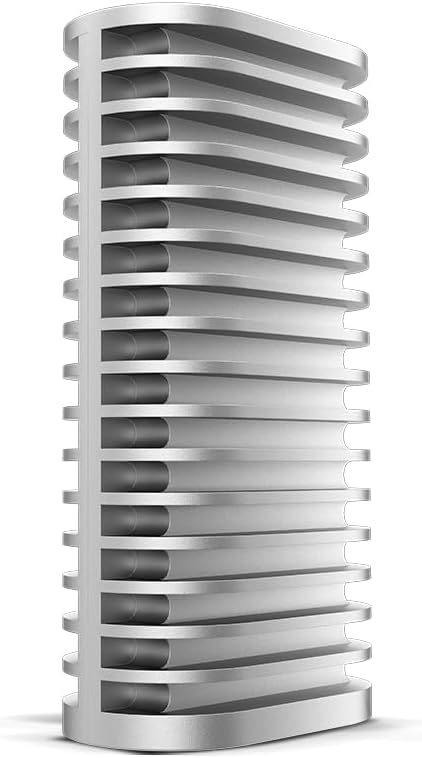
In 2026, we’re dealing with massive datasets and local AI models. A standard external drive just isn't fast enough for a professional workflow anymore.
The Terramaster D1 SSD Plus isn't just a drive; it's a Thunderbolt 4 / 5 SSD enclosure that sits permanently on your desk.
Speed: If you drop a high-end NVMe drive inside, you’re looking at speeds that rival your internal storage. It’s perfect for running virtual machines or storing large libraries without the lag.
Design: It’s finished in a bead-blasted aluminum that looks like it belongs next to a Mac Studio or a high-end PC build.
Circadian Mastery: Dyson Solarcycle Morph
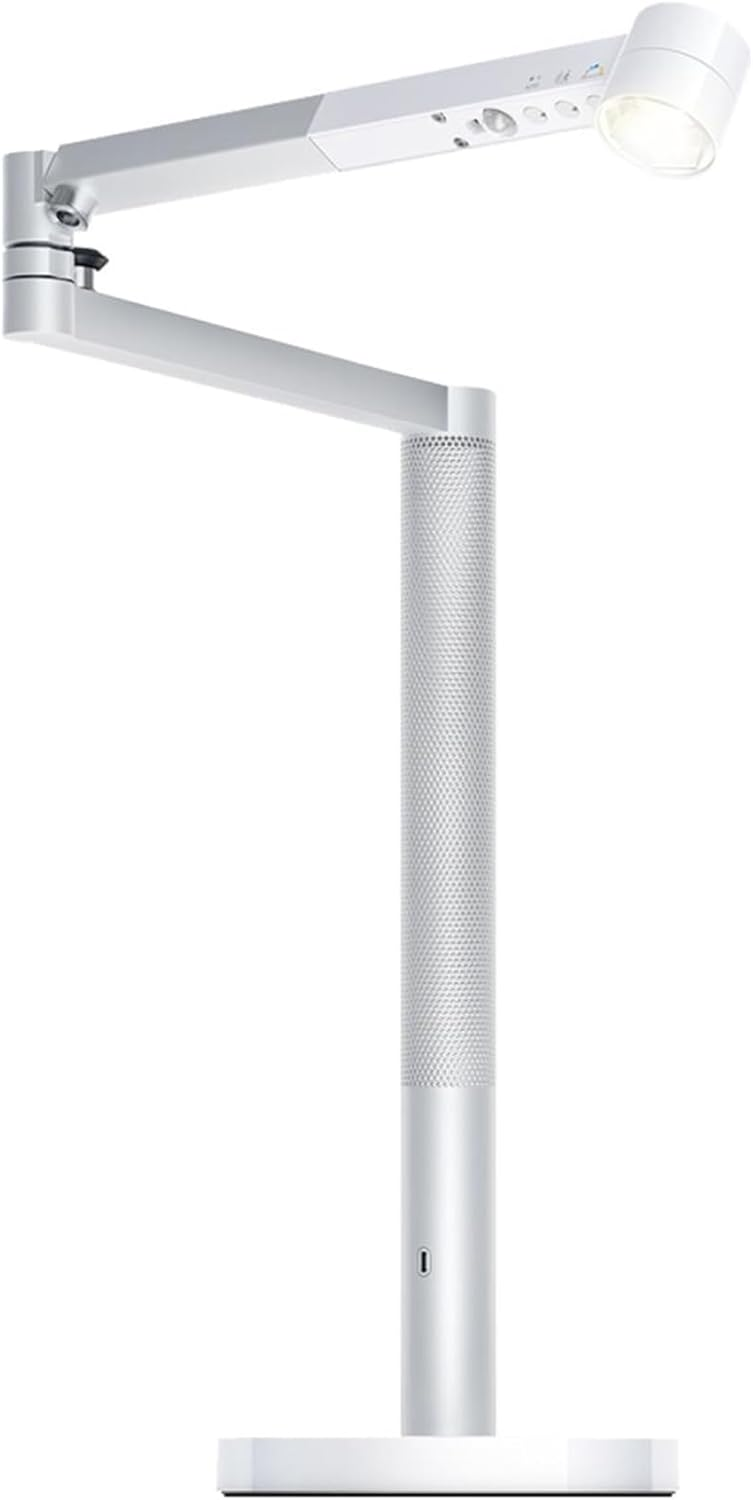
This is the "overkill" pick, but for anyone whose work-life balance is a mess, it's worth it. The Dyson Solarcycle Morph uses a GPS-linked algorithm to track the sun’s position in your specific location.
Biological Impact: Throughout the day, it subtly shifts from a cool, high-energy blue light to a warm, melatonin-friendly orange.
The Morphing: You can use it as a focused task light for reading, or fold the head back into the stem to turn the entire lamp into a glowing ambient pillar.
Technical Gut Check: What Actually Matters?
When you are deep-diving into the world of desk accessories, it's easy to get distracted by aesthetics. However, for a high-output environment, focus on these three things:
Thermal Management: If you are using a cable box, ensure it is ventilated. Metal boxes like the one mentioned above are superior for heat-wicking.
Material Durability: For desk mats, synthetic felt (like the DeltaHUB) is often better than natural wool for longevity as it resists sweat and coffee spills more effectively.
Bandwidth: If you're buying a storage hub, ensure it supports Thunderbolt 4 at a minimum. 2026 workflows move too much data for legacy USB-A ports to keep up.