
Apple wants you to believe their flat, butterfly-style keys are the peak of design. They aren't. After a month with the NuPhy Air75 V3, the Magic Keyboard feels like typing on a piece of cold cardboard. Here is why this thin slab of aluminum is the only upgrade your MacBook actually needs
At Productivity Lab, we’ve seen the trend shifting. Remote professionals are moving away from bulky bricks and toward high-performance, low-profile gear. This thin slab of aluminum is the first board that actually provides a "thocky" desktop experience in a cafe-friendly footprint. If you’ve ever felt the physical friction of a shallow laptop keyboard during a late-night sprint, this is how you fix it.
NuPhy Air75 V3 At a Glance
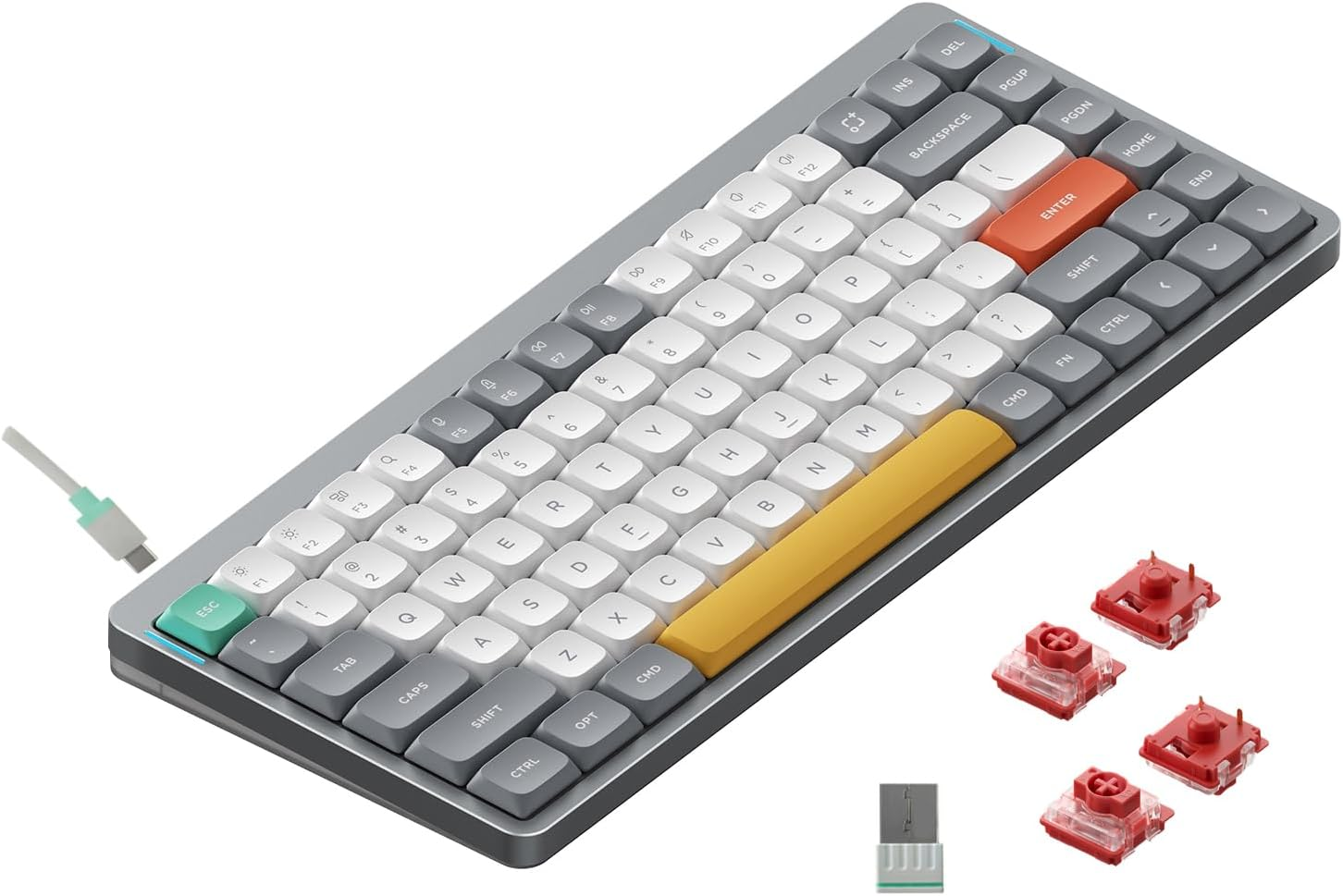
| Feature | Specification |
| Layout | 75% Compact (84 keys) |
| Connectivity | 2.4GHz (1000Hz), BT 5.1, Wired |
| Hot-Swappable | Yes (Low-profile Gateron) |
| Keycaps | Double-shot PBT (nSA Profile) |
| Structure | Aluminum Top / ABS Bottom (Gasket Mount) |
| Battery | 4000mAh (High-endance for 2026) |
| Price Range | $$ (Approx. $120 - $140) |
Desktop Power in a Nomad Frame
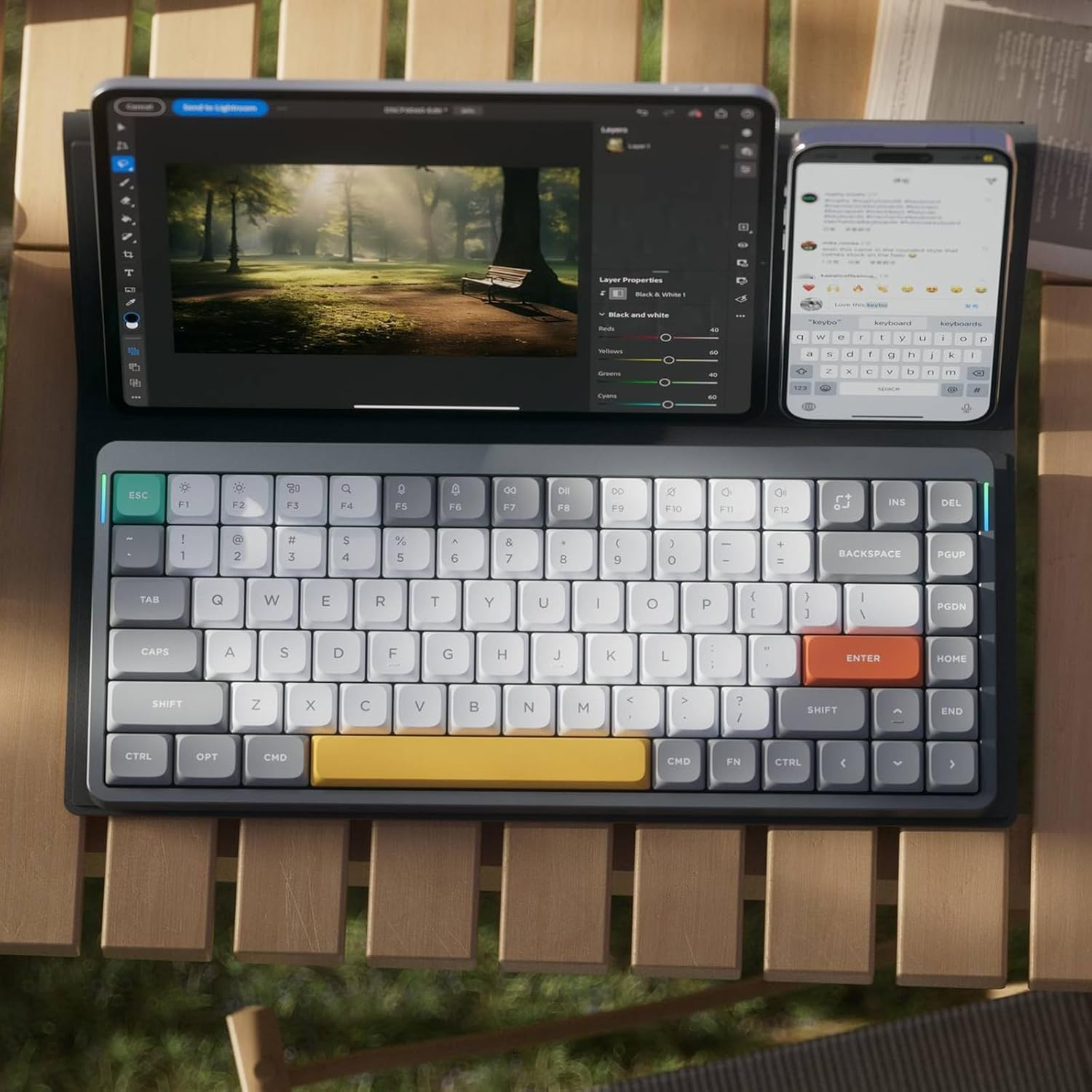
When you pick up the Air75 V3, you realize it’s not a toy. It uses an aluminum top frame that gives it a rigid, premium feel. But the real magic is hidden inside. Unlike older low-profile boards that sounded like clicking pens, the V3 features a full gasket mount and internal dampening sheets.
This matters for your focus. When you’re coding in a quiet library or a shared office, the sound is deep and muted. It doesn't have that "pingy" echo. It feels like a tool built for a professional environment, not a gaming den.
Typing Comfort: The MacBook Upgrade You Need
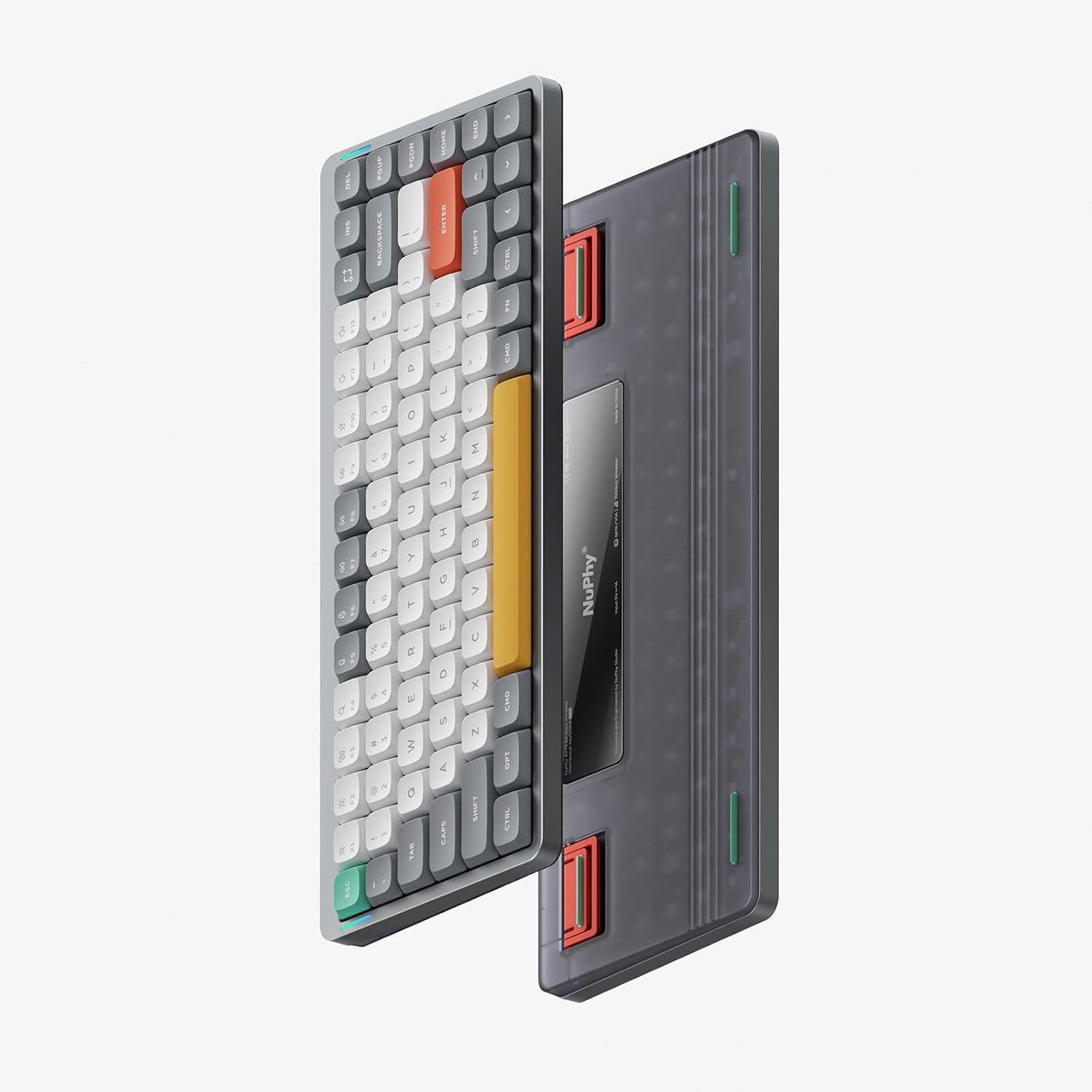
The Air75 was designed specifically to sit on top of a MacBook Pro keyboard. It has rubber feet that align perfectly with the gaps between the laptop keys.
The Switches: We tested the NuPhy Cowberry switches. They are pre-lubed and linear. The travel is short enough for speed but deep enough to feel satisfying.
The Keycaps: The nSA profile keycaps are slightly larger than standard keys. This reduces the chance of your fingers slipping during fast typing. Since they are double-shot PBT, they won’t get that oily, shiny look that ruins the aesthetics of most desk setups.
From a comfort perspective, the low-profile design is a major win. Your wrists stay at a much flatter angle compared to a chunky mechanical board. You won't find yourself "reaching" upward, which reduces the long-term risk of strain.
2026 Connectivity & VIA
Let's take a look for tools that don't break the workflow. The Air75 V3 uses a 1000Hz polling rate on its 2.4GHz wireless connection. In plain English: there is zero lag. When you hit a key, the code is on the screen instantly.
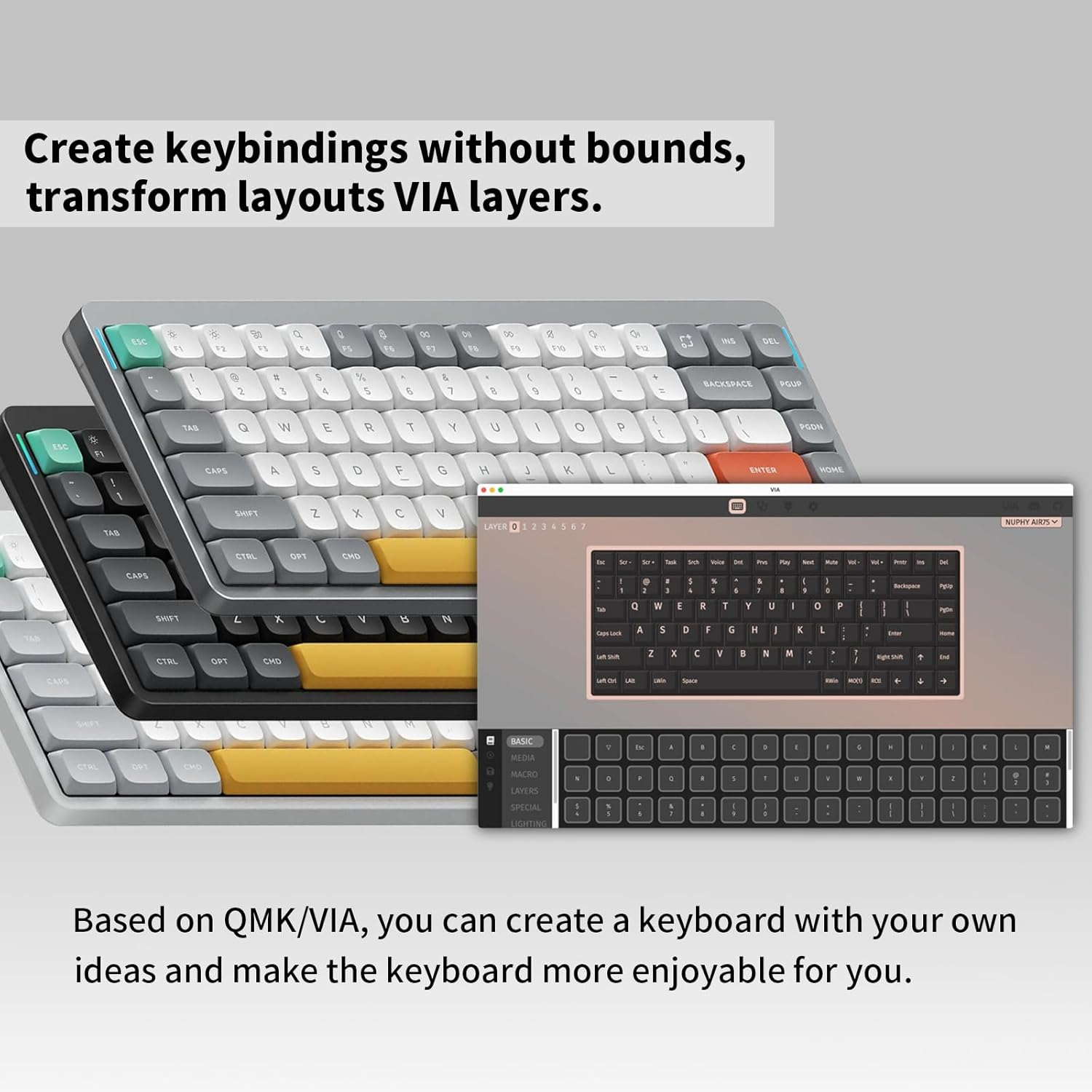
It also supports QMK and VIA.
The Remap: I suggest remapping the top-right "Screen Snipping" key to something more useful, like a terminal toggle.
The OS Swap: It has a physical toggle for Mac and Windows. In 2026, many of us use a MacBook for frontend and a PC for heavy backend tasks. This board handles both without missing a beat.
Expert Pairing Recommendations
A portable keyboard is only half the battle. To build a truly high-performance mobile environment, we suggest these pairings:
The Mouse: Pair this with the Logitech Lift. It’s smaller than the MX Vertical, making it the perfect travel companion for the Air75.
The Stand: Use a portable laptop stand to bring your screen to eye level. Since the Air75 sits on your desk (or your laptop), you can keep your posture straight while you work.
The Case: NuPhy sells a "Foldable Case" that doubles as a tablet stand. If you code on an iPad Pro, this is a mandatory purchase.
Pros and Cons
The Good:
Perfect Mobility: Fits in almost any laptop sleeve.
Best-in-Class Sound: The gasket mount makes this the best-sounding thin keyboard on the market.
Battery Life: The 4000mAh battery lasts for weeks of professional use.
The Not-So-Good:
No "Tenting": While it has small feet, you can't tilt it as much as a full-size board.
Low-Profile Specific: You can only use low-profile switches. You can't swap in standard Cherry MX switches.
The Verdict: The ROI of Portability
The NuPhy Air75 V3 is a high-ROI investment for any remote worker. At roughly $130, you’re buying a desktop-quality typing experience that fits in your backpack. It removes the physical discomfort of laptop keys and the software frustration of unprogrammable boards.
Buy this if: You are a nomad, a MacBook user, or someone who wants a minimalist desk without sacrificing that mechanical "thock."
Skip this if: You never leave your desk and prefer the deep, heavy travel of a full-size board like the Keychron K8 Pro.
Want to complete your mobile kit? Check out our latest guide on the Best Ergonomic Mouse for Remote Work to see which portable pointer fits your hand best.