
The Retro-Modern Anomaly: A Deep-Dive Review of the Epomaker RT100
In the world of mechanical keyboards, we usually see a binary split: ultra-sleek minimalist boards or aggressive RGB-heavy gaming decks. Then there’s the Epomaker RT100.
When I first unboxed this unit, it felt like I’d stumbled upon a piece of forgotten 90s hardware that had been retrofitted with 2026 NASA technology. It’s got a knob, a detachable mini-TV, and a gasket mount that feels like typing on a cloud. But as a programmer who values system stability over "fluff," I had to ask: Is the RT100 a legitimate productivity tool, or is it just "setup bait" for Instagram?
After 300+ hours of documentation and heavy refactoring on this board, here is the technical breakdown.
The Specs: Under the Hood
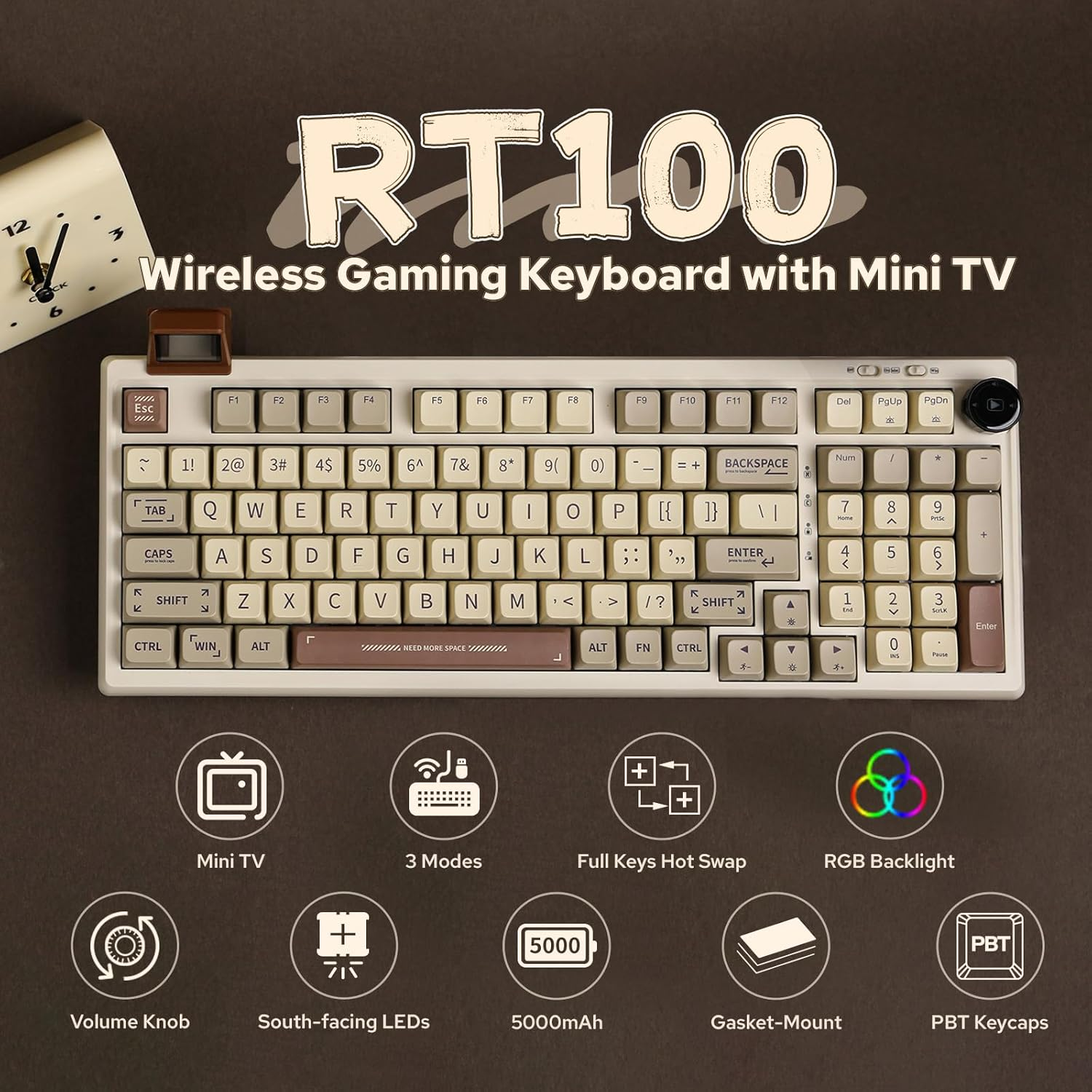
| Feature | Specification |
| Layout | 95% (97 keys) – The "Compact Full-Size" |
Mounting Style | Gasket Mount |
Connectivity | Triple Mode (USB-C, Bluetooth 5.0, 2.4GHz Wireless) |
Battery | 5000mAh (Massive for this category) |
Keycaps | PBT Sublimation, MDA Profile |
Hot-swappable | Yes (3-pin and 5-pin support) |
Unique Feature | Detachable "Smart Mini TV" Display & Multimedia Knob |
Build Quality & Typing Physics
The RT100 utilizes a gasket-mount structure. For the uninitiated, this means the internal plate is "floating" between layers of foam and silicone rather than being screwed directly to the case.
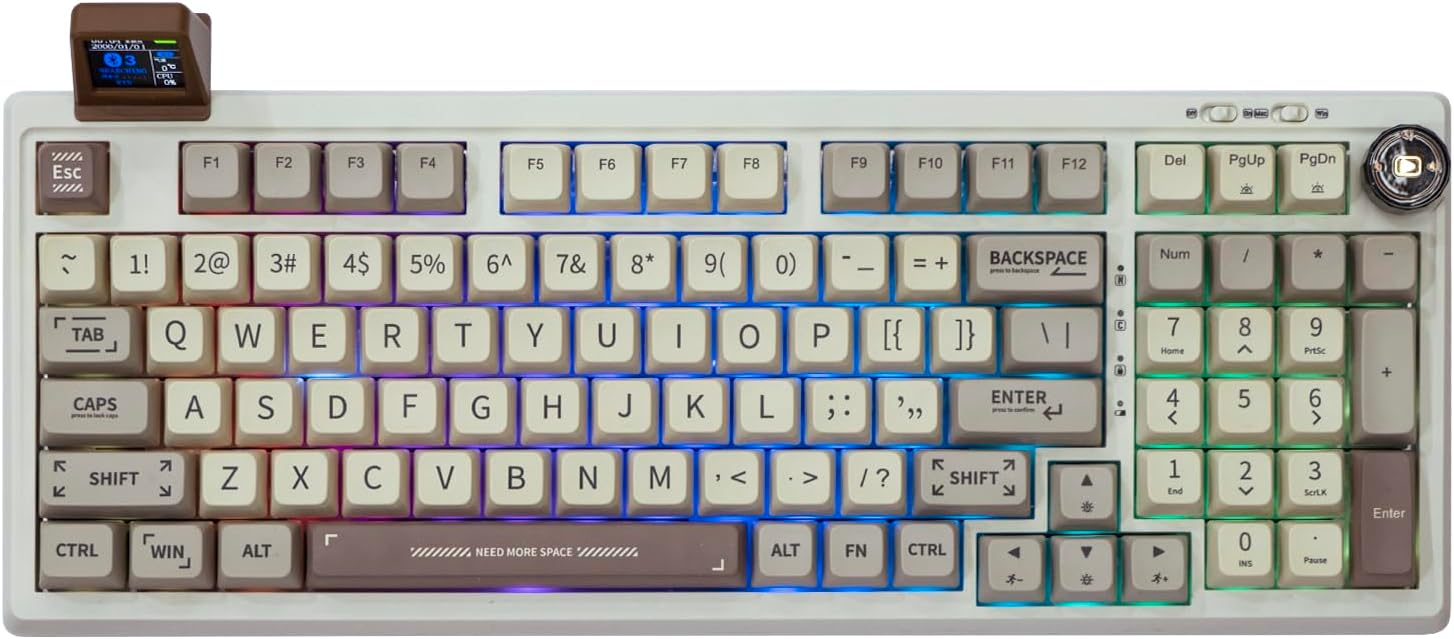
The Feel: It’s incredibly dampened. There is a specific "thock" to this board that eliminates the metallic pinging common in budget mechanicals. If you’re typing for 6 hours straight, this flex reduces the impact shock on your fingertips significantly.
The Keycaps: The MDA profile keycaps are slightly wider and more sculpted than standard OEM caps. They "cup" your fingertips, which I found reduced my typo rate during fast-paced syntax entry.
The "Smart Mini TV" & Knob: Utility or Gimmick?
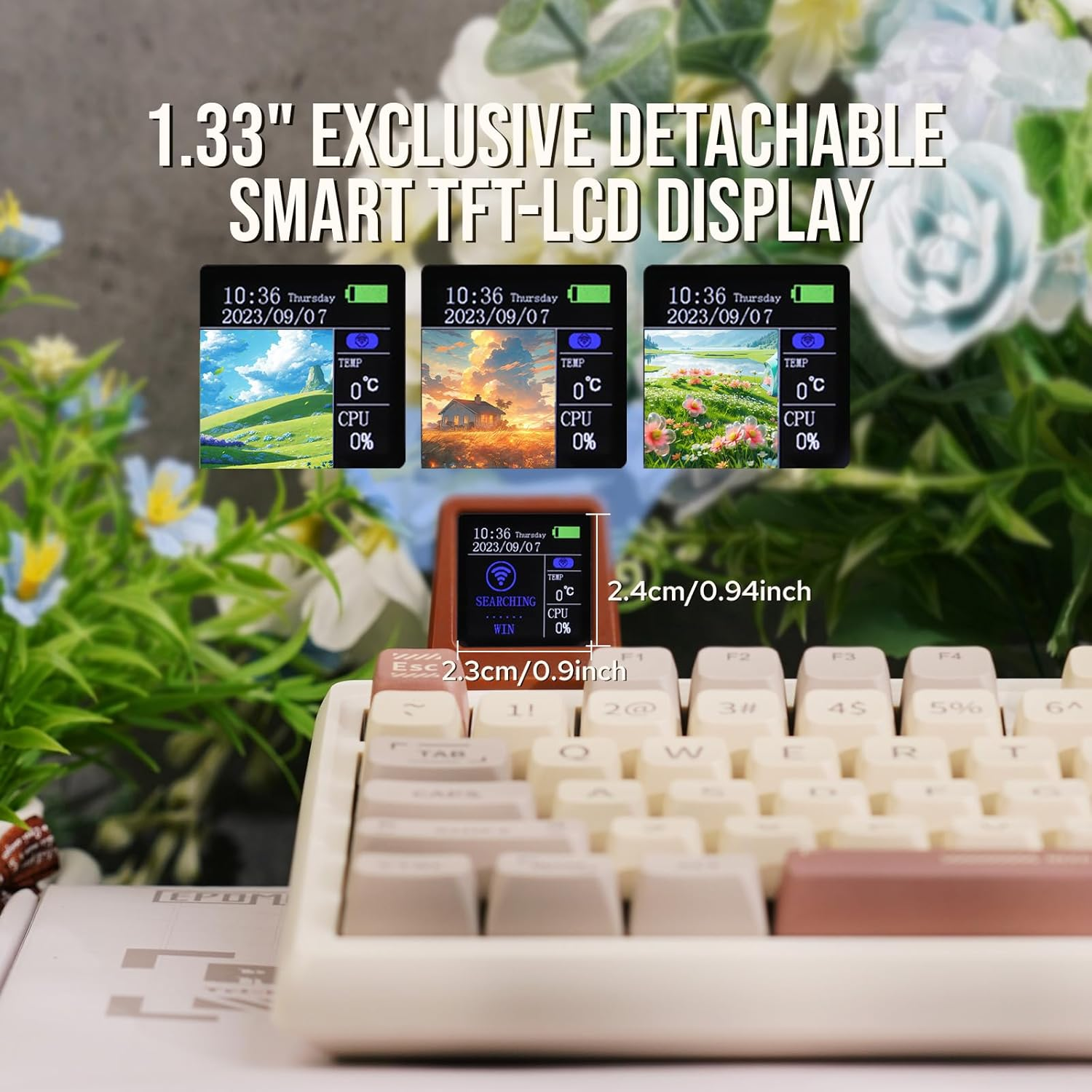
Let's address the elephant in the room: the detachable mini-screen.
The Pro: It displays CPU temperature, time, date, and even customizable GIFs. As a system designer, having a hardware-level monitor for my CPU load while I’m running heavy Docker containers is surprisingly useful.
The Con: The software required to customize the screen is... finicky. It’s not as polished as Keychron’s VIA support. You have to "handshake" the device every time you want to change the GIF.
The Knob: Unlike many mushy encoders, the RT100 knob has distinct tactile clicks. It’s mapped to volume by default, but in a production workflow, it’s a godsend for scrubbing through video timelines or zooming in on Figma frames.
Switch Analysis: The Sea Salt Silence
My unit came with Epomaker Sea Salt Silent Switches. This is where the RT100 becomes a "secret weapon" for remote workers.
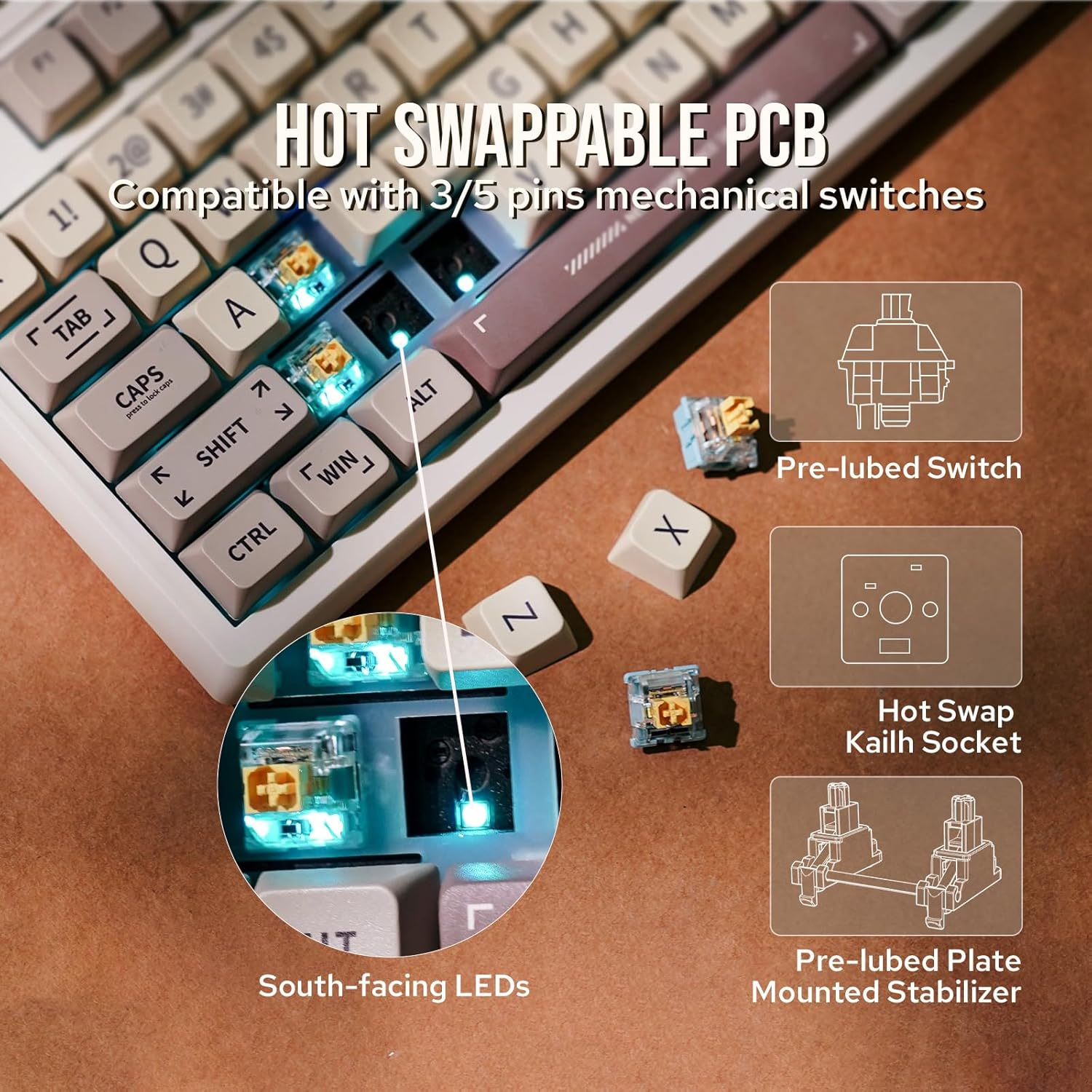
Traditional "silent" switches often feel like typing on wet cardboard. These don’t. They maintain a tactile snap but produce almost zero acoustic output. I’ve sat in high-stakes Zoom meetings, typing at 90 WPM, and not a single participant could hear my keyboard. It’s the ultimate "stealth" board.
Comparison: How It Stacks Up
| Feature | Epomaker RT100 | Keychron Q6 Max | NuPhy Air75 V2 |
| Vibe | Retro / Gadgety | Industrial / Heavy | Sleek / Portable |
| Modability | Moderate | High (VIA/QMK) | Moderate |
| Portability | Low (Chunky) | Very Low (Heavy) | High (Slim) |
| "Fun" Factor | High (Mini TV) | Low (Pure Tool) | Medium (Design) |
Trade-offs & The "Catch"
No review is honest without the "why not."
Software: The driver software is the weak link. It’s functional but feels dated compared to the modern web-based tools used by competitors.
Size: It’s a 95% layout. It’s smaller than a full board but still takes up significant desk real estate. If you have a small workspace, this might feel intrusive.
Aesthetic Choice: The retro-beige "gray" isn't for everyone. It’s a polarizing design.
Who is this for?
The Programmer/Writer: If you want a numpad but don't want a massive 100% board, and you crave that dampened gasket feel for long sessions.
The Gadget Enthusiast: If you love having a dedicated hardware screen for system monitoring.
The Office Ninja: If you need a silent board that doesn't feel like a toy.
Who should skip it?
The Minimalist: It’s too "busy" and "chunky" for a clean, stark desk setup.
The Competitive Gamer: While 2.4GHz is fast, this board is tuned for typing experience, not millisecond-perfect input.
Verdict: A System-Level Joy
The Epomaker RT100 is a rare beast. It’s a highly competent mechanical keyboard hidden inside a quirky, retro shell. While the software has some "technical debt," the actual hardware performance—the typing feel, the battery life, and the silent switches—is top-tier for its price bracket.
Best Mechanical Keyboard for Programming (2026 Comparison)