For the modern productivity programmer, a "gadget" isn't a toy; it is a force multiplier. In 2026, the market has shifted away from flashy gimmicks toward specialized hardware that protects your focus and automates the mundane. Whether you are a developer managing complex macros or a writer seeking a distraction-free digital canvas, the right peripheral can be the difference between a fragmented day and a four-hour flow state.
We’ve tested the latest 2026 releases to find the tools that actually earn their place on your desk setup. These are the gadgets that solve real-world friction—from cold coffee to notification fatigue.
The 2026 Productivity Power Rankings
Category | Winner | Key Strength | Primary Tech |
|---|---|---|---|
Best Overall | Tactile Color E-Ink Canvas | 11.8” Canvas Color Display | |
Best Workflow Controller | Infinite Macro Automation | LCD Tactile Keys | |
Best Focus Tool | Industry-Leading Silence | Adaptive ANC | |
Best Desktop Utility | App-Controlled Precision Heat | Thermal Sensors | |
Best Input Device | Acoustic Perfection & QMK | Gasket-Mount CNC |
The Digital Sanctuary: reMarkable Paper Pro
Best For: Deep Thinkers and Creative Professionals.
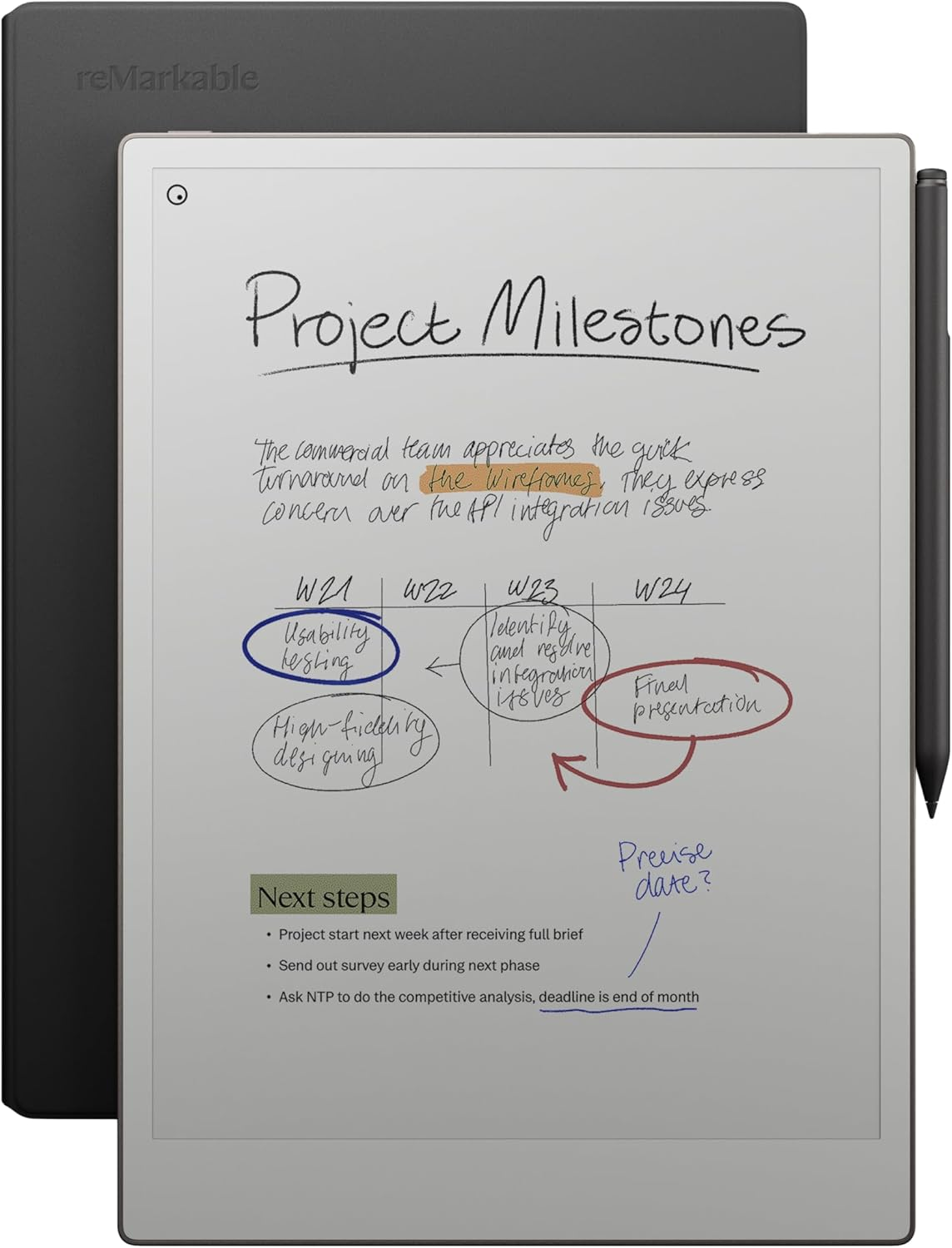
In 2026, the reMarkable Paper Pro has redefined the digital notebook by finally bringing color to the E-ink experience without sacrificing the "paper-like" friction that made the brand a cult favorite. It is an 11.8-inch sanctuary designed to keep you away from the distractions of a traditional tablet.
Canvas Color Display: For the first time, you can highlight, sketch, and annotate PDFs in color. The low-glare display reflects natural light, making it as comfortable to use outdoors as it is in your office.
Tactile Responsiveness: The included Marker Plus provides incredible responsiveness and features a built-in eraser. The screen is engineered to deliver realistic friction, eliminating the "glass-sliding" feel of standard tablets.
Deep Work Integration: It excels at organization, allowing you to sort notes with folders and tags or instantly convert handwriting to typed text. With the addition of an adjustable reading light, your flow state doesn't have to end when the sun goes down.
The Bundle: This pro-grade tool comes in a premium black leather Book Folio, ensuring your digital "brain" is protected by the same materials as a high-end stationery set.
The Command Center: Elgato Stream Deck MK.2
Best For: Automating Repetitive Tasks and App Switching.
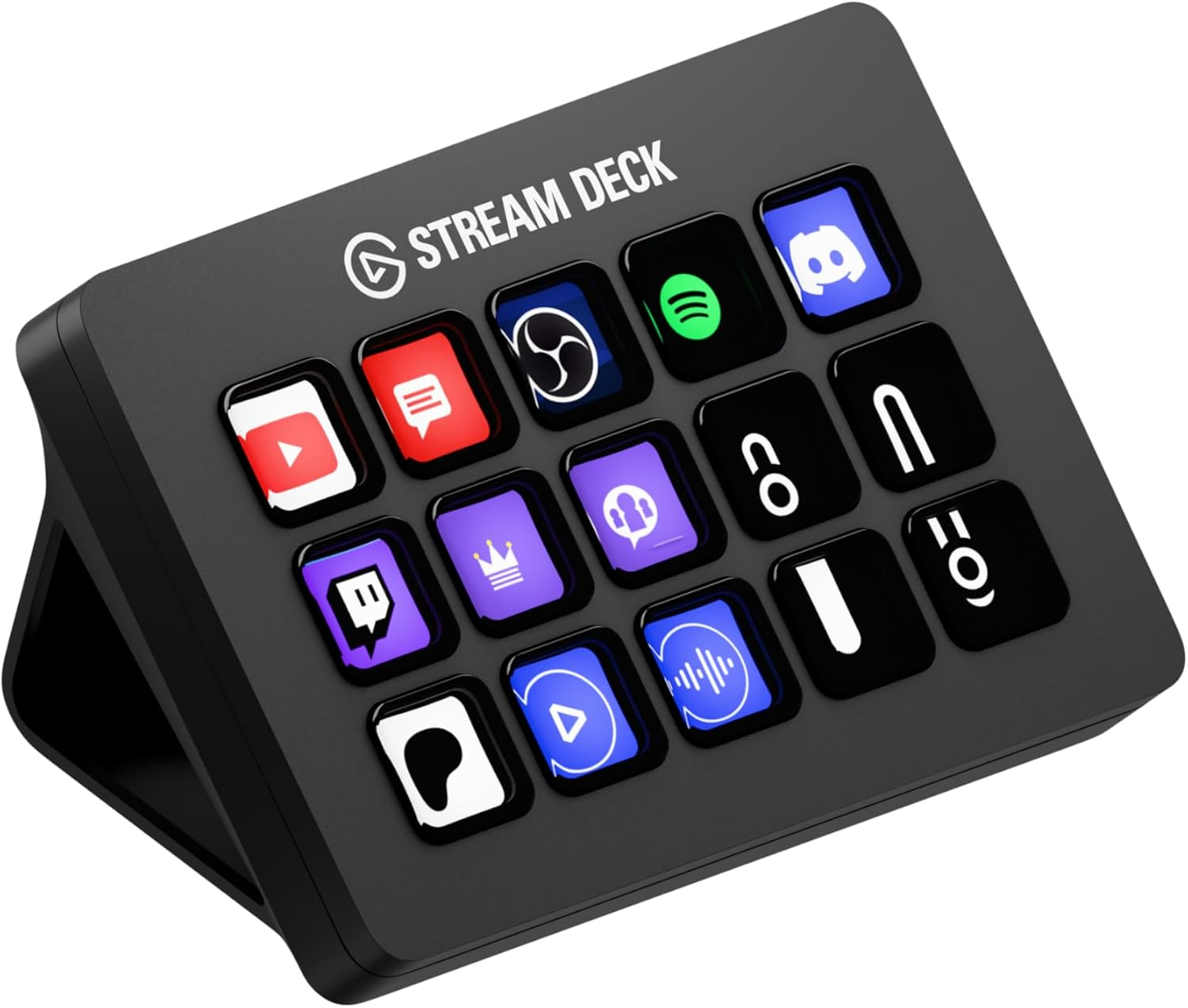
While originally designed for streamers, the Elgato Stream Deck MK.2 has become the secret weapon of the high-output professional. It is essentially a physical interface for your computer’s most complex shortcuts.
Visual Macros: Instead of memorizing Ctrl + Alt + Shift + P, you have a tactile LCD button with a custom icon. One press can launch your IDE, open your documentation, and set your Slack status to "Deep Work."
Plugin Ecosystem: The 2026 plugin store is massive. You can now see live Jira ticket counts, control your workspace gear lighting, or even monitor your CPU temps directly on the keys.
The "Multi-Action": This allows you to chain commands. You can have a "Meeting" button that mutes your mic, turns on your key light, and brings your calendar to the foreground in one tap.
The Silence Engine: Sony WH-1000XM6
Best For: Creating a Portable Sanctuary.
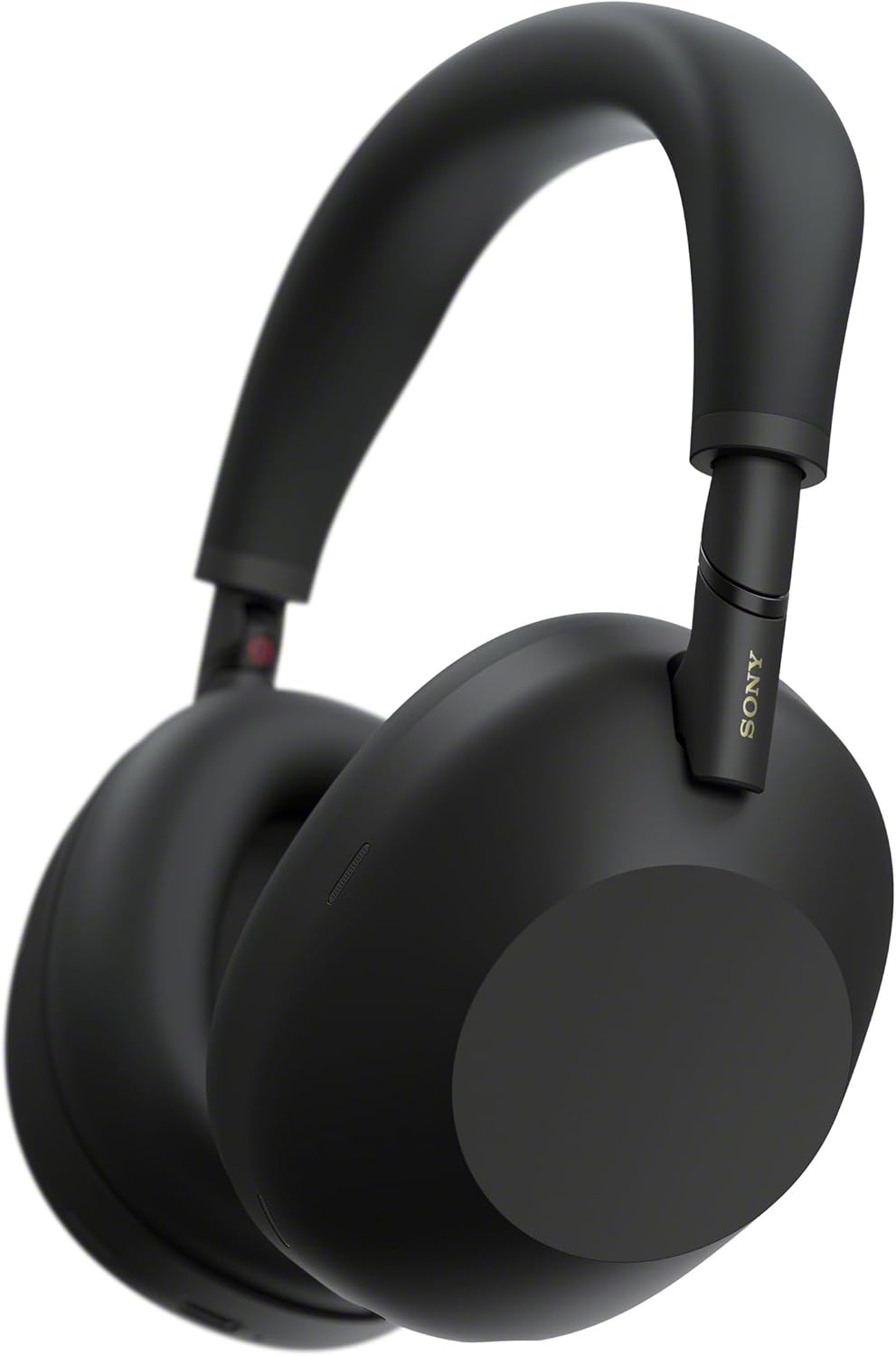
The Sony WH-1000XM6 is the definitive choice for anyone working in an open office or a noisy home. In 2026, Sony’s noise-canceling algorithm has reached a point where it can effectively "nullify" unpredictable human speech, not just steady hums.
Adaptive ANC: The headset uses multiple microphones to sample the environment 700 times per second. It identifies the frequency of a nearby conversation and creates a "silence bubble" around you instantly.
Multipoint 2.0: It flawlessly handles switching between your MacBook for a video call and your iPhone for a quick notification, with zero "handoff lag" that plagued previous versions.
Wearability: It is 15% lighter than the XM5, utilizing a carbon-fiber reinforced polymer that ensures no "hot spots" on the top of your head during an 8-hour shift.
The Thermal Guardian: Ember Mug 2
Best For: Those Who Forget Their Coffee During Deep Work.
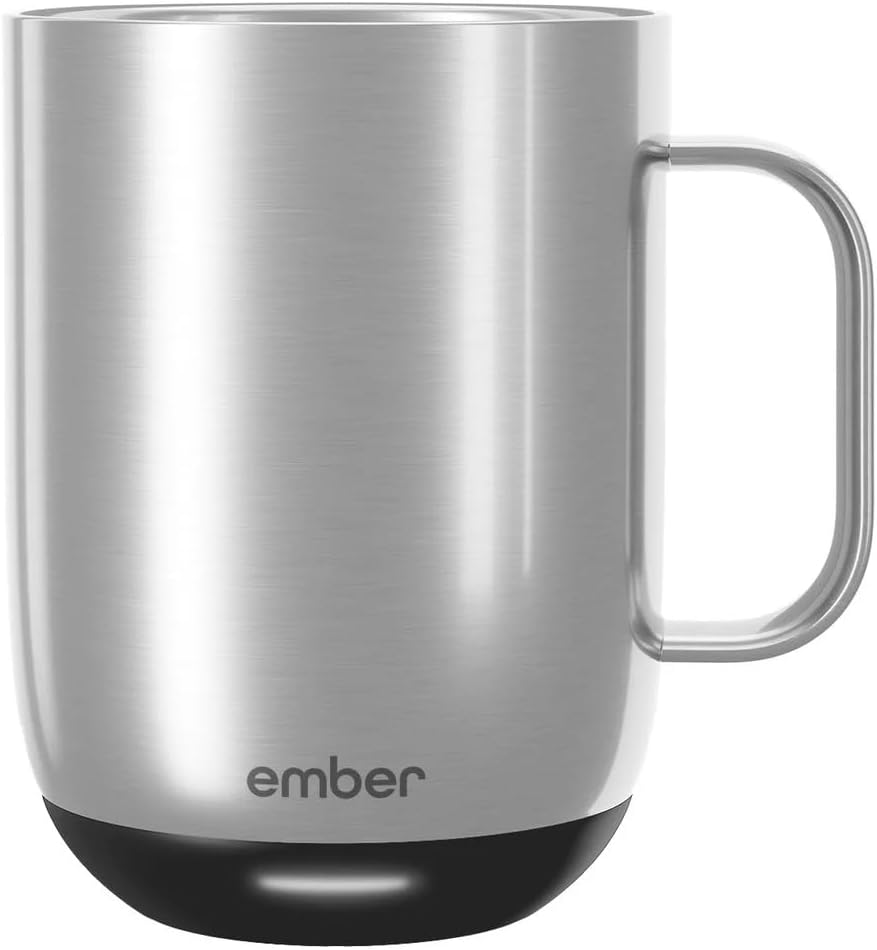
It sounds like a luxury until you’ve spent three hours in a flow state only to reach for a cup of lukewarm sludge. The Ember Mug 2 is a thermal-regulated smart mug that keeps your beverage at your exact preferred temperature (e.g., 135°F) for hours.
Precision Control: Via the app, you can set specific temperatures for different drinks—higher for black tea, lower for a latte.
Desktop Infrastructure: The charging coaster sits discreetly on your desk. The mug itself has a built-in battery that keeps the heat for 90 minutes if you take it into a meeting room.
Intelligent Sleep: It knows when it’s empty or when you’ve left the room, entering a low-power sleep mode to conserve energy and hardware life.
The Tactile Masterpiece: Keychron Q6 Ultra
Best For: Professionals Who Type for a Living.
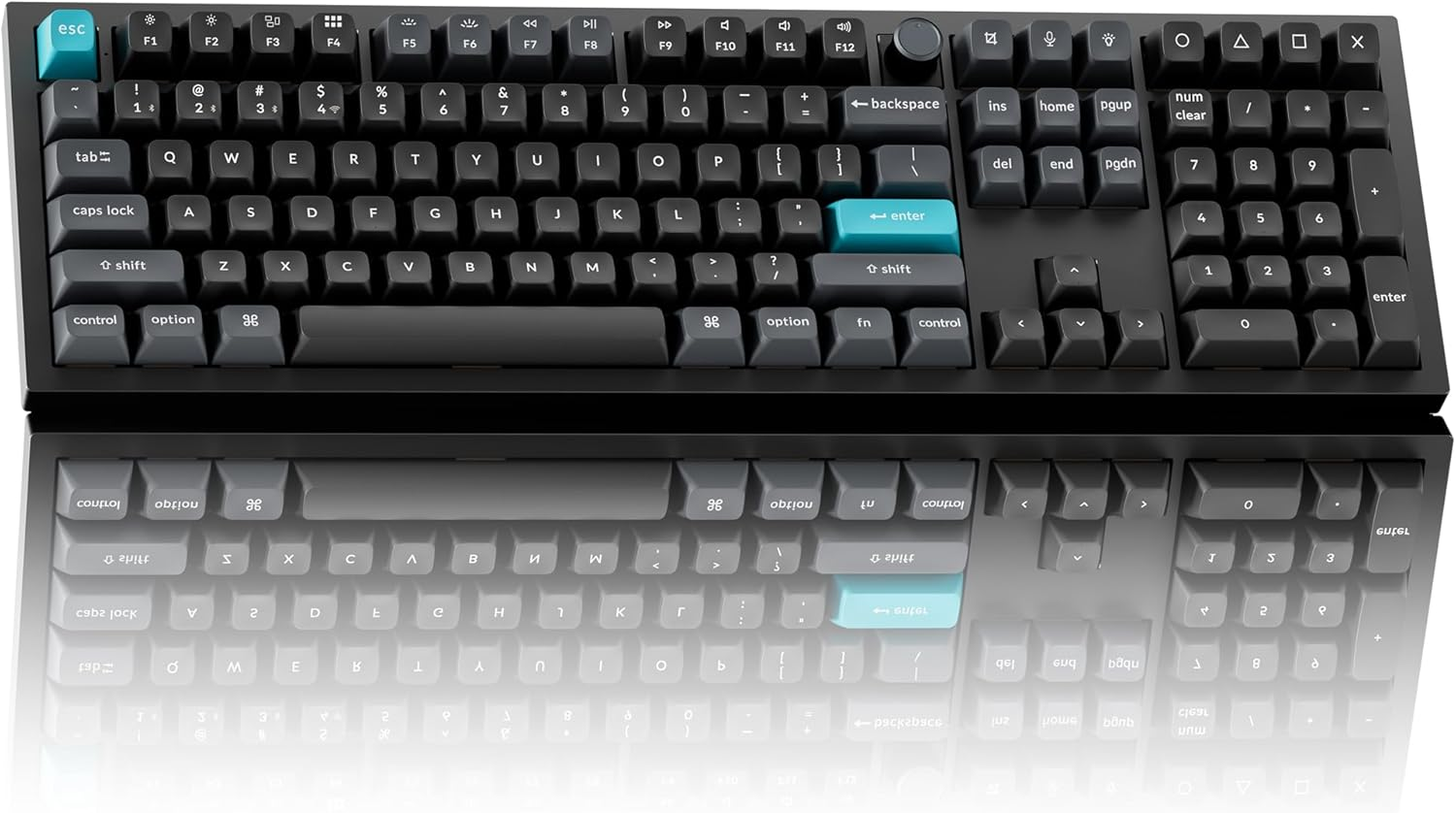
The Keychron Q6 Ultra is for the programmer who views their keyboard as a primary instrument. This is a full-sized, CNC-machined aluminum powerhouse that provides a typing experience plastic keyboards cannot match.
Gasket Mount Feel: The internal components are "floating" on gaskets, which creates a cushioned, elastic feel. This significantly reduces finger joint fatigue for writers and coders.
QMK/VIA Support: You can remap every single key on a hardware level. This means your custom shortcuts stay with the keyboard even if you plug it into a different machine.
Acoustic Tuning: It comes pre-loaded with multiple layers of sound-absorbing foam. The result is a deep, muted "thock" rather than a tinny "clack," making it the most satisfying productivity gadget on this list.
Technical Gut Check: Managing Gadget Overload
A high-end desk setup can quickly become cluttered with "solutions" that create new problems. Follow these three programmer principles to keep your workspace efficient:
The "Single Source" Power Rule: With this many gadgets, your desk will become a cable nightmare. Use a high-wattage (100W+) GaN charger to power your laptop, phone, and Ember Mug from a single wall outlet.
Latency vs. Convenience: For your primary input devices like the Keychron Q6, use a wired connection when possible. It eliminates "sleep wake-up" lag and ensures your first keystroke always registers.
App Consolidation: Try to stick to gadgets that share an ecosystem or use open standards. For example, the Stream Deck and Keychron both allow for deep customization without requiring proprietary, background-heavy "bloatware" software that slows down your OS.
App Consolidation: Try to stick to gadgets that share an ecosystem or use open standards. For example, the Stream Deck and Keychron both allow for deep customization, while the reMarkable Paper Pro focuses on a closed, distraction-free environment that syncs your notes to the cloud without the "noise" of a traditional OS.