I used to think my productivity was limited by my focus. I was wrong. It was limited by my thermal ceiling.
Last month, I was halfway through a Docker-heavy build when my old machine decided it was time to play a jet engine impression. The fans kicked in, the UI started stuttering, and my flow state shattered. That’s when it hit me: your laptop isn’t just a tool; it’s the core infrastructure of your entire system. If the infrastructure is shaky, the system fails.
We’re in 2026, and the market is flooded with "premium" machines. But for those of us who spend 10+ hours a day inside VS Code, IntelliJ, or a terminal, most of these laptops are just expensive paperweights. You don’t need a "thin" laptop. You need a machine that doesn't force you to choose between performance and battery anxiety.
I’ve gone down the rabbit hole of testing the latest flagship "modules" for a dev setup. Here is what actually happened when I put them to work.
The 2026 Dev Laptop Decision Matrix
Product | Primary Strength | The "Worth It" Factor | Trade-off |
|---|---|---|---|
Unified Efficiency | Zero fan noise + 22hr battery | Ecosystem lock-in | |
The Keyboard / Reliability | Tactile trust + repairability | Less GPU power | |
Screen Real Estate | Best 15" Windows dev canvas | Gets hot under load | |
Extreme Portability | Ultralight Linux/Windows node | Limited ports |
Apple MacBook Pro (M5): The Relief Machine
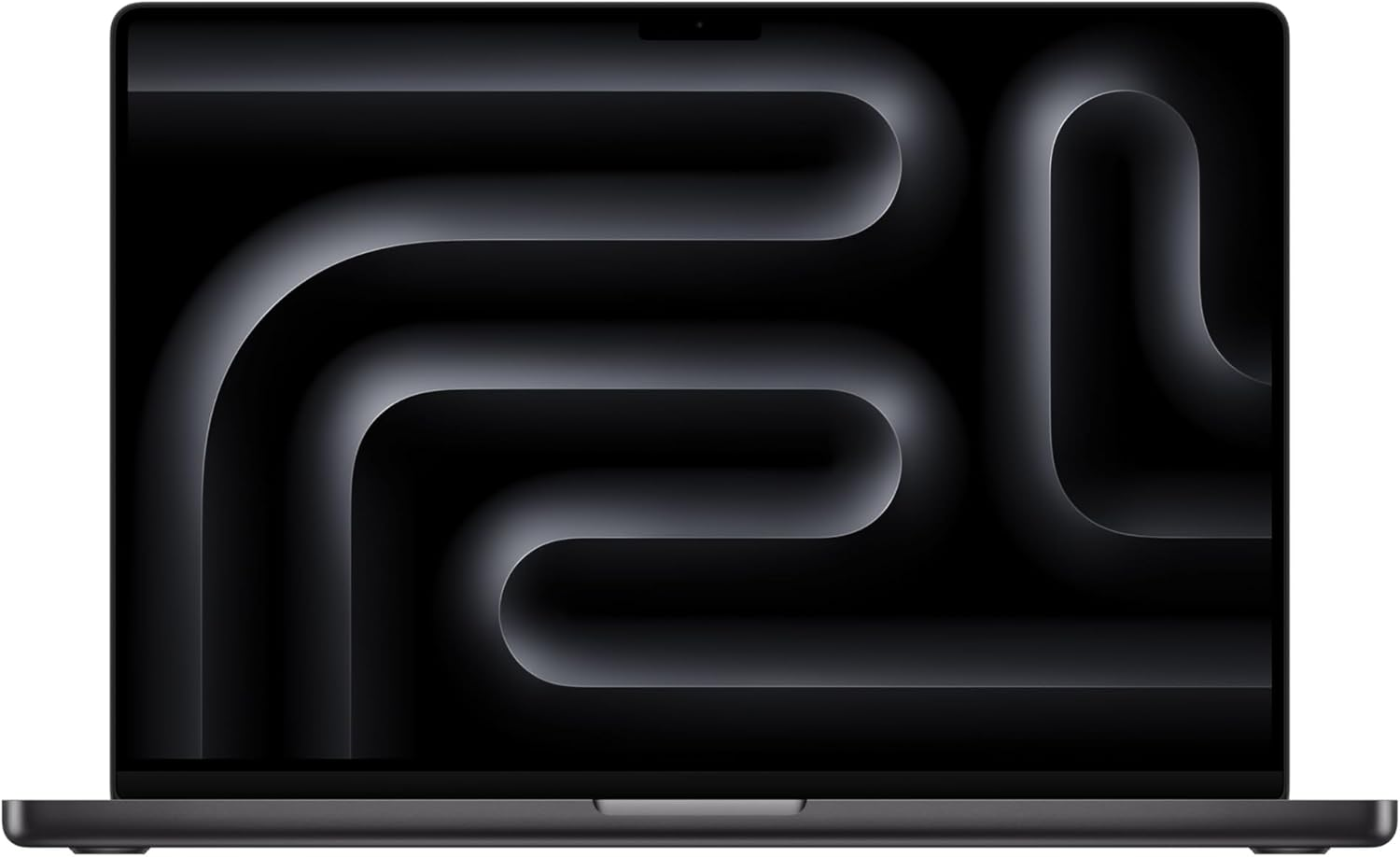
Not gonna lie, I was skeptical about the M5. We’ve had year-over-year gains for a while, and I thought we’d hit the plateau. I was wrong.
The M5 isn't just about a faster clock speed; it’s about the fact that I can run three Docker containers, a local LLM for code assistance, and fifty Chrome tabs without the chassis even getting warm.
Real-world usage
I took this to a coffee shop at 9 AM. I forgot my charger. In 2023, that would have been a panic attack. In 2026, with the M5, I finished my day at 6 PM with 42% battery left. This isn't a feature; it's a total removal of cognitive load. You stop thinking about power.
Why it's worth it
You aren't paying for the Apple logo. You’re paying for the lack of "BS." No fan noise during Zoom calls. No sleep-mode battery drain. It just works.
The catch
If you need to do heavy CUDA work or specialize in Windows-only enterprise software, this is a gilded cage. You're stuck in the Apple ecosystem, and if you need a RAM upgrade later, you’re out of luck. Buy the 32GB (or 48GB) version upfront, or don't buy it at all.
Lenovo ThinkPad X1 Carbon: The Engineer's Badge
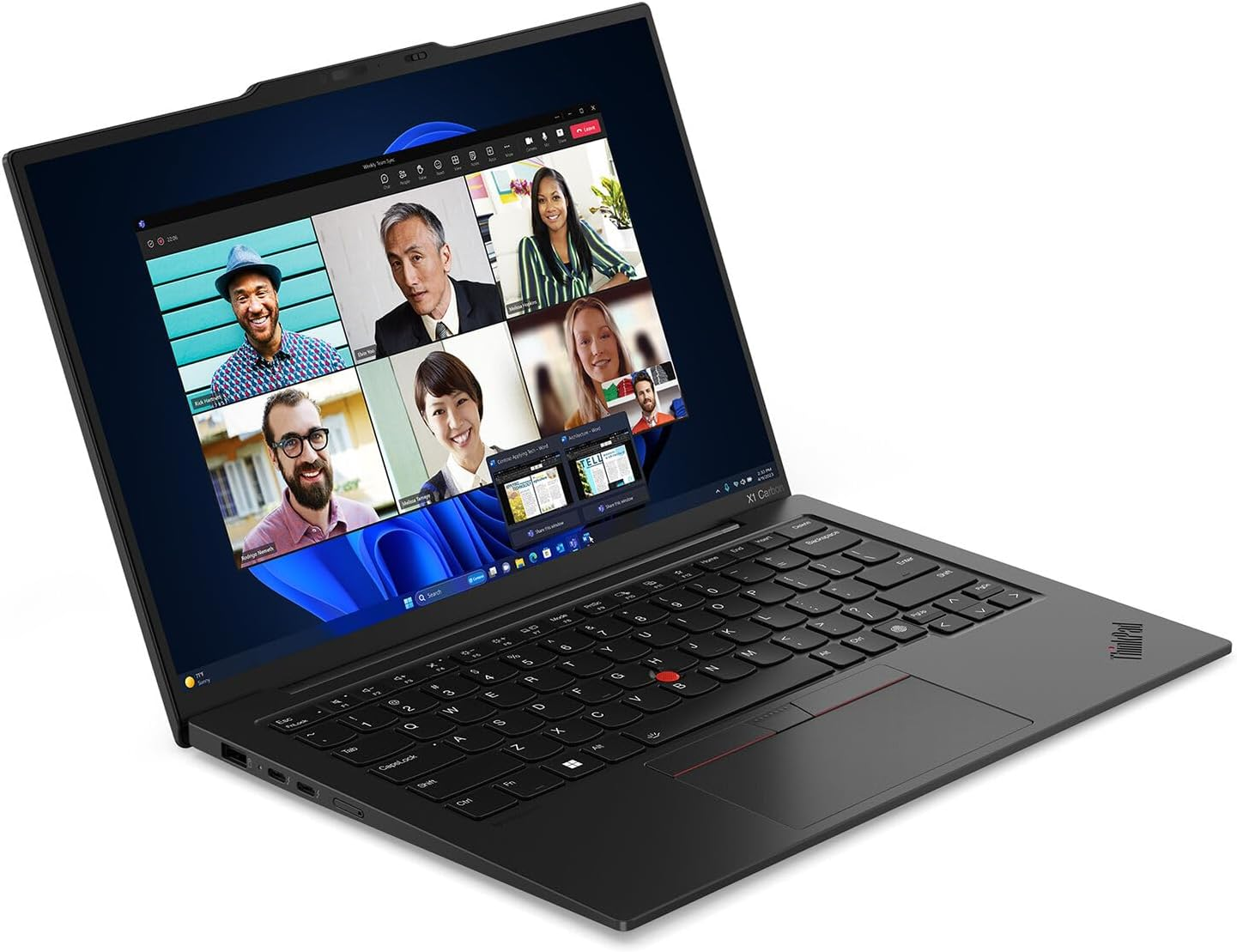
There is a specific kind of comfort that comes from a ThinkPad. It’s the "I don’t care if I drop this" kind of comfort. While everyone else is babying their aluminum MacBooks, the X1 Carbon sits there looking like a piece of industrial equipment—because it is.
The Keyboard Rabbit Hole
I’ve wasted thousands on custom mechanical keyboards (I see you, HHKB fans). But when I’m traveling, the X1 Carbon is the only laptop keyboard that doesn't make me miss my desk setup. The travel is deep, the feedback is snappy, and the tactile response reduces my typing fatigue during 12-hour crunch sessions.
Who this is for
If your identity is "Linux Developer," this is your endgame. The driver support is flawless, and the "Red Nub" (TrackPoint) is still the fastest way to navigate code without moving your hands from the home row.
Trade-offs
The speakers are "meh" compared to the Mac, and the battery life, while good for Windows (about 11-13 hours), still feels like a step back if you’ve used ARM chips.
Dell XPS 15: The Visual Workspace
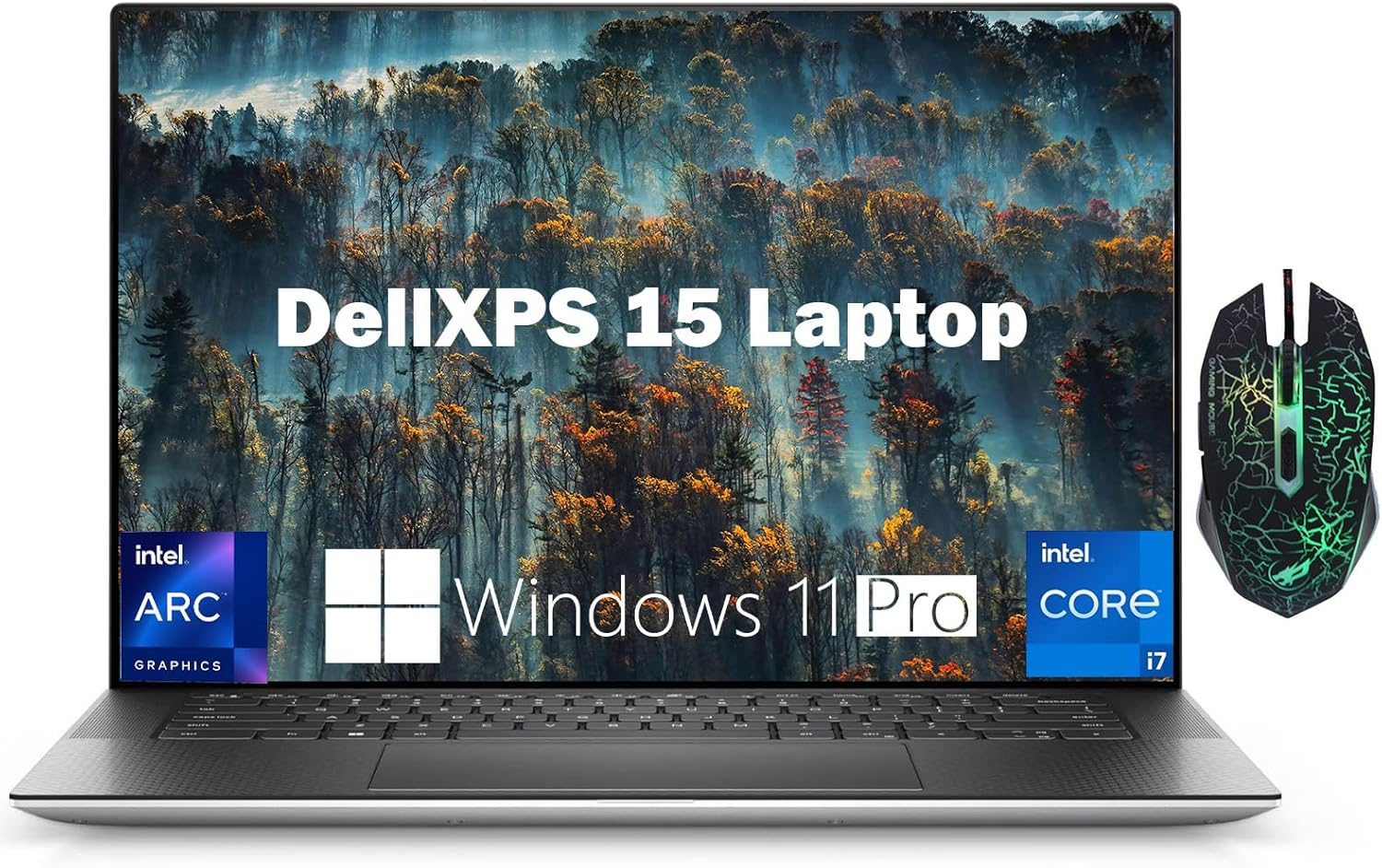
If you’re a developer who also touches design, or if you just can't stand small screens, the XPS 15 is the only Windows machine that feels truly premium.
The Experience
The "InfinityEdge" display is still the best in the business. When I'm refactoring a massive codebase, having that extra vertical real estate is the difference between seeing the whole function or scrolling like a maniac.
The Pain Point
It’s a beast, but it’s a thirsty one. Under heavy compilation, the XPS 15 will spin up its fans. If you’re sensitive to noise, this might annoy you. I also found that the palm rest—while beautiful in carbon fiber—can get a bit sweaty during long summer sessions.
Upgrade Path
If you’re coming from a budget 13-inch laptop and your eyes are starting to strain, this is the logical next step. It’s a desktop replacement that fits in a backpack.
Dell XPS 13: The "Zero-Weight" Linux Node
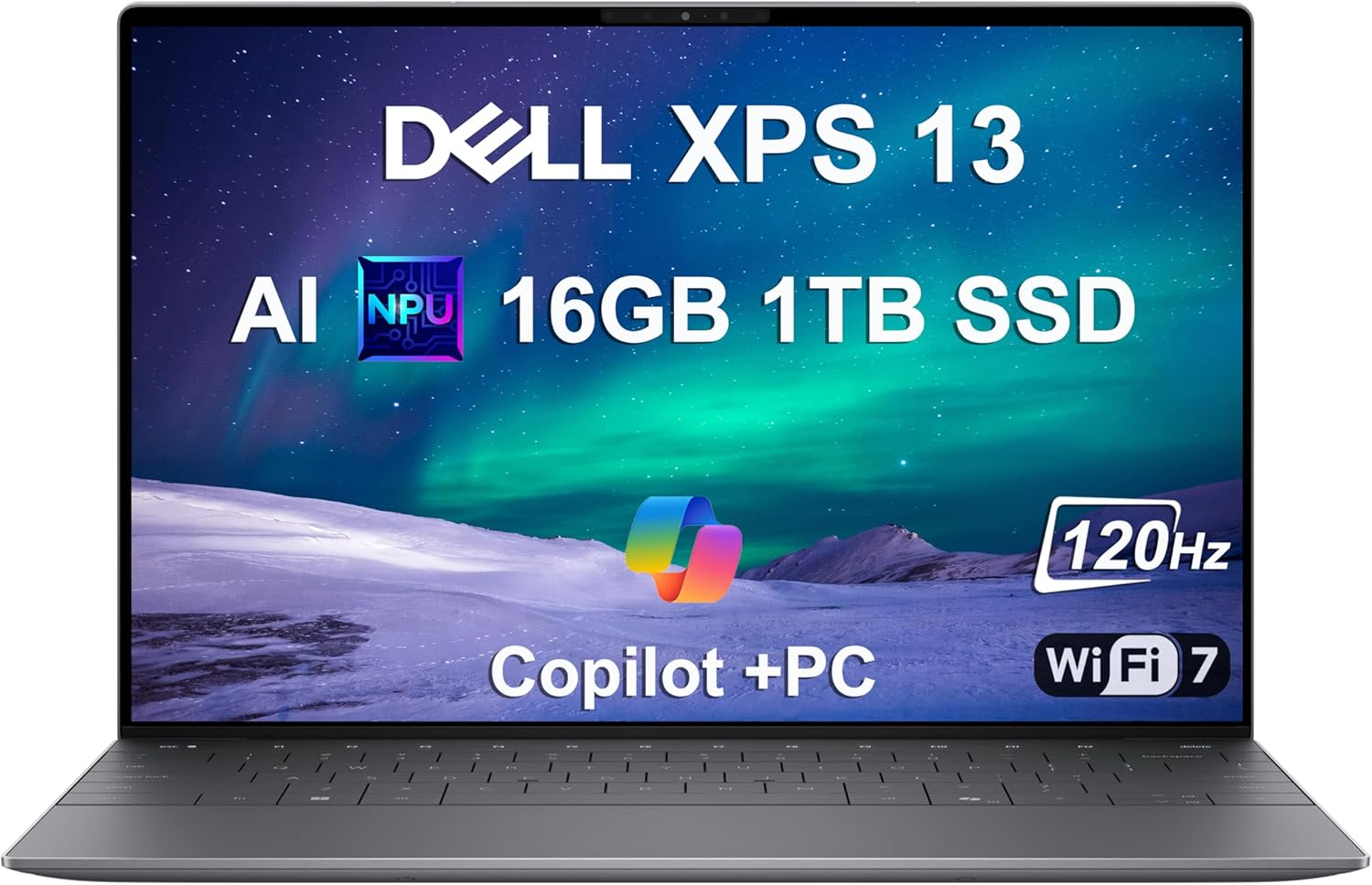
The XPS 13 is the laptop for the minimalist developer. If your entire workflow lives in the cloud, or you’re SSH-ing into a beefy remote server and just need a high-quality "terminal" that weighs next to nothing, this is the one.
The "Worth It" Logic
It’s about the footprint. It’s roughly the size of a standard A4 notepad. I’ve used this on coach-class tray tables where a MacBook Pro 14 wouldn't even open fully, and it felt fine. For a Windows/Linux machine, the build quality is the only thing that genuinely rivals Apple’s unibody feel.
Real-world usage (The "Coffee Shop" Test)
I spent a week using the XPS 13 as my primary machine while traveling. Not gonna lie, switching from a dual-monitor setup to a 13-inch screen was a shock to the system. But the "InfinityEdge" display makes it feel bigger than it is. I found myself focusing more—there’s no room for distractions on a 13-inch screen. It’s just you and the code.
The Pain Points (Be Warned)
The Keyboard/Function Row: Dell went "minimalist" with the new capacitive touch row. If you’re a heavy Vim user or rely on physical F-keys for debugging, you’re going to hate this at first. It takes a solid week of muscle memory training to stop missing the physical keys.
Thermal Throttling: It’s thin. Physics doesn't lie. If you try to run a local Kubernetes cluster or do heavy video rendering, the fans will let you know they're struggling. It's a "burst" machine, not a sustained-load beast like the M5 or the XPS 15.
The Port Situation: Two Thunderbolt ports. That’s it. You are officially living the dongle life.
Who this is for: The "Digital Nomad" dev. If you value a 2.6lb (1.2kg) carry weight over raw multi-core performance, the XPS 13 is the best Windows ultrabook on the market. It’s the "MacBook Air" alternative for people who refuse to use macOS.
Quick Comparison: XPS 13 vs. XPS 15
Go 13 if: You travel 50% of the time and mostly do web dev, scripting, or remote work.
Go 15 if: You need a dedicated GPU, more ports, and a screen that doesn't require squinting during 8-hour sessions.
The "Worth It" Logic: What Are You Actually Buying?
Most reviewers focus on benchmarks (Cinebench scores, etc.). For us, those numbers are mostly irrelevant. Here is the actual upgrade logic:
If you suffer from "Battery Anxiety": Get the MacBook Pro M5. The relief of never looking at your percentage is worth the $2,000+ price tag alone.
If you suffer from "Typing Fatigue": Get the ThinkPad X1 Carbon. Your wrists and your WPM will thank you after a week.
If you need a "Portable Desktop": Get the XPS 15. It’s the closest you’ll get to a dual-monitor feel on a single pane of glass.
Technical Debt: What I Didn't Like
No setup is perfect.
MacBook Pro M5: Still only two ports on the base model? Come on, Apple. I’m tired of the dongle life.
Dell XPS 13: The new keyboard design (the capacitive touch row) is a total miss for me. I need physical Esc and Function keys. If you’re a Vim user, the XPS 13 might actually drive you insane.
ThinkPad X1: It still feels "plasticky" to some, even though it's high-end carbon fiber. It lacks that "heft" that makes a laptop feel expensive.
Final Verdict: Which Module to Plug into Your Life?
I went through five different laptops before settling on my current daily driver.
Choose the MacBook Pro M5 if you want to stop thinking about your laptop and start thinking about your code. It is the highest-efficiency module for a modern productivity system.
Choose the ThinkPad X1 Carbon if you value reliability and tactile feedback over aesthetic polish. It’s a tool for people who build things.
Choose the XPS 15 if you need the Windows ecosystem but refuse to settle for a "gamer" laptop that looks like a spaceship.
Would I buy the M5 again? Honestly, yeah. It’s overpriced, and the RAM upgrades are a scam, but the peace of mind it gives me during a 10-hour flight or a long day in the park is something no Windows laptop has matched yet.