In 2026, a laptop is no longer a compromise; it is the heart of a modular workstation. For the productivity programmer, the goal of "laptop accessories" has shifted from simple protection to creating a seamless transition between a coffee shop and a multi-monitor home desk. The latest hardware focuses on high-speed data standards like Thunderbolt 5 and high-density GaN power delivery, ensuring your mobile setup is as powerful as a desktop.
We have curated the essential peripherals that solve the three biggest mobile work friction points: ergonomic strain, port scarcity, and power anxiety. These are the tools that transform a 14-inch screen into a full-scale professional environment.
The 2026 Laptop Accessory Power Rankings
Category | Winner | Key Strength | Primary Spec |
|---|---|---|---|
Best Overall Dock | 20-Port Connectivity Hub | Thunderbolt 5 | |
Best Multi-Charger | Charges 3 Laptops Simultaneously | GaN Technology | |
Best Portable Screen | 16-inch 2.5K 120Hz Display | 16:10 Aspect Ratio | |
Best Travel Stand | Extreme Portability & Height | Carbon Fiber/Glass |
The Connectivity Titan: CalDigit TS5 Plus
Best For: Power Users with Complex Multi-Monitor Setups.
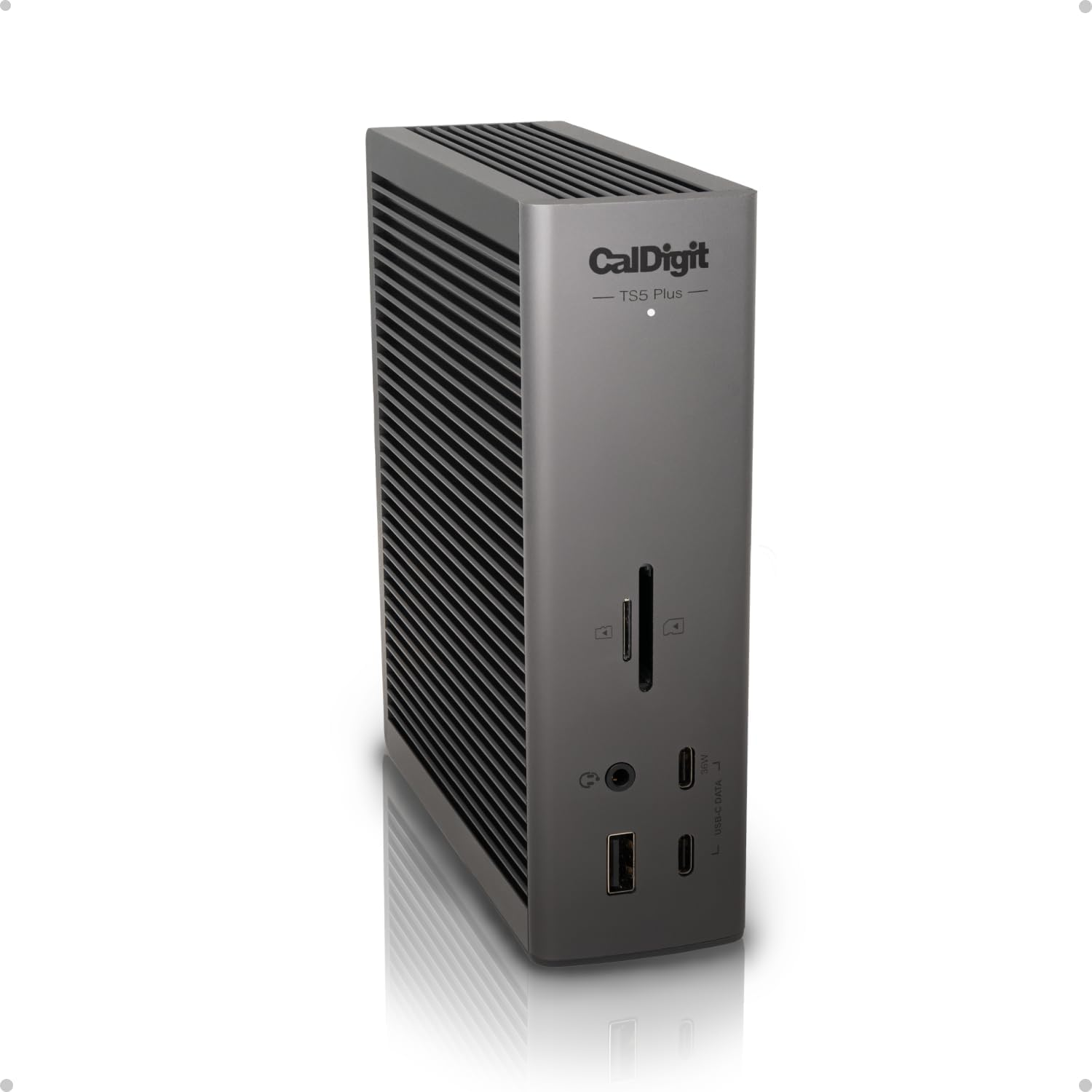
The CalDigit TS5 Plus is the first true masterpiece of the Thunderbolt 5 era. It is designed for those who come home, plug in one cable, and instantly activate a workstation worth of peripherals.
Thunderbolt 5 Bandwidth: With up to 120Gbps of bandwidth, this dock can drive dual 8K displays at 60Hz or triple 4K displays at 144Hz. It is the end of "display lag" for high-refresh-rate programmers.
140W Power Delivery: It provides enough juice to fast-charge even the most demanding 16-inch workstations without needing the laptop's original power brick.
2.5GbE & 20 Ports: Beyond just USB ports, it includes 2.5 Gigabit Ethernet and high-speed SD 4.0 card readers, making it a mandatory tool for video editors and developers.
The Power Grid: Ugreen Nexode 300W
Best For: Eliminating "Brick Bloat" from Your Travel Bag.
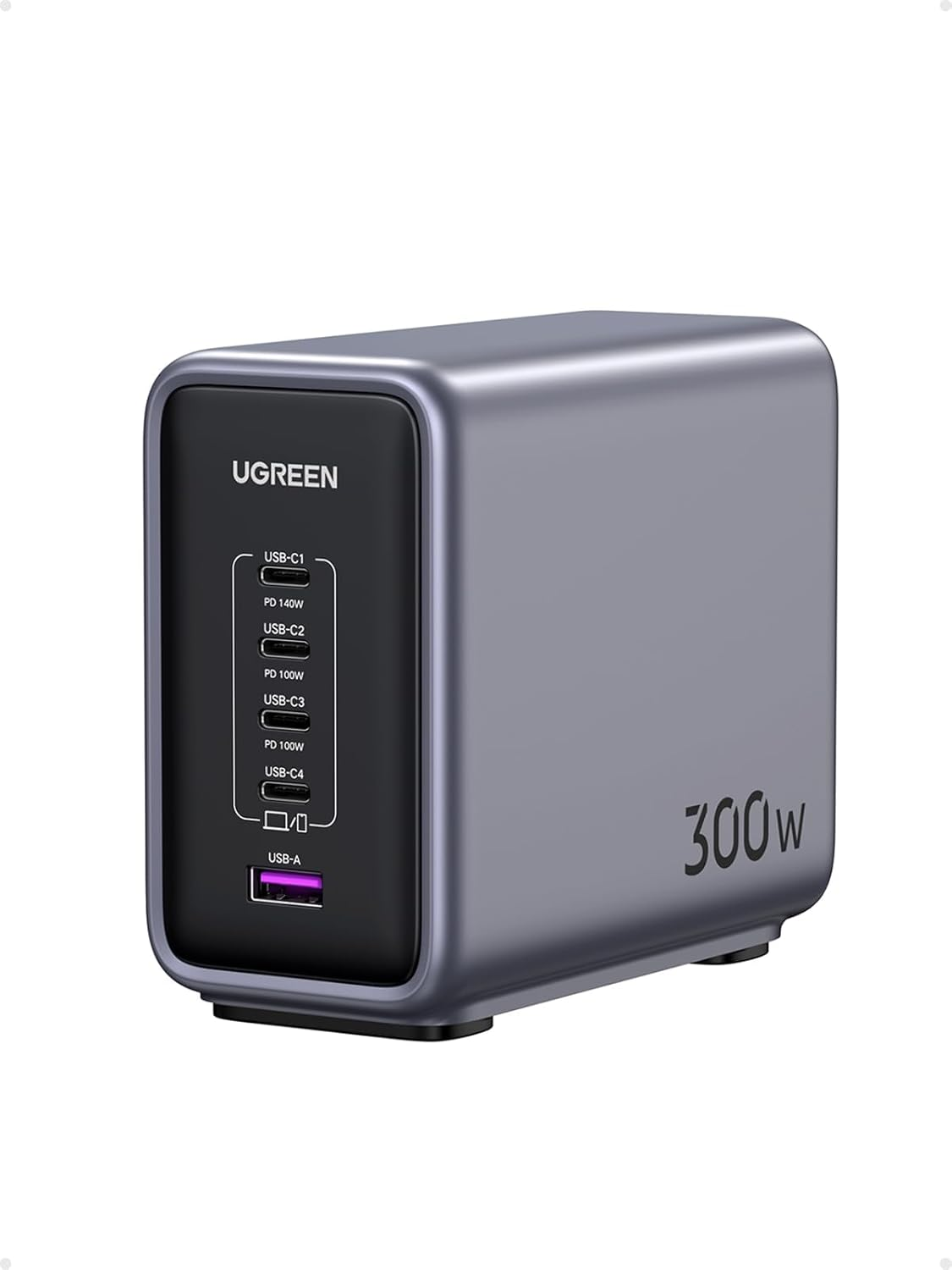
The Ugreen Nexode 300W is the ultimate desk-side companion. Utilizing 2026-grade Gallium Nitride (GaN) internals, it delivers massive power in a chassis smaller than a standard 100W silicon charger.
Simultaneous High-Speed Charging: It can output 140W from its primary port while still delivering 65W and 45W to secondary devices. You can charge your laptop, a portable monitor, and your phone at maximum speed from one outlet.
Advanced Thermal Management: Despite the 300W output, it stays significantly cooler than previous generations thanks to its high-surface-area heat sinks and intelligent power distribution.
Review Detail: It features a dedicated LED display that shows real-time wattage for each port, giving programmers a "gut check" on their power health.
The Canvas Extension: Mobile Pixels Duex Float 2 Pro
Best For: Maintaining a Multi-Monitor Workflow While Traveling.
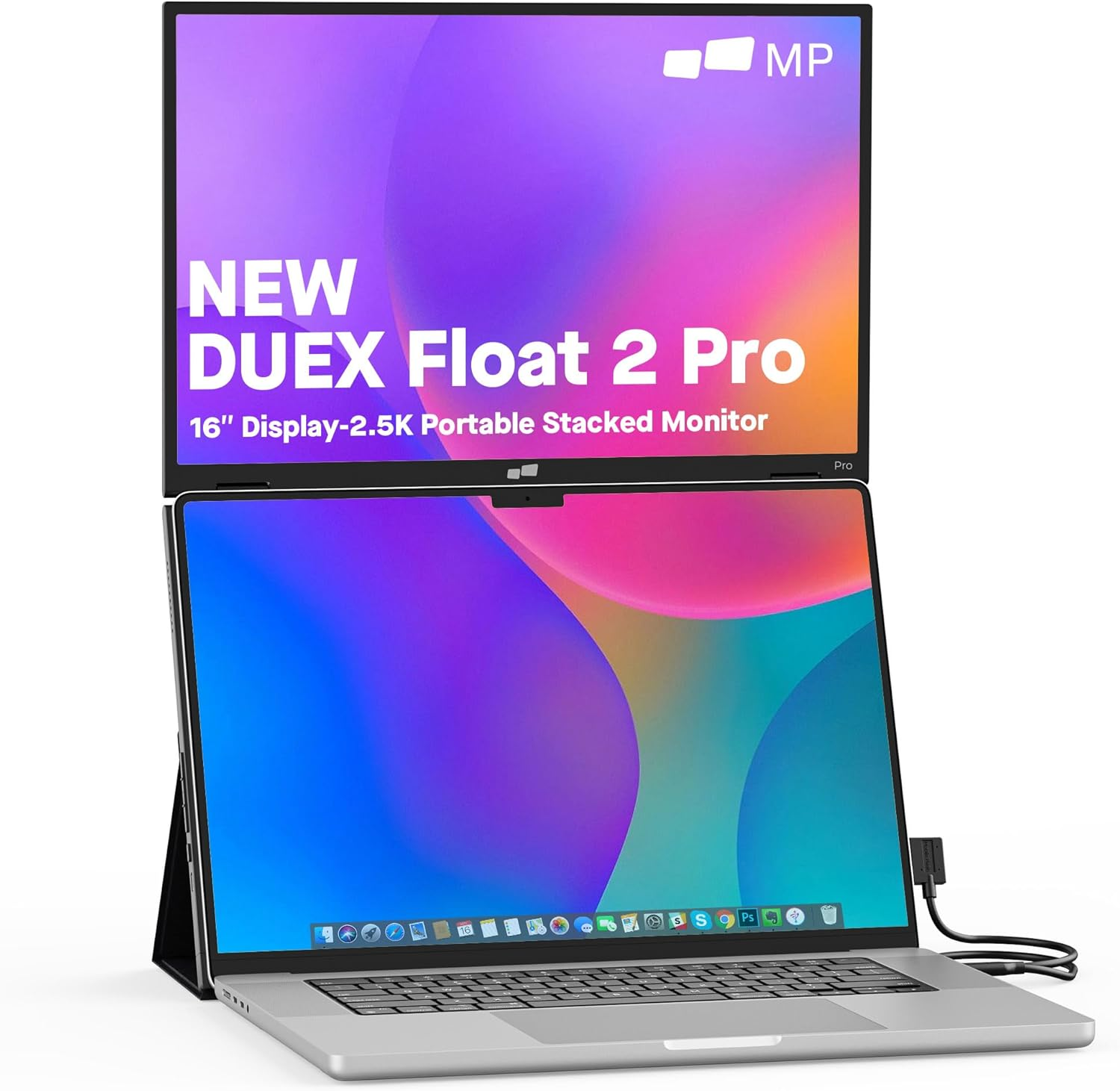
The Duex Float 2 Pro solves the "tiny screen" problem without the bulk of a traditional external monitor. It is a 16-inch secondary display that feels like a native part of your laptop.
2.5K Productivity: The 2560x1600 resolution and 16:10 aspect ratio are optimized for code and documents, providing more vertical space than standard 1080p screens.
120Hz Refresh Rate: It is one of the few portable monitors to match the smooth motion of high-end laptop displays, preventing the "eyesore" effect when moving your cursor between screens.
Kickstand Versatility: It features a built-in magnetic stand that allows it to stack vertically above your laptop or sit traditionally to the side.
The Ergonomic Lifeline: Roost V3
Best For: Protecting Your Neck During Long Coffee Shop Sessions.
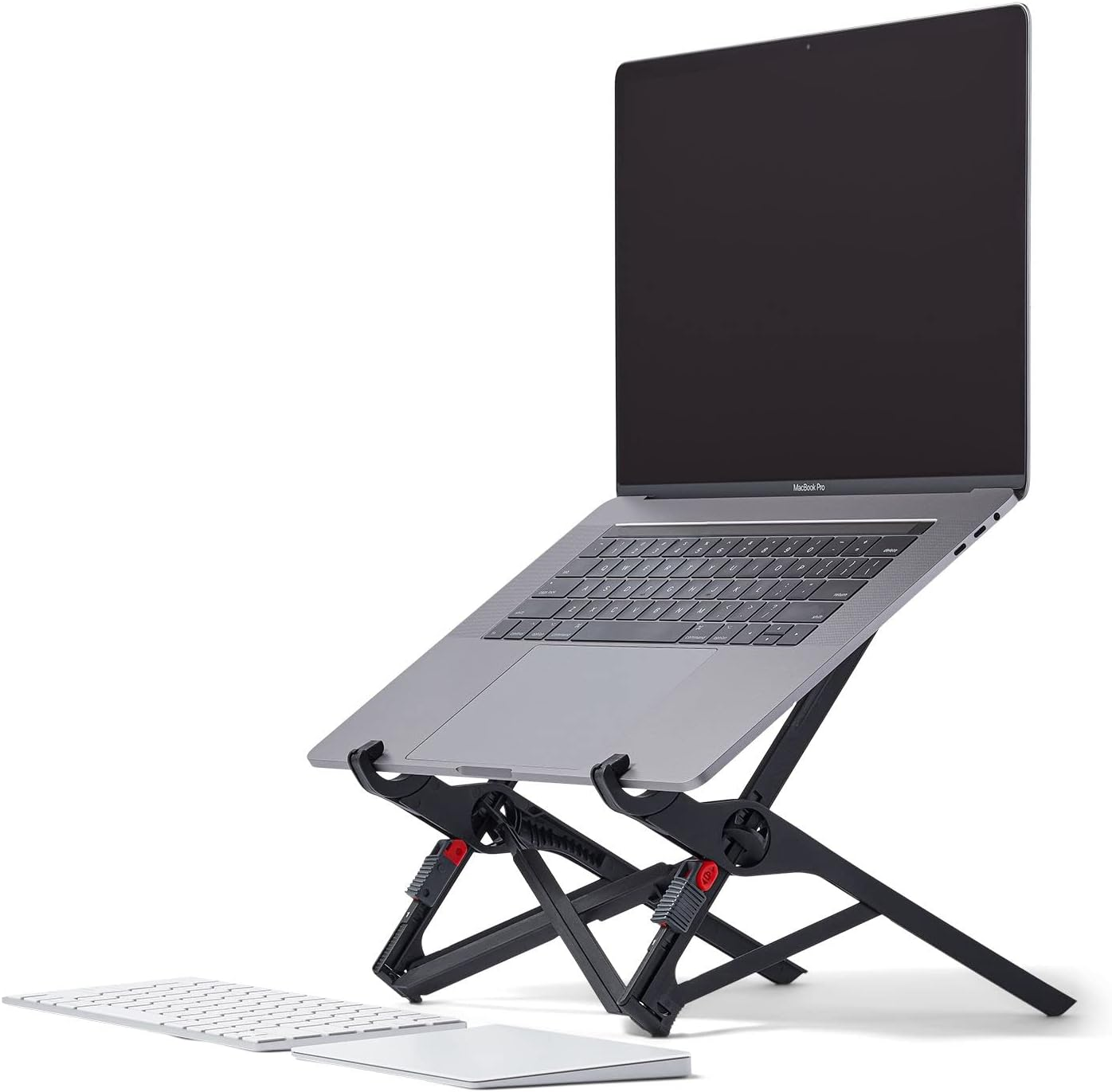
The Roost V3 remains the gold standard for ergonomic laptop stands because it addresses the core issue of mobile work: the "hunch."
Eye-Level Alignment: It can lift your laptop screen up to 12 inches off the desk, bringing the top of the monitor to eye level. This is the only way to prevent long-term cervical spine strain.
Universal Fit: Its unique "pincer" design holds everything from an ultra-thin MacBook Air to a chunky 17-inch gaming laptop with zero wobble.
Folds to Nothing: It collapses into a stick the size of a small umbrella, weighing only 6 ounces, making it an invisible addition to your daily carry.
Technical Gut Check: Building a Balanced Ecosystem
Adding the best laptop accessories to your setup requires a strategic approach to ensure compatibility:
Cable Integrity: You cannot use a cheap $5 cable with a 140W charger or a Thunderbolt 5 dock. Look for cables explicitly rated for 240W Power Delivery and 80Gbps+ data to avoid bottlenecking your hardware.
Port Power Logic: Remember that most laptops only have one or two "full power" ports. Plugging a dock into a non-Thunderbolt USB-C port will result in limited monitor resolution and slower charging.
The Weight Penalty: High-end accessories like the Ugreen 300W and Evergoods CPL 24L add significant weight. If your priority is "light and fast," consider the Tessan 65W GaN Travel Adapter as a compact alternative.
Now that your mobile workstation is fully equipped, we are shifting focus to ergonomics. We will be comparing the latest vertical and trackball designs to see which one eliminates wrist fatigue during those 10-hour grinds.
Next in the Tools Pillar: The Best Ergonomic Mice for Remote Work