For the dedicated desk setup enthusiast, a monitor light bar is the final boss of ergonomic upgrades. In 2026, these devices have evolved from simple LEDs into sophisticated optical tools designed to solve a specific physics problem: how to illuminate a workspace without washing out the screen or creating a reflection on the panel.
The latest "ScreenBars" utilize asymmetric optical designs to cast light at a precise angle, ensuring your keyboard and documents are bright while your monitor remains perfectly dark. Whether you are a programmer working late into the night or a designer needing high color accuracy, a light bar reduces the contrast between your bright screen and the dark room, significantly delaying the onset of eye fatigue.
The 2026 Monitor Light Bar Power Rankings
Category | Winner | Key Strength | Primary Feature |
|---|---|---|---|
Best Overall | Wireless Dial & Backlight | 1000 Lux / Tri-Zone Light | |
Best for Automation | Ultrasonic Motion Sensor | Auto On/Off + Built-in Mic | |
Best Budget King | Minimalist Design & Value | Wireless Remote Puck | |
Best for Gaming | Razer Chroma/RGB Sync | 16M Colors + Smart App | |
Best Value Pro | High CRI & Solid Build | 1200 Lux / Remote Dial |
The Luxury Standard: BenQ ScreenBar Halo 2
Best For: High-End Setups and Deep Focus Work.
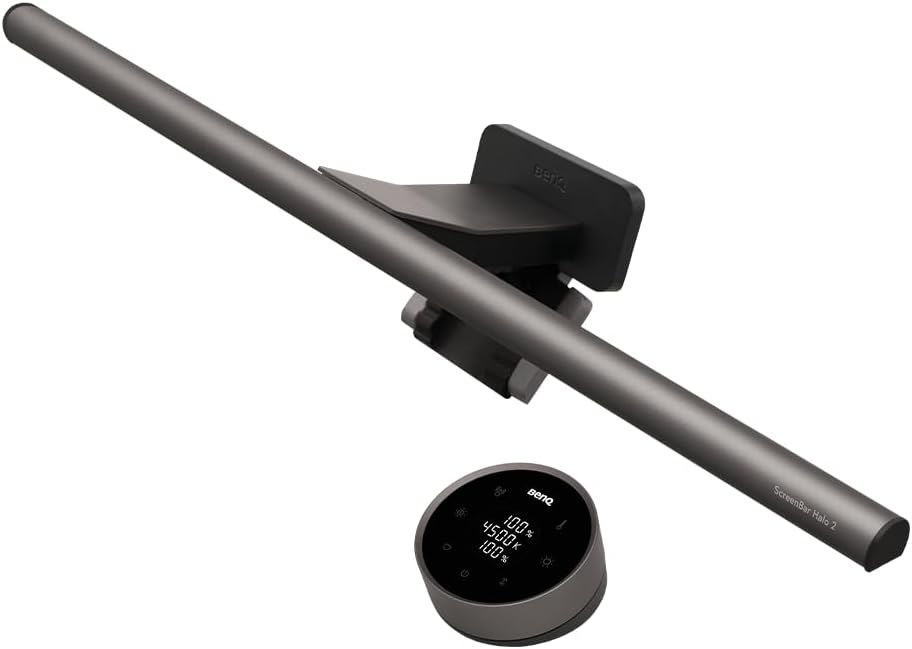
The BenQ ScreenBar Halo 2 is the definitive choice for those who view their desk as a sanctuary. It improves upon the original Halo with more uniform light distribution and an upgraded wireless controller.
Tri-Zone Backlight: Unlike standard bars, the Halo 2 features a rear-facing ambient light. This "bias lighting" illuminates the wall behind your monitor, which further reduces the harsh contrast that leads to "computer vision syndrome."
Advanced Wireless Dial: The controller is a weighted, industrial-grade dial that allows for stepless adjustment of brightness and color temperature. In 2026, it features a haptic-touch numeric panel for saving lighting presets.
Curved Monitor Support: It includes a patented accessory that allows it to mount securely on aggressive 1000R curves without blocking the screen or creating glare.
The Invisible Assistant: BenQ ScreenBar Pro
Best For: Users Who Want One Less Switch to Press.
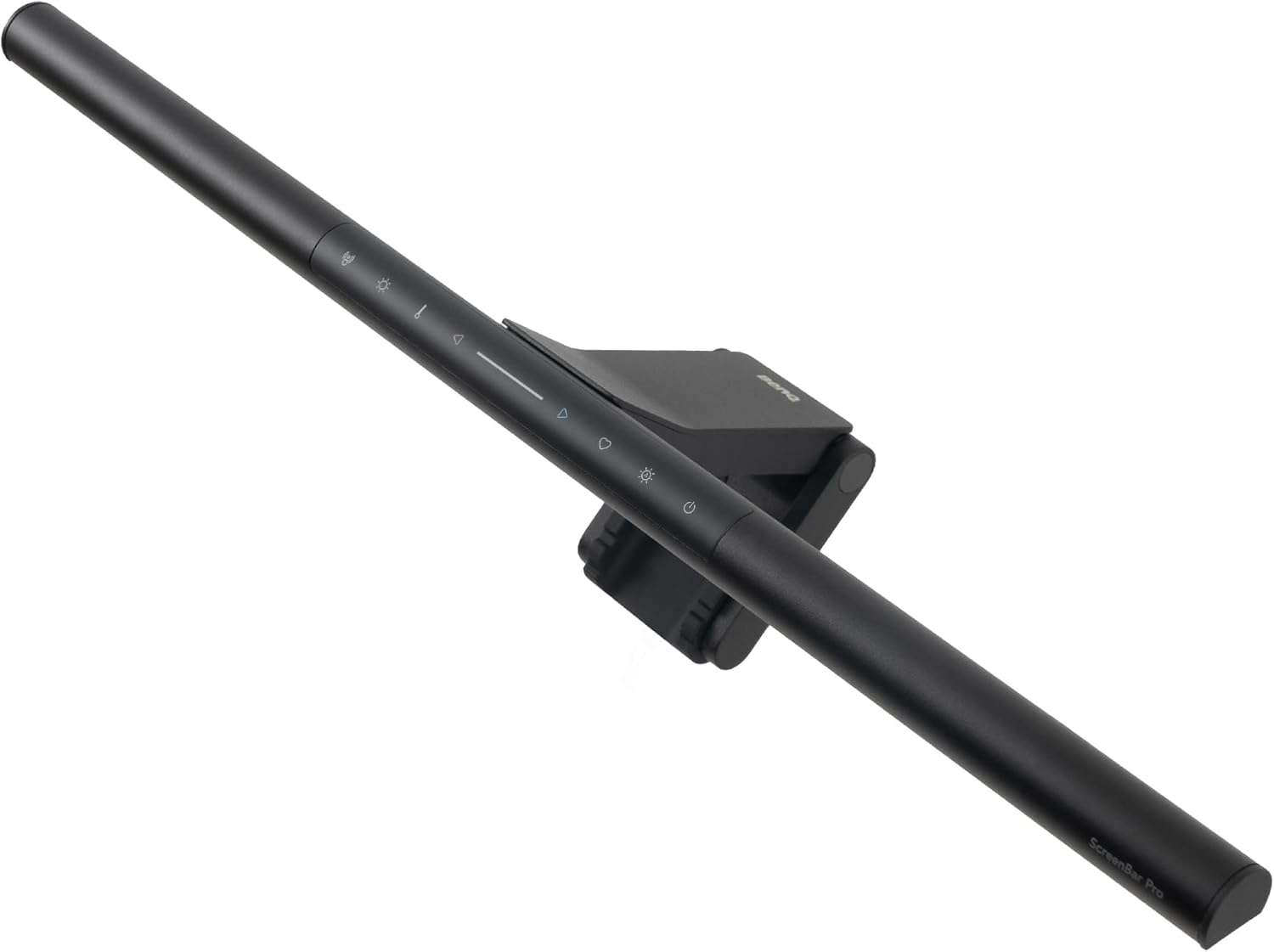
If the idea of a "controller puck" on your desk feels like clutter, the BenQ ScreenBar Pro is the superior alternative. It integrates all controls directly onto the bar while adding a layer of intelligence.
Ultrasonic Motion Sensor: This is a 2026 standout feature. The light detects when you sit down and automatically turns on, then shuts off five minutes after you leave your desk. It is the ultimate "set and forget" device.
Full-Spectrum Lighting: It offers a wider illumination range (85cm x 50cm), ensuring even your peripherals and notebooks are fully lit.
Evolution of Design: The "Pro" model moved away from the heavy counterweight of the past, using a more versatile clamp that fits even ultra-thin OLED panels and thick, industrial monitors.
The Minimalist Hero: Xiaomi Mi Computer Monitor Light Bar
Best For: Clean, Modern Aesthetics on a Budget.
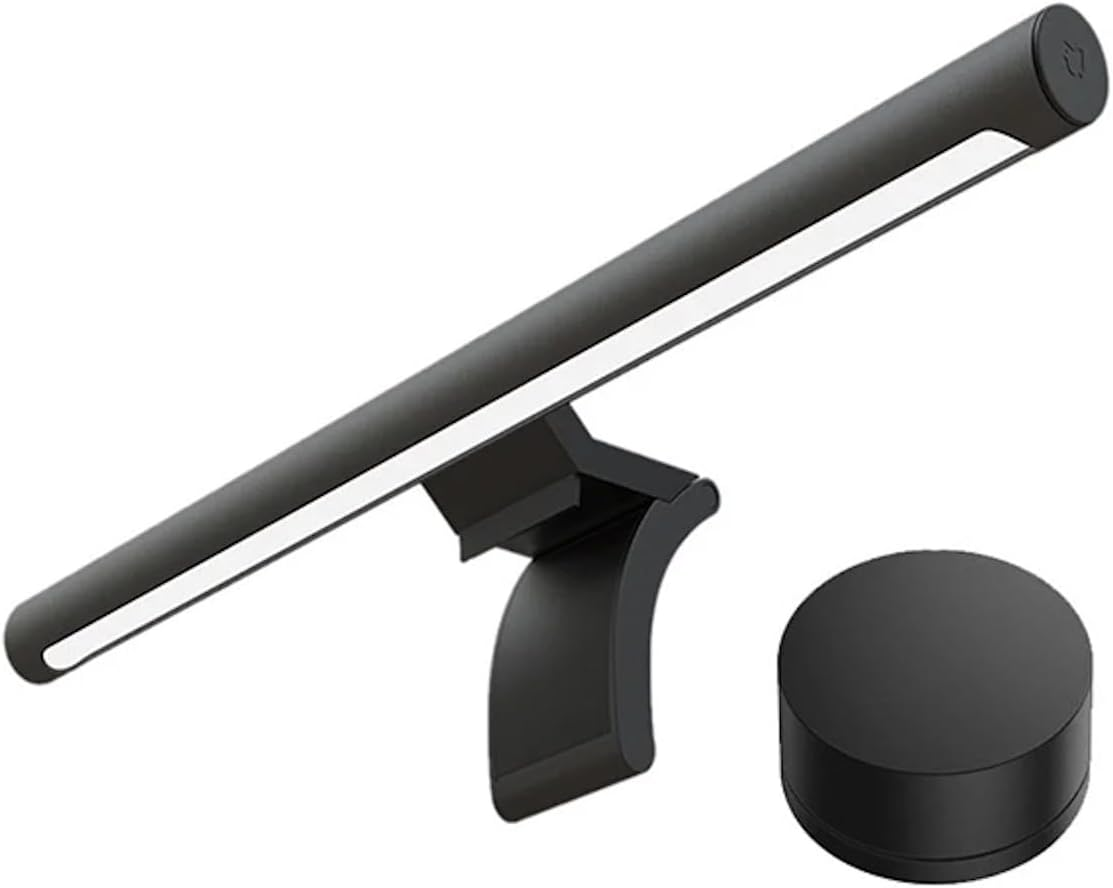
Xiaomi’s entry into the space remains the "price-to-performance" king. It offers a premium feel—aluminum body, magnetic rotation, and a wireless remote—at a fraction of the cost of high-end boutique brands.
Magnetic Attachment: The light bar snaps onto its weighted base via magnets, allowing you to tilt it by 25° to find the perfect angle for your height and monitor tilt.
The Remote Puck: Despite the low price, it includes a high-quality 2.4GHz wireless remote. It’s a simple, clickable dial that feels surprisingly premium for a budget accessory.
High Color Rendering: With a CRI of Ra95, it ensures that the physical objects on your desk look color-accurate, which is rare for lights in this price bracket.
The RGB Powerhouse: Yeelight Light Bar Pro
Best For: Gamers and Smart Home Enthusiasts.
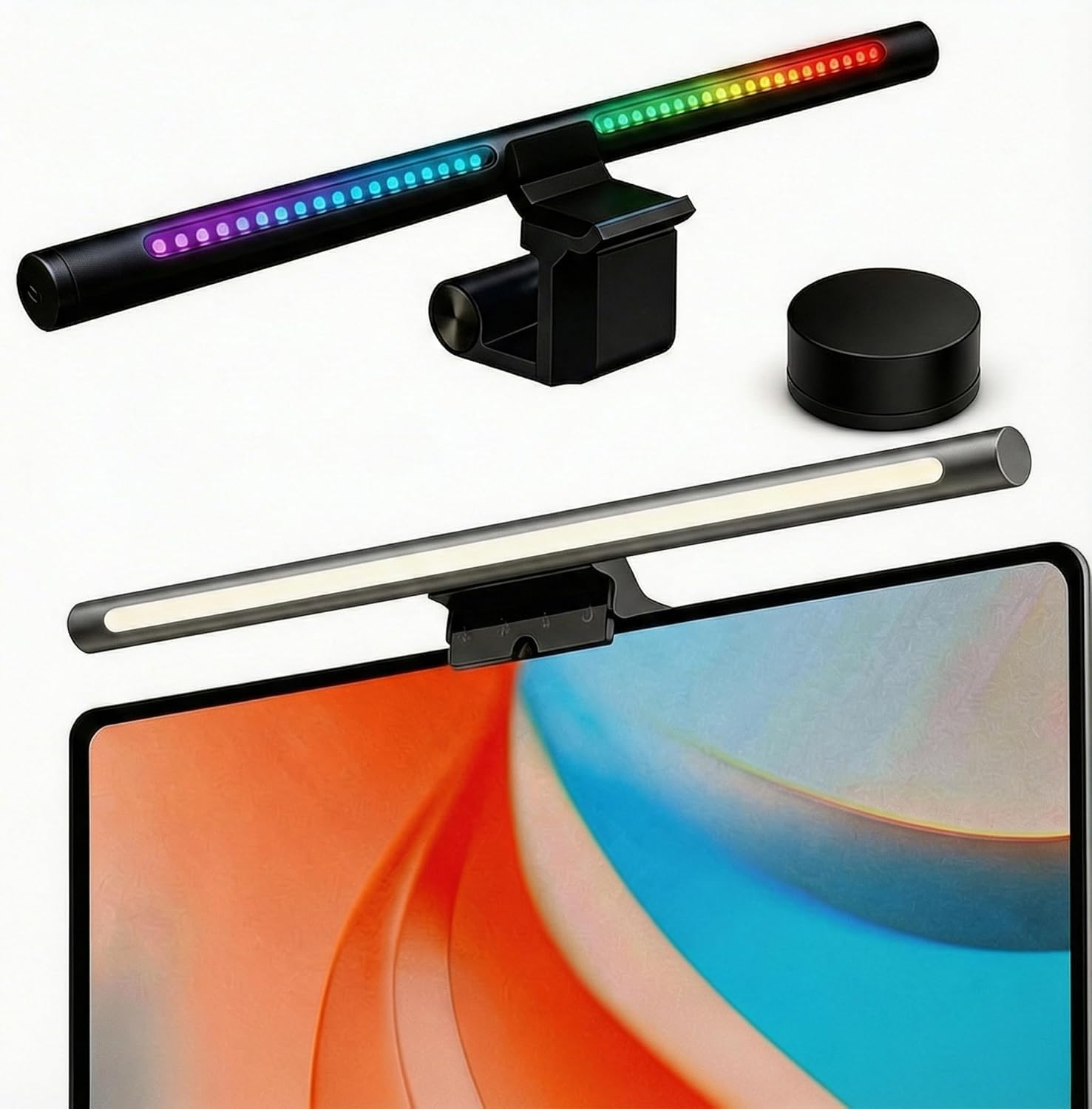
The Yeelight Light Bar Pro bridges the gap between productivity and ambiance. It is the only light bar on this list that treats "vibe" as a primary feature.
Gaming Integration: It is natively compatible with Razer Chroma and Overwolf. Your backlighting can react in real-time to your health bar in League of Legends or the environment in Cyberpunk 2077.
Smart Ecosystem: Because it connects via Wi-Fi, you can control the light through the Mi Home app or via voice commands with Alexa and Google Assistant.
Dual Light Source: It separates its "work light" from its "RGB light," meaning you can have a focused 6500K cool light on your keyboard while the wall behind you glows in a deep purple.
The Professional Bargain: Quntis ScreenLinear Pro+
Best For: Those Needing Maximum Brightness Without the "Brand Tax."
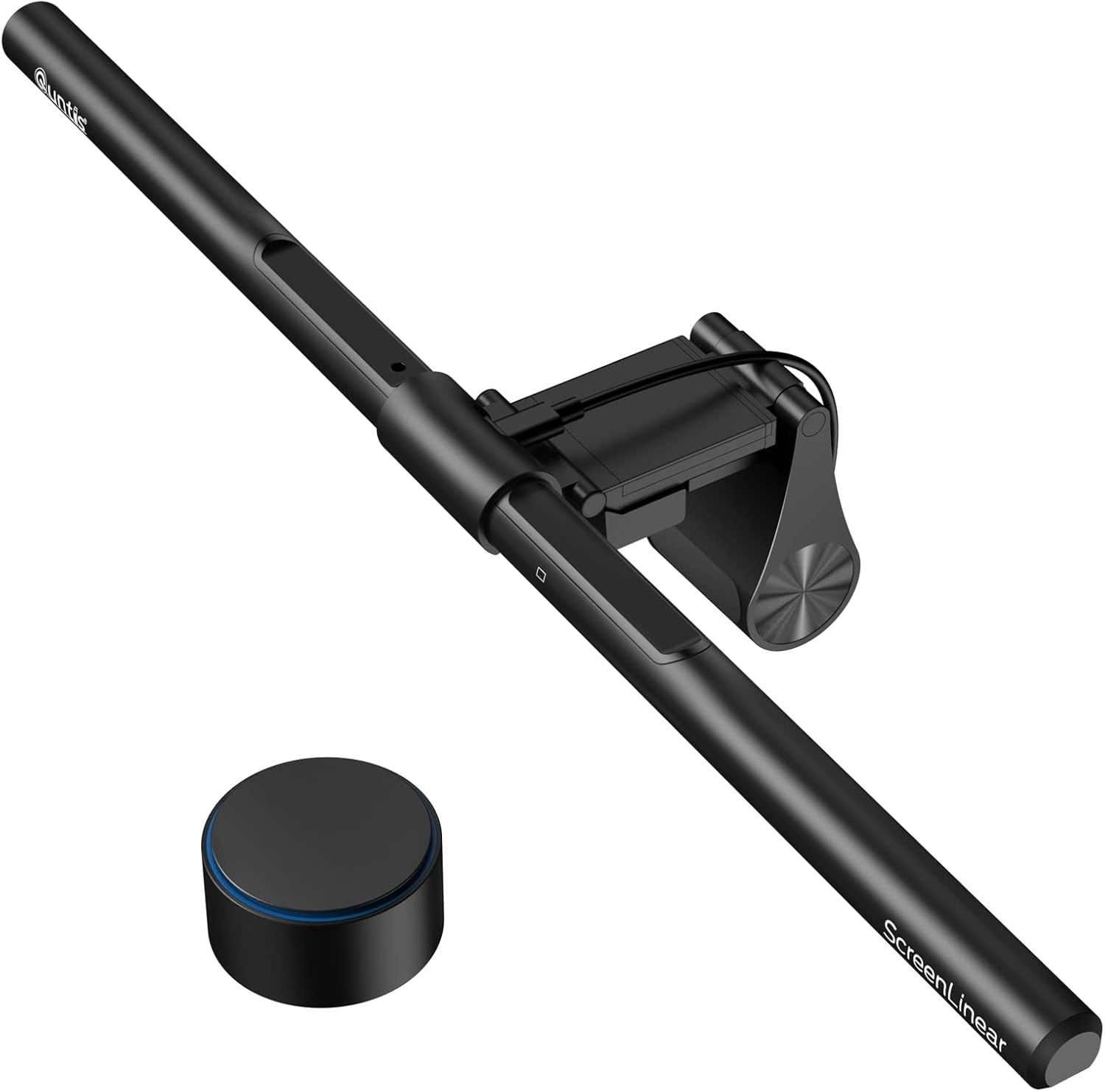
The Quntis ScreenLinear Pro+ is often overlooked, but it out-specs almost everything in the mid-range. It is a workhorse designed for high-visibility tasks.
1200 Lux Output: This is one of the brightest bars available. If you do a lot of physical paperwork or manual drafting at your desk, the extra punch is noticeable.
Auto-Dimming Sensor: It features a built-in light sensor that measures the ambient light in your room and automatically adjusts its own output to maintain a constant 500-lux environment.
Simplified Remote: It includes a wireless puck that handles the basics (on/off, brightness, temp) without the complex haptics of the BenQ models, making it a pragmatic choice for a professional workspace.
Technical Gut Check: Managing Screen Physics
Buying a monitor light bar requires understanding how it interacts with your specific panel:
The Webcam Conflict: Most light bars sit exactly where your webcam needs to be. If you use a camera, look for the BenQ ScreenBar Pro, which features a flat top designed to accommodate a webcam mount, or the Quntis ML215, which has a built-in camera slot.
Glossy vs. Matte: If you have a glossy screen (like an Apple Studio Display or some OLEDs), even an asymmetric light bar can catch a slight "haze" at the very top of the bezel. Adjust the tilt angle forward to minimize this.
USB Power Draw: Some high-output bars (like the Yeelight Pro) require a 5V/2A power source. Standard USB 2.0 ports on old monitors may not provide enough juice, leading to flickering. Plug these into a dedicated GaN charger for consistent performance.