
The Gold Standard of the Glass Desk: A Deep-Dive Review of the Logitech MX Master 3S
In the world of high-performance setups, there are very few "perfect" tools. We usually live in a world of trade-offs: power vs. portability, speed vs. stability. But for nearly a decade, the MX Master series has sat on a lonely throne as the default choice for developers, designers, and system architects.
When the MX Master 3S launched, it wasn't a radical redesign—it was a surgical optimization. As we move through 2026, the market is flooded with competitors trying to mimic its thumb-rest and horizontal scroll. But after thousands of hours of spreadsheet surgery and deep-code refactoring, I’ve found that the "S" model remains the anchor of my production system.
Here is the enthusiast-level breakdown of why this mouse is more than just a peripheral—it’s a workflow accelerator.
The Specs: The Precision Engine
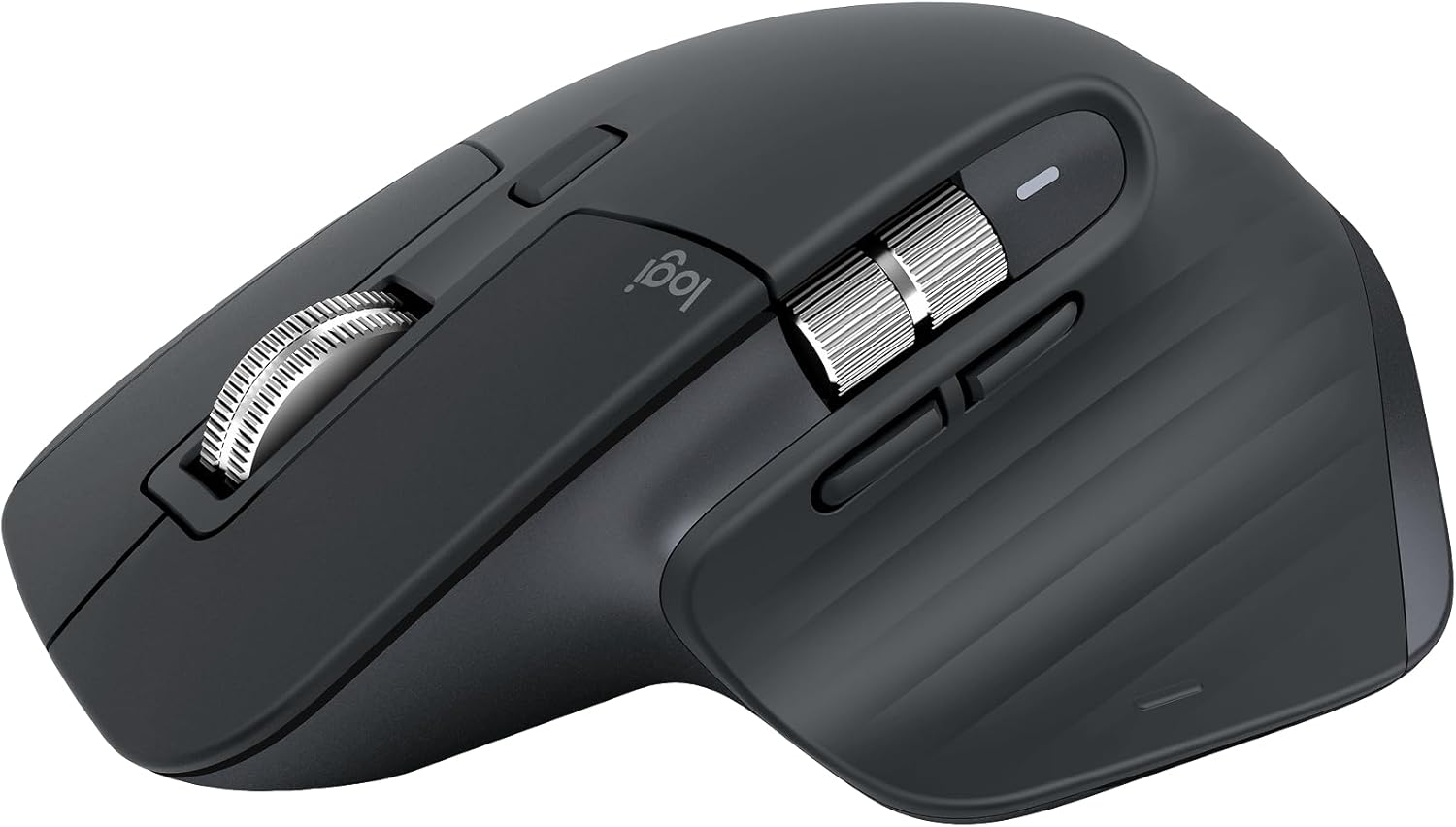
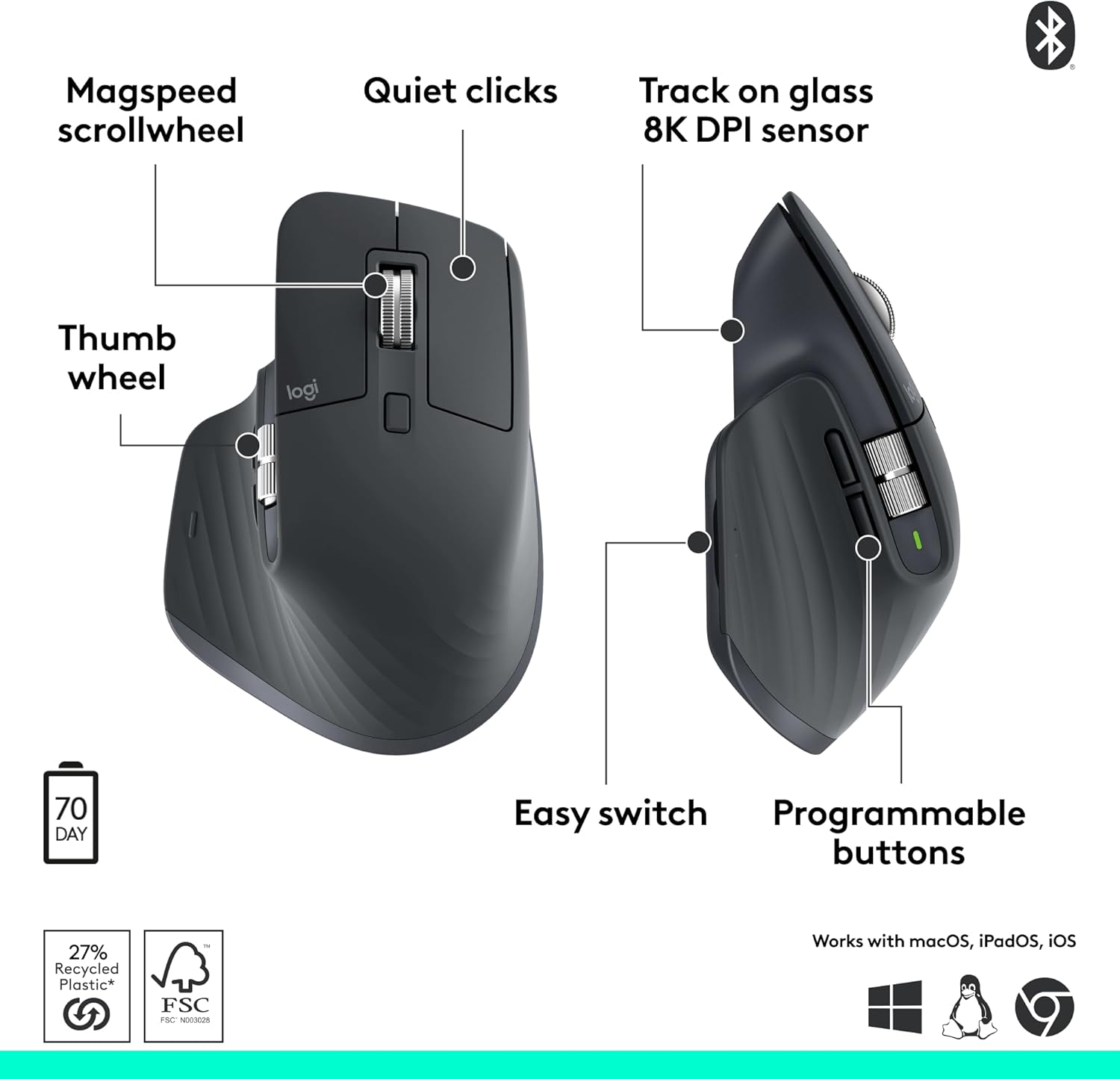
- Sensor: Darkfield High Precision (200 to 8,000 DPI)
Buttons: 7 buttons + Gesture button (Thumb rest)
Scrolling: MagSpeed Electromagnetic Steel Wheel
Connectivity: Bluetooth Low Energy & Logi Bolt (Triple channel)
Battery: 500mAh (70 days on full charge; 3 hours of use from 1-min charge)
Clicks: Quiet Click technology (90% noise reduction)
The Mechanical Soul: MagSpeed Scrolling
If you haven't used a MagSpeed wheel, you’re missing the single best piece of engineering in the peripheral world. It uses electromagnets to switch between a tactile "ratchet" mode and a frictionless "infinite" spin.
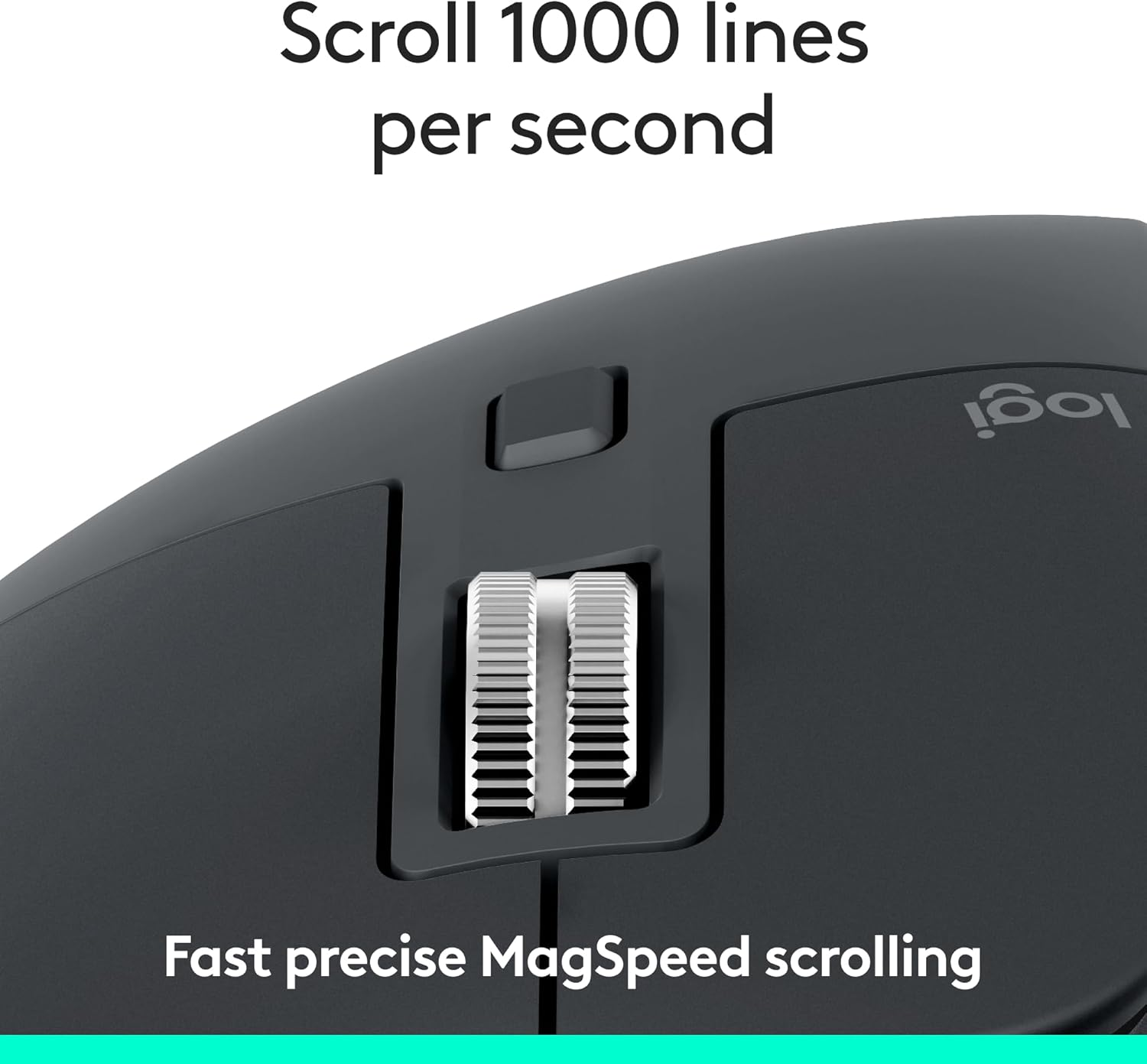
The Workflow Impact: When I’m scrolling through a 2,000-line JSON file, I flick the wheel, and it stays spinning until I tap it to stop. It can scroll 1,000 lines in a second. This isn't just a "cool feature"—it changes how you navigate data. It removes the physical friction of manual scrolling, letting your eyes move as fast as the software allows.
The "S" Factor: Silent Switches & 8K DPI

The move from the 3 to the 3S brought two major changes that impact the "Enthusiast" experience:
The Sound of Silence: The 3S uses "Quiet Click" switches. While some purists miss the sharp "click-clack" of the original Master 3, the 3S feels more premium. It’s a dampened, tactile "thud" that makes a high-stakes office or a quiet home environment feel much more professional.
The 8,000 DPI Sensor: Most people don't need 8K DPI for a 1080p monitor. But if you’ve upgraded to a dual 4K setup or a 32:9 Ultra-wide, that 8K sensor is vital. It allows you to traverse massive screen real estate with minimal wrist movement, significantly reducing the risk of RSI (Repetitive Strain Injury).
Infrastructure & Customization: Logi Options+

The hardware is only half the story. The real power of the MX Master 3S lies in Logi Options+.
App-Specific Profiles: My side buttons act as Undo/Redo in Photoshop, but automatically switch to Back/Forward in Chrome and Join/Mute in Zoom.
The Gesture Button: Pressing down on the thumb rest and moving the mouse allows for four additional commands. I have mine set to switch between "Desktop Spaces," turning the mouse into a Mac-like trackpad.
Logitech Flow: If you run a PC and a Mac side-by-side, Flow allows the cursor to jump between them as if they were one monitor—it even handles cross-OS copy-and-paste.
Comparison: MX Master 3S vs. Keychron M6 Vs Razer Basilisk V3 Pro
Feature | Logitech MX Master 3S | Keychron M6 | Razer Basilisk V3 Pro |
|---|---|---|---|
Primary Use | High-End Productivity | Value Productivity | Gaming/Office Hybrid |
Scroll Wheel | Electromagnetic (Best) | Mechanical Infinite | Mechanical Smart-Reel |
Polling Rate | 125Hz (Office Standard) | 1000Hz+ | 8000Hz (Gaming Grade) |
Horizontal Navigation | Dedicated Thumb Wheel | Tilt Wheel | Tilt Wheel |
Comfort | Ergonomic Palm Grip | Medium Ergonomics | Aggressive Ergo |
Trade-offs: The "Reality Check"
No tool is perfect. After two years with this device, here are the friction points:
Polling Rate: At 125Hz, it’s not a gaming mouse. If you try to play Valorant at a high level, the cursor will feel "slow" or "floaty" compared to a 1000Hz gaming mouse.
The Weight: At 141g, this is a heavy mouse. It’s designed for stability and "limousine-like" glides, not flick-shots.
The Coating: Over time, the soft-touch rubber coating can develop "shine" or even slight discoloration on the lighter "Pale Gray" models. I recommend the Graphite version for long-term setup aesthetics.
Logi Bolt vs. Unifying: The 3S requires the new Logi Bolt receiver. It is NOT compatible with the older Unifying receivers. If you have older Logitech gear, you’ll be running two dongles.
Who is this for?
The Multi-Tasker: If you manage 50+ tabs, multiple spreadsheets, and three different computers.
The Creative Pro: The horizontal scroll wheel is the single best way to scrub a video timeline or a Figma canvas.
The "Zero Fatigue" Seeker: If you want a mouse that fills your palm and supports your hand for 10 hours a day.
Who should skip it?
The Competitive Gamer: Stick to the Logitech G Pro X Superlight.
The Small-Hand User: This is a large mouse. If you have smaller hands, you may find the MX Anywhere 3S a much better ergonomic fit.
Verdict: Still the One to Beat
In 2026, the Logitech MX Master 3S remains the benchmark. While competitors like Keychron are offering higher specs for lower prices, they haven't yet matched the system-level integration of Logi Options+ and the mechanical perfection of the MagSpeed wheel.
If your goal is to build a workspace that supports deep work and eliminates physical friction, the MX Master 3S isn't an expense—it’s an investment in your primary production tool.