In 2026, the home office has evolved from a temporary "WFH nook" into a high-stakes command center. For enthusiasts and professionals, a "good" setup is no longer just about a fast laptop. It is about an integrated ecosystem where ergonomics, thermal management, and sensory focus converge to facilitate 10-hour deep-work sessions without physical burnout.
Building the best home office setup requires moving beyond aesthetic "minimalism" and investing in hardware that supports human biology. If your back hurts or your cables are a mess, your output is being throttled.
The 2026 Foundation: Core Setup Components
| Category | Winner | Why it wins | Key Feature |
Standing Desk | Uplift V3 Standing Desk | Unrivaled stability at max height | 4-Memory Presets |
Ergonomic Chair | Herman Miller Aeron | Industry-standard lumbar & airflow | PostureFit SL |
Display Mount | Vari Curve Monitor Arm | Precision eye-level alignment | Gas-spring tensioning |
Surface | DeltaHUB Felt Desk Pad | Precise tracking & wrist warmth | Premium Synthetic Wool |
Infrastructure | Anker 675 Docking Station | 12-in-1 connectivity & charging | Integrated Monitor Stand |
The Foundation: Uplift V3 Standing Desk
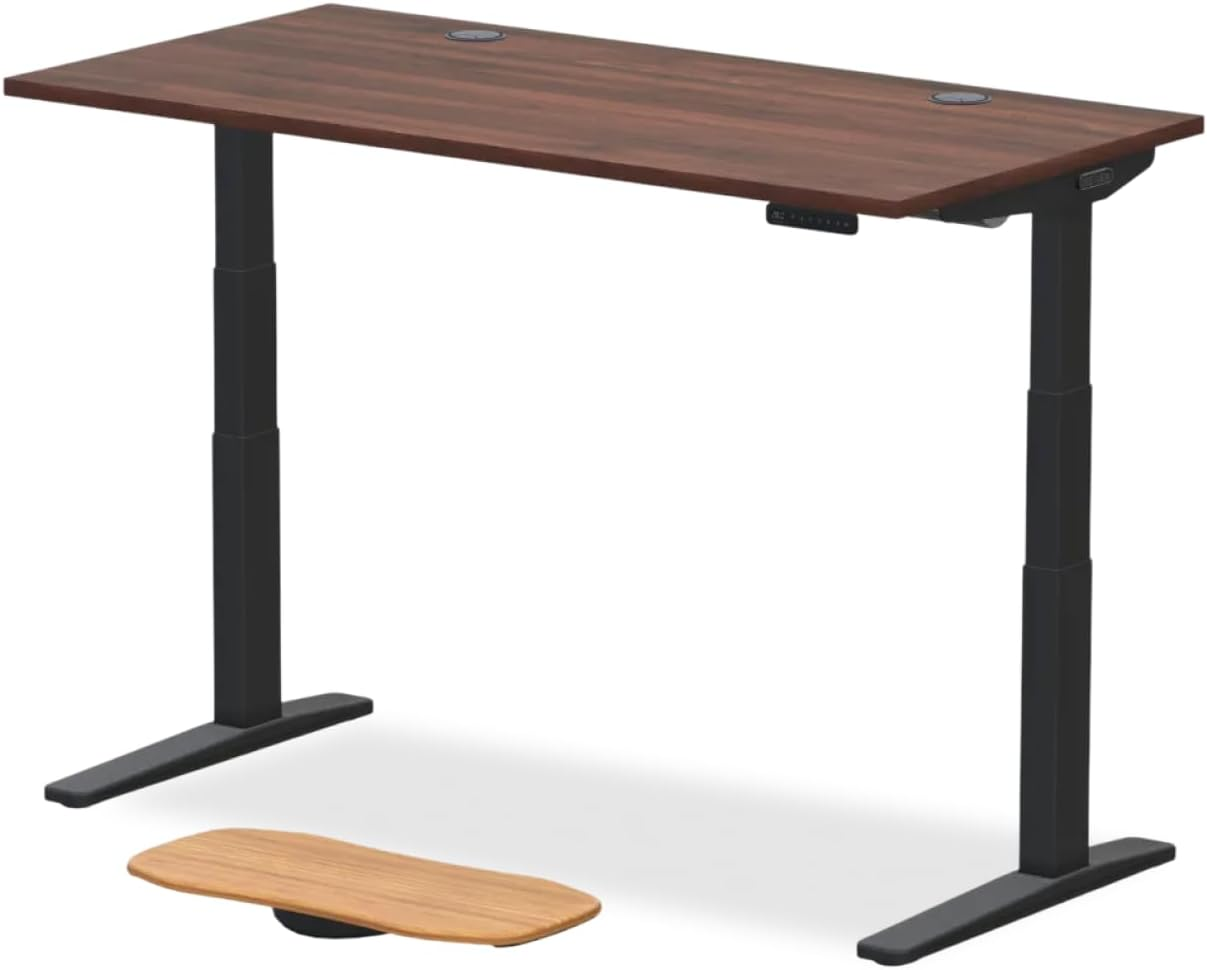
The standing desk is the heartbeat of a high-performance office. In 2026, the Uplift V3 Standing Desk remains the enthusiast favorite because it solves the "wobble" problem that plagues cheaper motorized frames.
Stability: Even when extended to a 48-inch height, the V3 frame remains rock-solid, which is critical if you are using high-end mechanical keyboards that create vibration.
Customization: You can choose from solid mahogany or sustainable bamboo tops. Avoid particle board; it lacks the density to support heavy monitor arm clamps over long periods.
Pro Tip: Use the integrated memory presets to toggle between your ideal "elbow height" for sitting and standing.
The Command Seat: Herman Miller Aeron
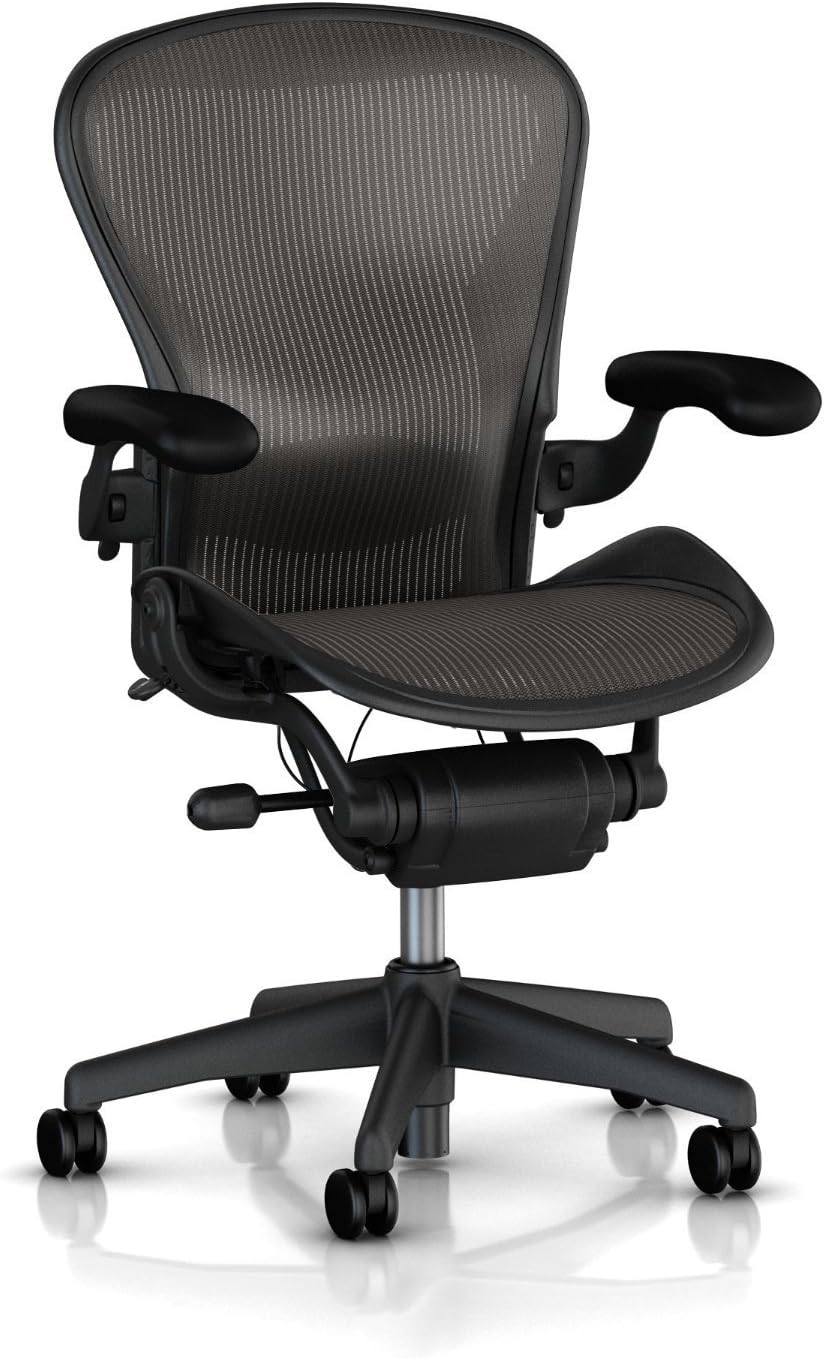
You cannot have the best home office setup without a chair that understands spinal decompression. The Herman Miller Aeron is the gold standard for a reason.
Pellicle Suspension: The 8Z Pellicle mesh isn't just for comfort; it provides eight zones of varying tension to cradle the sit bones and support the lower back.
Thermal Control: Unlike leather "gaming" chairs, the Aeron allows total airflow. If you’re working in a high-intensity environment, keeping your core temperature down is a hidden productivity hack.
Ergonomic Detail: The PostureFit SL system supports the sacrum and the natural curve of the lumbar spine simultaneously.
Visual Ergonomics: Vari Curve Dual Monitor Arm
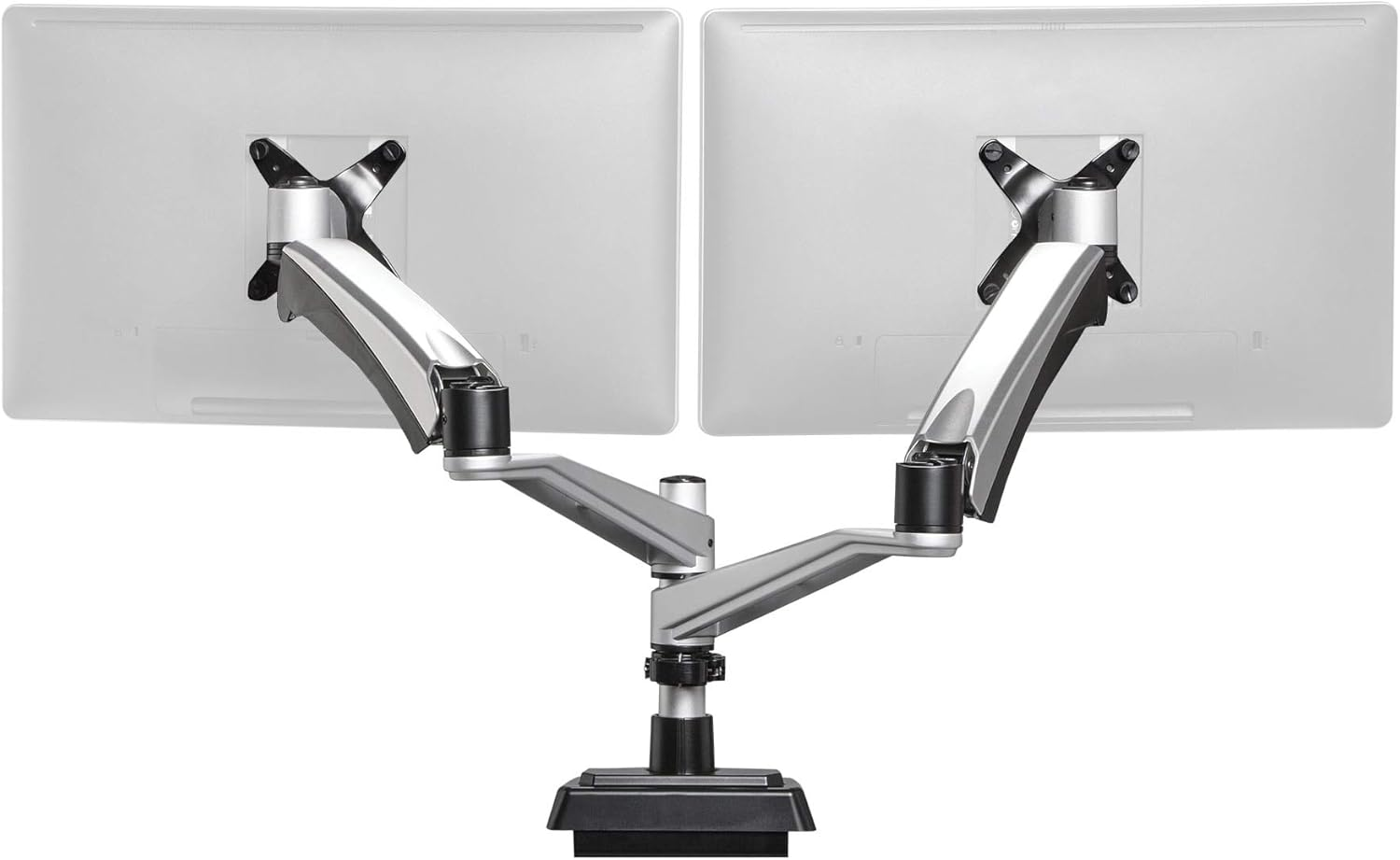
Neck pain is usually the result of a monitor that is too low. A dedicated monitor arm is the only way to achieve a "neutral" gaze.
Alignment: The Vari Curve allows you to position the top third of your screen exactly at eye level. This prevents "vulture neck" and reduces cervical spine pressure.
Desk Real Estate: By lifting the monitor off the desk, you reclaim valuable space for your DeltaHUB Felt Desk Pad and peripherals.
Adjustment: The gas-spring mechanism allows you to pull the screen closer for detailed editing or push it back for casual browsing with zero effort.
Connectivity: Anker 675 Docking Station
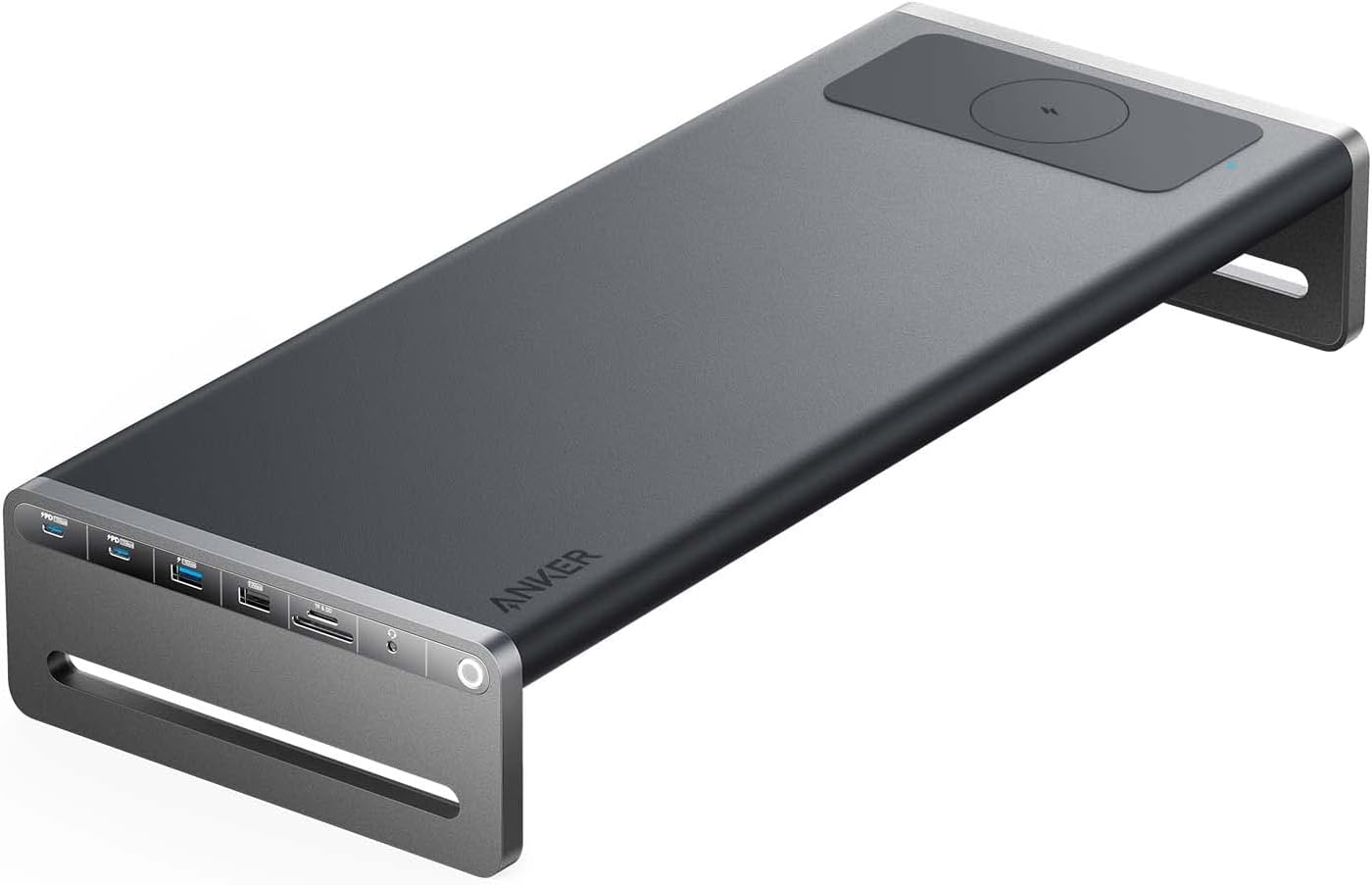
Cable "Tetris" is the ultimate productivity killer. The Anker 675 acts as a centralized hub that hides the mess while powering your entire workspace gear ecosystem.
12-in-1 Power: It provides USB-C, HDMI, Ethernet, and SD slots all through a single cable to your laptop.
Wireless Charging: The top surface features an integrated Qi charger, keeping your phone at eye level for 2FA prompts without cluttering the desk with extra wires.
Organization: It doubles as a monitor riser, providing a clean "tunnel" underneath to tuck away your keyboard when it’s time for analog deep-thinking or journaling.
Technical Gut Check: The 90-Degree Rule
Even the most expensive best home office setup will fail if the geometry is wrong. Follow these three enthusiast-level constraints:
The Elbow Angle: Your desk surface should meet your hands exactly where your elbows bend at 90 degrees. If the desk is too high, your shoulders will "shrug," leading to chronic tension.
The "B" Key Alignment: For perfect ergonomic symmetry, align the "B" key of your keyboard with your belly button. This ensures your arms aren't reaching across your body.
Cable Slack: When setting up a standing desk, ensure your monitor and power cables have at least 40cm of extra slack. A snapped Thunderbolt port is a costly mistake.